


AI几分钟生成专业级3D纪录片?四步搞定
3D纪录片视频在YouTube上热度持续攀升,不少新频道单条视频播放量轻松破百万。过去制作此类内容需多年动画经验,如今借助AI技术,几分钟即可生成专业水准的3D纪录片场景。
以下以“侦探调查悬案”主题为例,演示如何快速打造高质量3D纪录片画面。
第一步:用ChatGPT生成精准3D提示词
打开ChatGPT,输入以下指令:
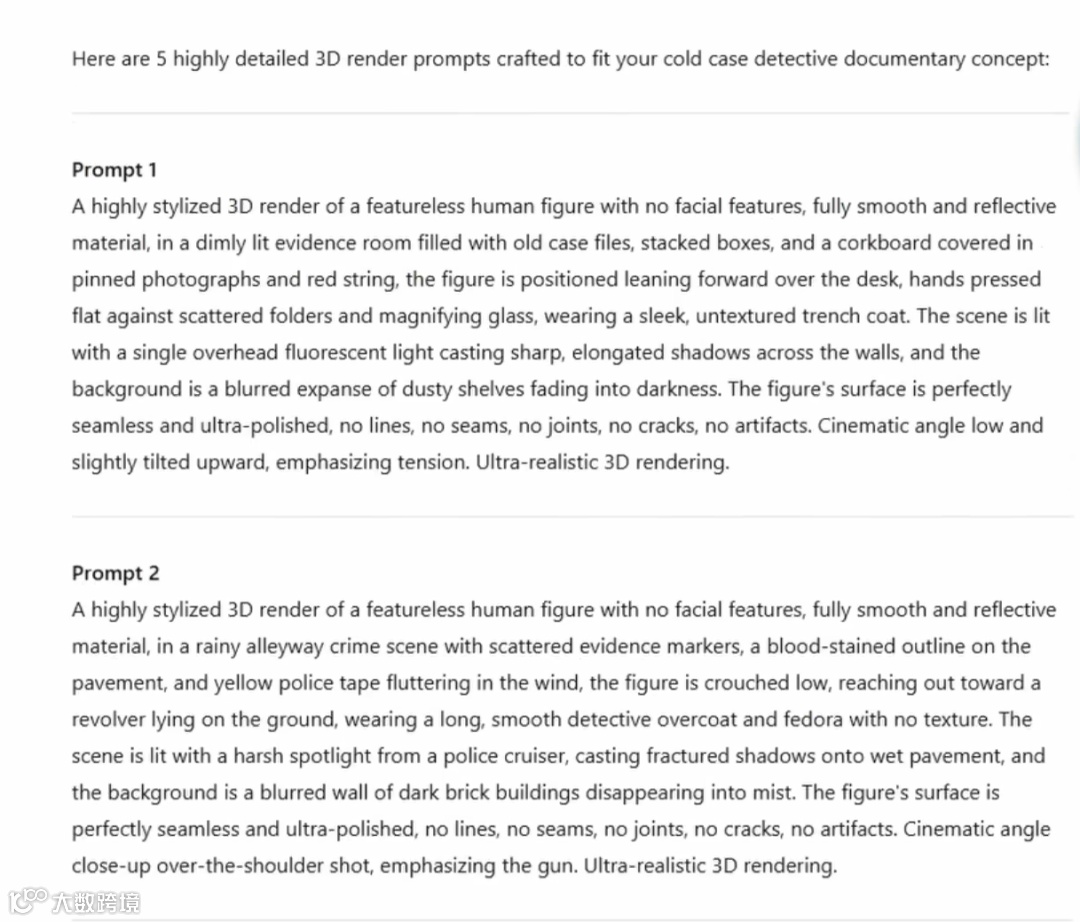
Create 5 detailed 3D render prompts for a detective cold case documentary. Each prompt should follow this format: 'A highly stylized 3D render of a featureless human figure with no facial features, fully smooth and reflective material, in a [scene description with specific props and environment], the figure is positioned [specific pose/action], wearing [clothing details]. The scene is lit with [lighting description] casting [shadow details], and the background is [background description]. The figure's surface is perfectly seamless and ultra-polished, no lines, no seams, no joints, no cracks, no artifacts. Cinematic angle [camera angle]. Ultra-realistic 3D rendering.' Make each scene relate to detective work and investigation.该指令将生成五个高度结构化、专为AI图像生成优化的3D渲染提示,涵盖场景、人物造型、灯光、镜头角度等细节,确保输出风格统一且具电影质感。
第二步:使用OpenArt生成3D图像
进入OpenArt平台,点击“创建图像”。关键步骤是切换模型至Google的Imagine 3——专为高质量3D渲染设计,能精准还原深度与光影效果。
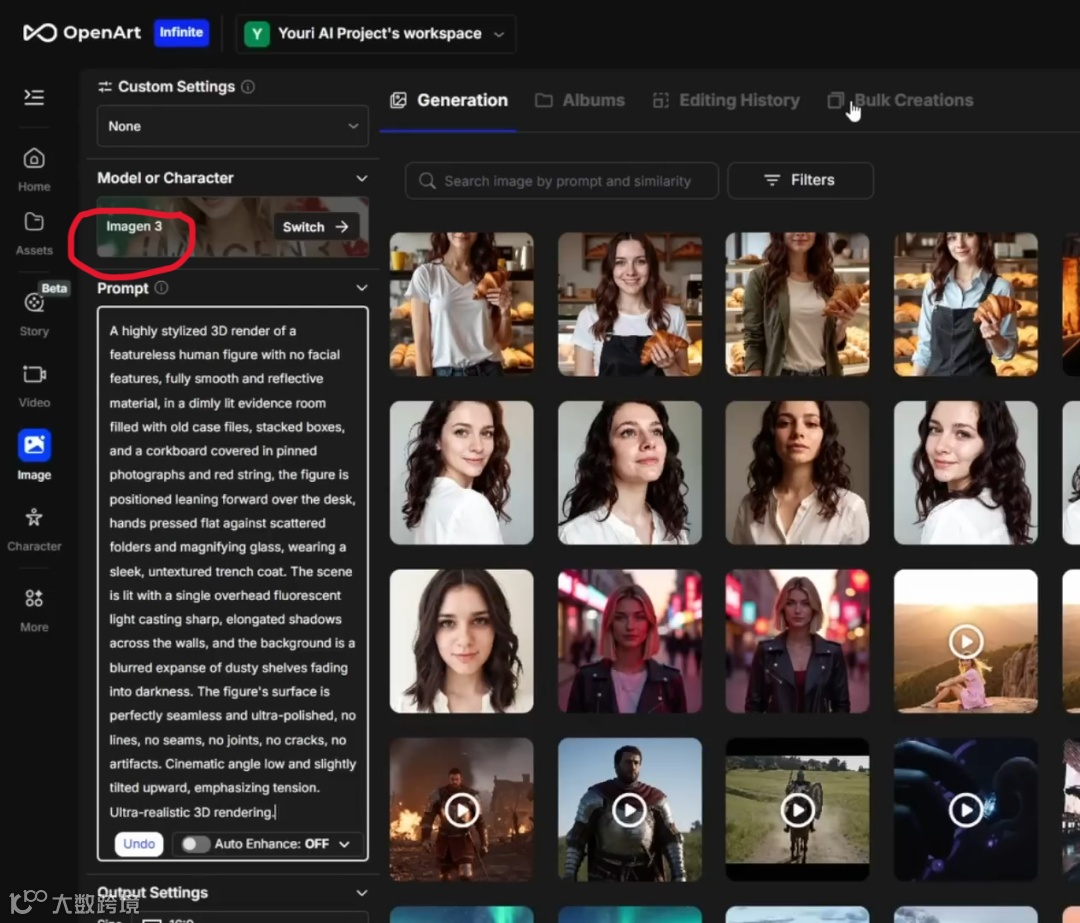
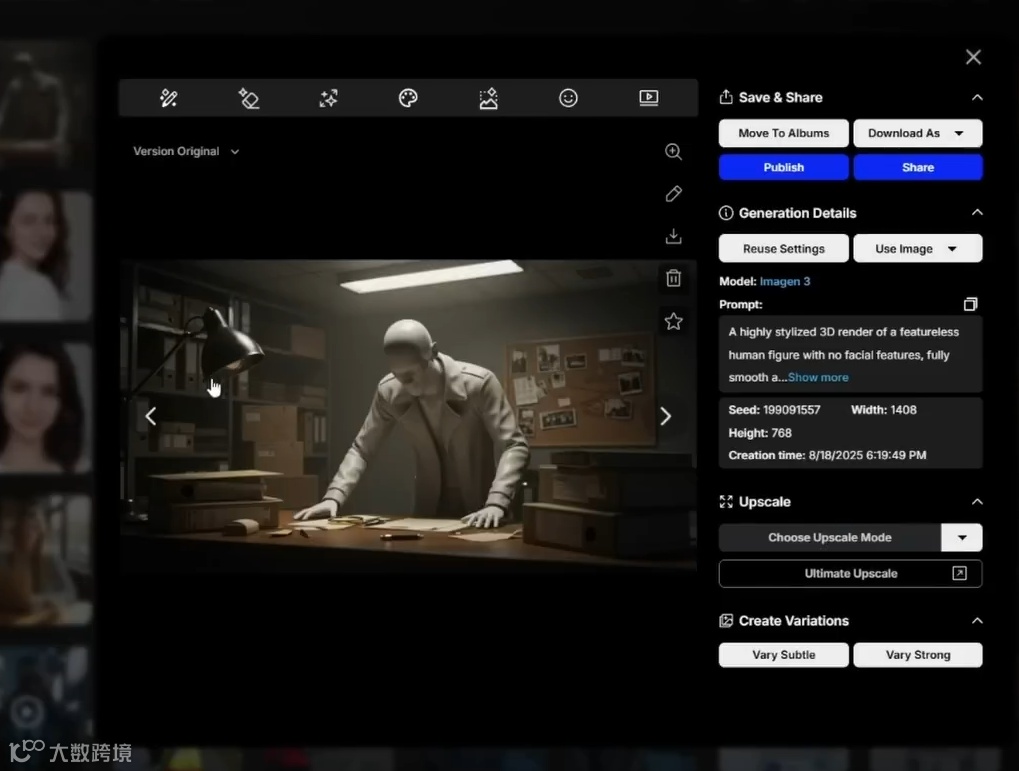
设置宽高比为16:9(适配YouTube视频格式),将ChatGPT生成的第一个提示词粘贴至文本框,图像数量设为4以获取多样选择,点击“生成”即可获得符合要求的3D风格图像。
第三步:生成多角度镜头增强专业感
为提升纪录片真实感,需在同一场景中呈现多个摄像机角度。返回ChatGPT,输入如下指令:
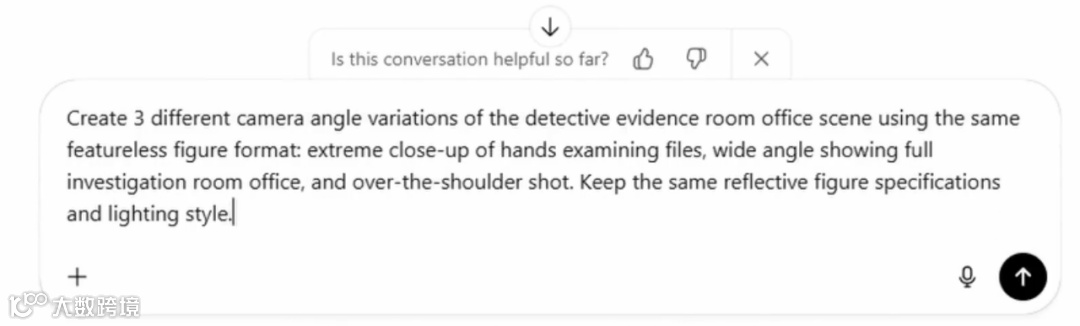
Create 3 different camera angle variations of the detective evidence room office scene using the same featureless figure format: extreme close-up of hands examining files, wide angle showing full investigation room office, and over-the-shoulder shot. Keep the same reflective figure specifications and lighting style.在OpenArt中选择Flux Context Max模型,上传原始图像作为参考,依次生成特写、广角和肩扛视角画面,实现专业级镜头语言布局。
第四步:静态图转动画,打造电影运镜
进入OpenArt“图像转视频”功能,上传首张图像,推荐使用Kling 2.1模型(稳定性最佳)。
根据画面类型设置运动提示:
- 全景图:“缓慢推近相机,保持灯光氛围”,时长5秒;
- 特写图:“相机轻微右移,对焦在反光的手和文件上”;
- 广角图:“静态相机缓慢推近,聚焦前景的案件档案桌”。
通过精细化运动控制,可实现电影级镜头运动效果,赋予静态图像动态生命力。
整个流程可在两分钟内完成单个场景制作,所有画面风格一致,具备真实3D深度与反光材质表现力,远超传统动画效率。
当前AI图像与视频工具丰富多样,用户可根据习惯选用相应平台。动手尝试,即可快速创作属于自己的AI驱动3D纪录片内容。