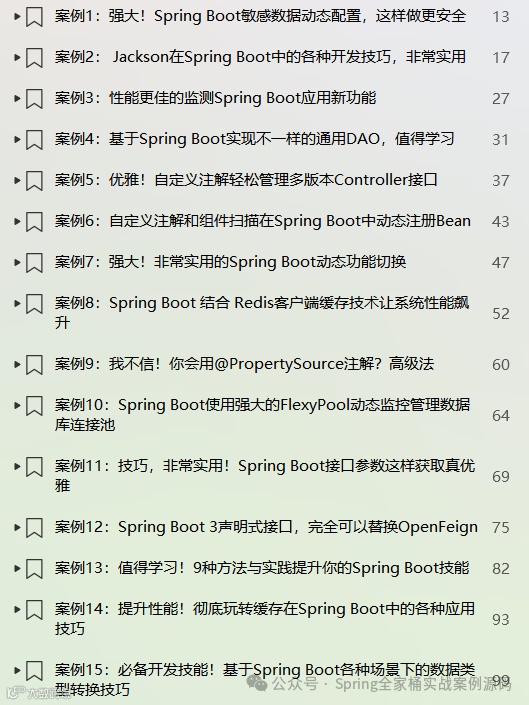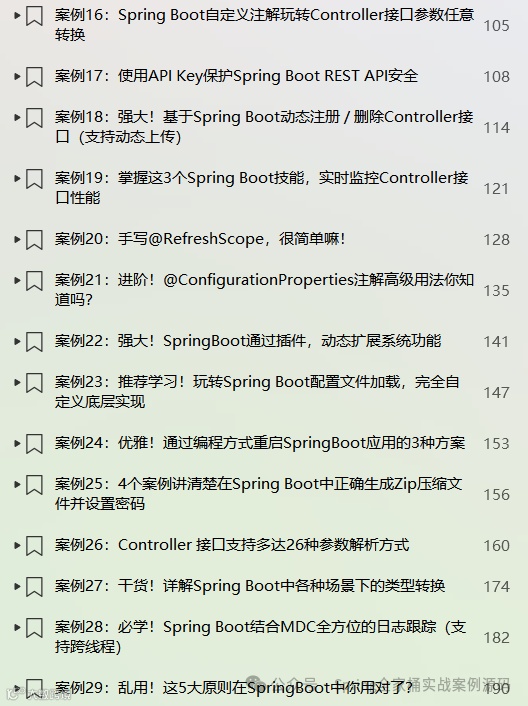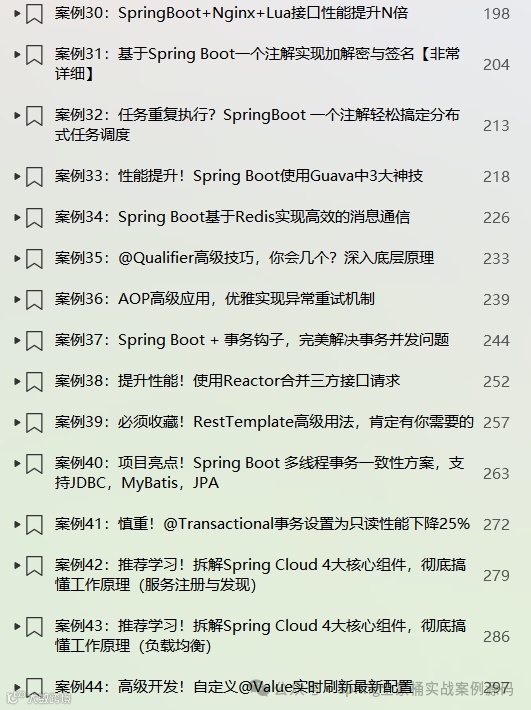
🎉🎉《Spring Boot实战案例合集》目前已更新118个案例,我们将持续不断的更新。文末有电子书目录。
💪💪永久更新承诺
我们郑重承诺,所有订阅合集的粉丝都将享受永久免费的后续更新服务。
💌💌如何获取
订阅我们的合集《点我订阅》,并通过私信联系我们,我们将第一时间将电子书发送给您。
环境:SpringBoot3.4.2
1. 简介
jsoup 是一个 Java 库,它简化了对实际 HTML 和 XML 的操作。它提供了一个易于使用的 API,用于通过 DOM API 方法、CSS 和 XPath 选择器来抓取 URL、解析数据、提取和修改数据。
jsoup 实现了 WHATWG HTML5 规范,并将 HTML 解析为与现代浏览器相同的 DOM。
WHATWG HTML5 规范地址
https://html.spec.whatwg.org/multipage/syntax.html
从 URL、文件或字符串中抓取和解析 HTML。
使用 DOM 遍历或 CSS 选择器查找和提取数据。
操作 HTML 元素、属性和文本。
根据安全列表清理用户提交的内容,以防止 XSS 攻击。
输出整洁的 HTML。
jsoup 被设计为能够处理各种在实际环境中遇到的 HTML;无论是纯净且经过验证的,还是无效的“标签汤”(指包含各种错误和不规范标签的 HTML);jsoup 都会创建一个合理的解析树。
接下来,我将详细的介绍jsoup的使用。
2. 实战案例
2.1 依赖管理
<dependency><groupId>org.jsoup</groupId><artifactId>jsoup</artifactId><version>1.18.3</version></dependency>
下面我们详细介绍jsoup各种功能的使用
2.2 解析字符串HTML
String html = """<html><head><title>解析字符串HTML文档</title></head><body><p>Parsed HTML into a doc.</p></body></html>""";Document doc = Jsoup.parse(html) ;Elements titleElement = doc.getElementsByTag("title") ;System.err.printf("title: %s%n", titleElement) ;
输出结果
title: <title>解析字符串HTML文档</title>解析器会尽力从你提供的 HTML 中创建一个干净的解析结果,无论该 HTML 是否格式良好。它能够处理:
未闭合的标签(例如,<p>Lorem <p>Ipsum 会被解析为 <p>Lorem</p> <p>Ipsum</p>)
隐式标签(例如,一个单独的 <td>Table data</td> 会被包裹在 <table><tr><td>... 中)
可靠地创建文档结构(包含头部和主体的 html,并且头部内只包含适当的元素)
2.3 解析HTML片段
String html = "<div><p>Lorem ipsum.</p>";Document doc = Jsoup.parseBodyFragment(html);Element body = doc.body();System.err.printf("body: \n%s%n", body) ;
输出结果
body:<body><div><p>Lorem ipsum.</p></div></body>
parseBodyFragment 方法会创建一个空的壳文档,并将解析后的 HTML 插入到 body 元素中。如果你使用普通的 Jsoup.parse(String html) 方法,通常也会得到相同的结果,但明确地将输入视为 body 片段可以确保用户提供的任何不规范的 HTML 都被解析到 body 元素中。
2.4 加载HTML文档
从URL加载
Document document = Jsoup.connect("http://www.baidu.com").get();System.err.println(document) ;
输出结果
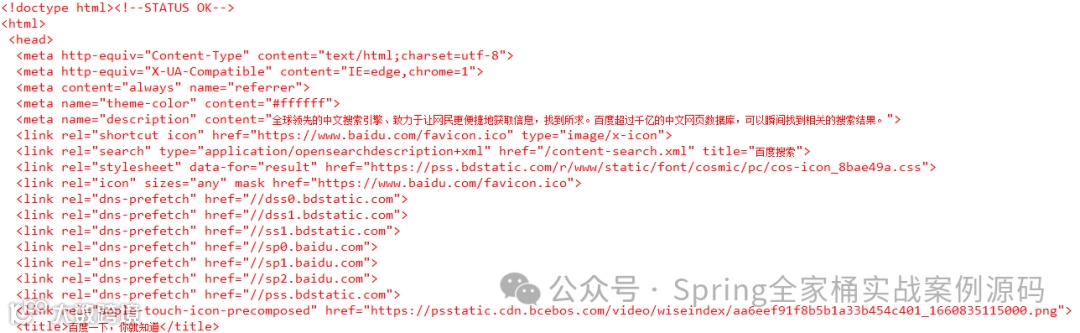
从File加载
ClassPathResource resource = new ClassPathResource("templates/invoice.html") ;Document document = Jsoup.parse(resource.getFile(), "utf-8");System.err.println(document) ;
输出结果
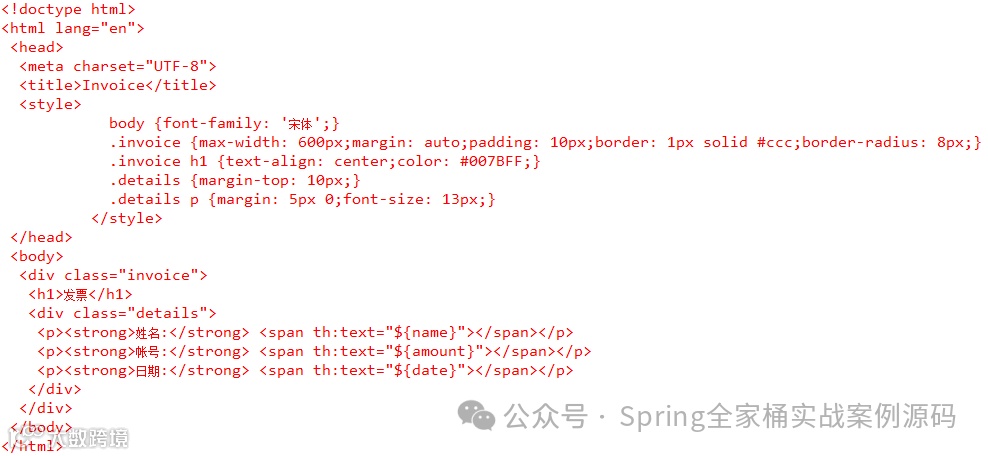
以String字符串加载
略,在上面已经见到了。
2.5 获取元素内容
获取网页title
Document document = Jsoup.connect("http://www.baidu.com").get();System.err.println(document.title()) ;
输出结果
百度一下,你就知道获取Favicon(图标)
Document document = Jsoup.connect("http://www.baidu.com").get();Element element = document.head().select("link[href~=.*\\.(ico|png)]").first();String favImage = null ;if (element == null) {element = document.head().select("meta[itemprop=image]").first();if (element != null) {favImage = element.attr("content");}} else {favImage = element.attr("href");}System.err.println(favImage) ;
输出结果
https://www.baidu.com/favicon.ico获取了网页的图标。
获取所有的链接Links
Document document = Jsoup.connect("http://www.baidu.com").get();Elements links = document.select("a[href]");for (Element link : links) {System.out.printf("text: %s, link : %s%n", link.text(), link.attr("href")) ;}
输出结果
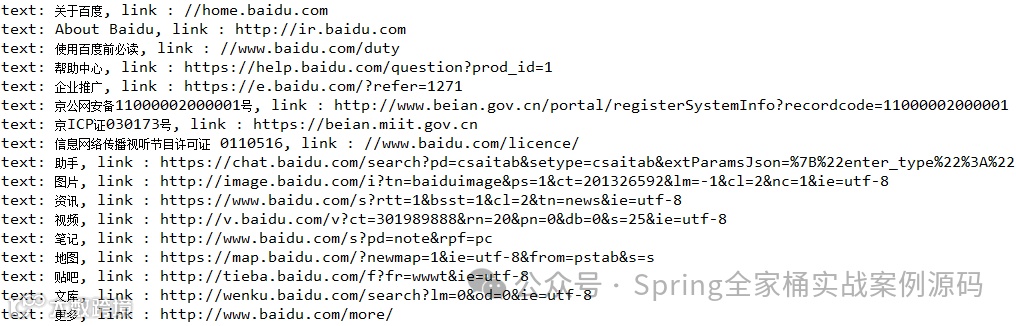
获取所有的图片
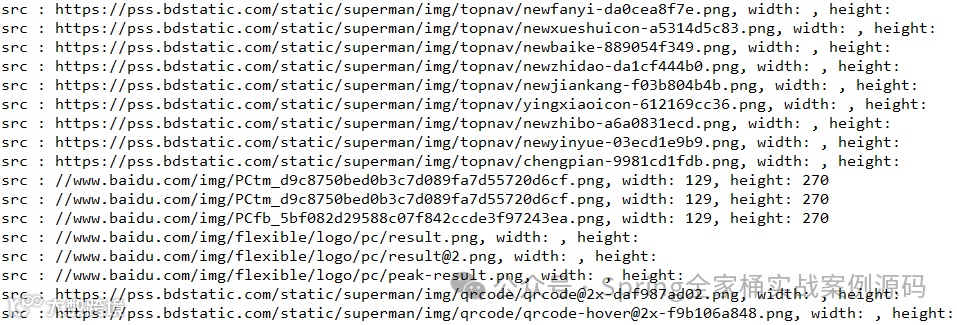
Document document = Jsoup.connect("http://www.baidu.com").get();Elements images = document.select("img[src~=(?i)\\.(png|jpe?g|gif)]");for (Element image : images) {System.out.printf("src : %s, width: %s, height: %s%n", image.attr("src"), image.attr("height"), image.attr("width"));}
输出结果
使用CSS选择器获取元素
Document doc = Jsoup.connect("http://www.baidu.com").get();// 择所有具有 href 属性的 <a> 标签Elements links = doc.select("a[href]");// 选择所有 src 属性以 ".png" 结尾的 <img> 标签Elements pngs = doc.select("img[src$=.png]") ;// 选择所有类名为 masthead 的 <div> 标签Element masthead = doc.select("div.masthead").first() ;// 选择所有父元素是类名为 r 的 <h3> 标签的直接子元素 <div>Elements resultDivs = doc.select("h3.r > div") ;// 选择h3.r > div下所有的 <a> 标签Elements resultAs = resultDivs.select("a") ;
大部分的CSS选择器都是支持的。
2.6 修改元素
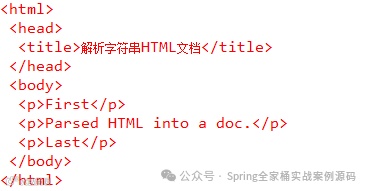
String html = """<html><head><title>解析字符串HTML文档</title></head><body><p>Parsed HTML into a doc.</p></body></html>""";Document doc = Jsoup.parse(html) ;Element div = doc.select("body").first() ;div.prepend("<p>First</p>");div.append("<p>Last</p>");System.err.println(doc) ;
输出结果
修改具体元素的内容
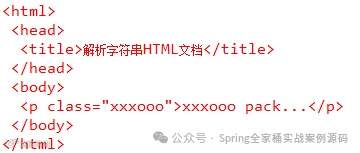
String html = """<html><head><title>解析字符串HTML文档</title></head><body><p class="xxxooo">Parsed HTML into a doc.</p></body></html>""";Document doc = Jsoup.parse(html) ;Element div = doc.select("p.xxxooo").first() ;div.text("xxxooo pack...") ;System.err.println(doc) ;
输出结果
2.7 防止XSS攻击
当用户提交的信息包括HTML内容是,你需要清理这些HTML以避免跨站脚本(XSS)攻击。
String unsafe = "<p><ahref='http://www.pack.com/'onclick='getCookies()'>惊喜</a></p>";String safe = Jsoup.clean(unsafe, Safelist.basic());System.err.println(safe) ;
输出结果
<p><ahref="http://www.pack.com/"rel="nofollow">惊喜</a></p>清除了onclick事件。
以上是本篇文章的全部内容,如对你有帮助帮忙点赞+转发+收藏
推荐文章
惊了!Spring Boot 内置的7个Filter,太强了
项目亮点!Spring Boot 多线程事务一致性方案,支持JDBC,MyBatis,JPA
SpringBoot强大的分布式锁组件Lock4j,支持多种实现
强大!必须掌握!Spring Security这些技巧你知道吗?
SpringBoot3第三方接口调用10种方式,最后一种你肯定没用过