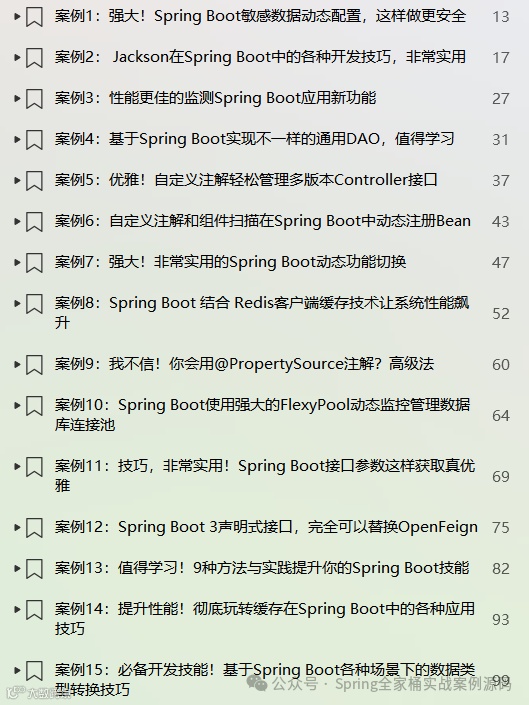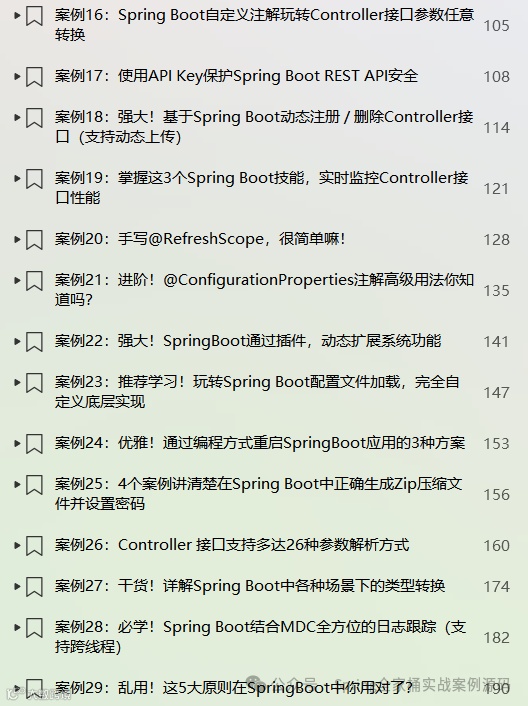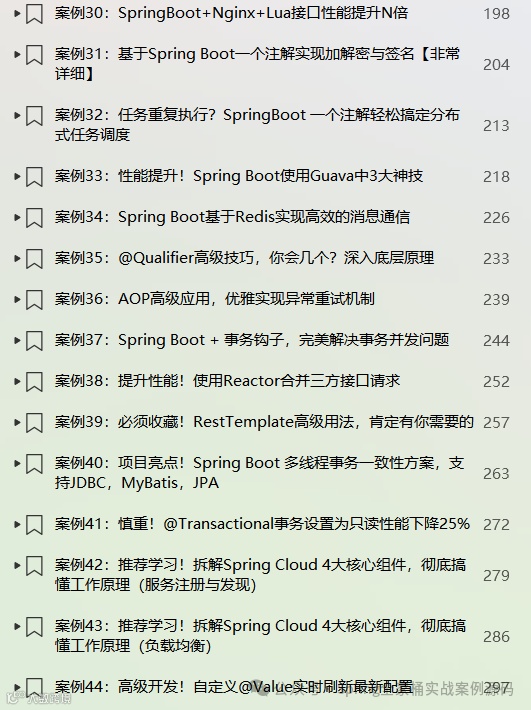

🎉🎉《Spring Boot实战案例合集》目前已更新123个案例,我们将持续不断的更新。文末有电子书目录。
💪💪永久更新承诺
我们郑重承诺,所有订阅合集的粉丝都将享受永久免费的后续更新服务。
💌💌如何获取
订阅我们的合集《点我订阅》,并通过私信联系我们,我们将第一时间将电子书发送给您。
环境:SpringBoot3.4.2
1. 简介
在Spring Boot项目开发中,开关功能(Feature Flag/Toggle)是动态控制业务逻辑或功能模块启停的核心机制,可实现灰度发布、风险隔离与精细化运营。
通过将开关配置与代码解耦,开发者可通过配置中心(如Nacos、Consul)、数据库或本地文件动态调整功能状态,无需重启服务。典型场景包括:新功能上线前小范围验证、重大活动紧急回滚、A/B测试分流,以及屏蔽故障依赖等等。
为实现开关功能,本篇文章将介绍6种实现开关功能的方案。
2.1 使用@Profile注解
@Profile注解用于标识某个组件在一个或多个指定配置环境(Profile)激活时才具备注册资格。如下示例:
({"prod"})public class CommonComponent {public void init() {System.err.println("CommonComponent init...") ;}}
只有当spring.profiles.active配置中包含了上面指定的:"prod",CommonComponent组件才会被注册。
应用到配置类
当@Profile应用到@Configuration配置类上时,则该类下的所有@Bean方法和@Import注解仅在指定环境激活时生效。
("prod")public class AppConfig {Component1 c1() {}Component2 c2() {}}
使用逻辑操作符
! : 配置环境的逻辑取反(NOT)操作符
& : 多个配置环境的逻辑与(AND)组合操作符
| : 多个配置环境的逻辑或(OR)组合操作符
如下示例:
// spring.profiles.active不是prod才会激活// spring.profiles.active 必须同时有prod和ss才会激活
2.2 使用@Condition注解
@Conditional用于标识某个组件仅在所有指定条件均满足时才具备注册资格。
@Conditional的使用场景:
类型级注解
可标注于直接或间接被@Component注解的类(包括@Configuration类)上。
元注解
用于组合自定义的组件类型注解(Stereotype Annotations)。
方法级注解
可标注于@Bean方法上。
如下示例:
(prefix = "pack.app",name = "enabled",havingValue = "true",matchIfMissing = true)public class CommonComponent {public void init() {System.err.println("CommonComponent init...") ;}}
上面使用@ConditionalOnProperty注解来根据配置决定是否注册当前的组件,只有pack.app.enabled=true或者没有配置的时候才会注册CommonComponent注解。
有关条件注解的更多使用,请查看下面文章:
2.3 使用@RefreshScope注解
该注解是Spring Cloud自带的,所以我首先需要引入响应的包。
<dependency><groupId>org.springframework.cloud</groupId><artifactId>spring-cloud-dependencies</artifactId><version>2024.0.1</version><type>pom</type><scope>import</scope></dependency>
通常我们还会通过引入如下包的方式来使得boostrap.yml配置文件生效:
<dependency><groupId>org.springframework.cloud</groupId><artifactId>spring-cloud-starter-bootstrap</artifactId></dependency>
接下来,我们还需要引入actuator依赖,通过cloud包提供的/refresh端点来刷新配置文件。
<dependency><groupId>org.springframework.boot</groupId><artifactId>spring-boot-starter-actuator</artifactId></dependency>
需要刷新的类使用@RefreshScope注解。
public class CommonComponent {private boolean enabled ;// getters, setters}
bootstrap.yml初始配置
pack:toggle:enabled: false
测试接口
public String cc() {System.err.println(cc.getClass()) ;return "开关: " + this.cc.isEnabled() ;}
首次访问接口

接下来,直接修改bootstrap.yml配置文件
pack:toggle:enabled: true
将值修改为true后,我们调用actuator的/refresh接口
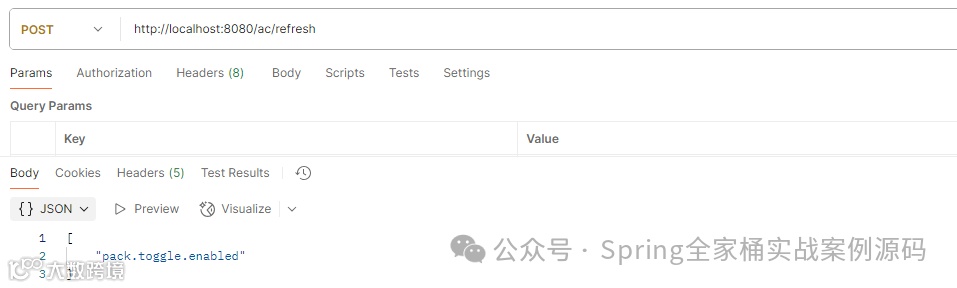
返回了修改过的配置属性key。
最后,再次访问上面的Controller接口

2.4 数据库+@Scheduled
通过数据库持久化配置,然后通过@Scheduled定时轮询数据库中的配置。
实体定义
public class PropConfig {private Long id ;private String propKey ;private String propValue ;}
查询接口
("select propValue from PropConfig")String findByPropKey(String propKey) ;
执行定时任务
public void init() {String propKey = this.propConfigRepository.findByPropKey("pack.toggle.enabled") ;if (StringUtils.hasLength(propKey)) {this.enabled = Boolean.valueOf(propKey) ;System.err.printf("pack.toggle.eanbled = %s%n", this.enabled) ;}}
测试结果

我们还可以将读取到的配置,添加到Environment中,这样我们就可以在其它地方也非常放到的获取到配置数据或者进行动态数据绑定。
Map<String, Object> configs = Map.of("pack.toggle.enabled", this.enabled) ;MapPropertySource source = new MapPropertySource("pack", configs) ;MutablePropertySources sources = this.env.getPropertySources();if (sources.contains("pack")) {sources.replace("pack", source) ;} else {sources.addLast(source) ;}
我们也可以将配置都存入redis中,在使用的时候实时获取接口,如下示例:
private StringRedisTemplate stringRedisTemplate;public boolean isFeatureEnabled() {return Boolean.TRUE.equals(stringRedisTemplate.opsForValue().get("pack.toggle.enabled"));}
2.5 使用Commons Configuraiton
Apache commons configuration包提供了定时读取配置文件的功能。首先引入如下依赖:
<dependency><groupId>org.apache.commons</groupId><artifactId>commons-configuration2</artifactId><version>2.12.0</version></dependency>
定义如下bean对象,该bean用来定时读取配置文件数据。
public class FeatureConfigManager {private ReloadingFileBasedConfigurationBuilder<FileBasedConfiguration> builder ;private final static String filePath = "app.properties" ;public void init() throws Exception {Parameters params = new Parameters();// 加载配置文件ClassPathResource resource = new ClassPathResource(filePath) ;builder = new ReloadingFileBasedConfigurationBuilder<FileBasedConfiguration>(PropertiesConfiguration.class).configure(params.fileBased().setFile(resource.getFile()));// 定义周期执行计划PeriodicReloadingTrigger trigger = new PeriodicReloadingTrigger(builder.getReloadingController(), null, 5,TimeUnit.SECONDS);trigger.start();}public boolean isFeatureEnabled(String key) {try {return builder.getConfiguration().getBoolean(key, false) ;} catch (ConfigurationException e) {return false ;}}}
测试接口
public class ConfigController {private final FeatureConfigManager config ;public ConfigController(FeatureConfigManager config) {this.config = config;}public boolean get() {return this.config.isFeatureEnabled("pack.toggle.enabled") ;}}
我们修改app.properties文件内容后,根据定时时间将伪实时获取最新配置。
2.6 使用Togglz
Togglz库提供了功能开关(Feature Toggles)设计模式的一种实现方案。该模式的核心机制是:在应用程序运行时动态判断某个功能是否启用,判断依据是功能开关(Toggle)的当前状态。
该组件的详细使用,请查看下面这篇文章:
推荐文章
Spring Boot文件上传5种玩法!@RequestPart最强大
高级开发!自定义组件通过3种方式解决Spring Boot配置文件中的敏感数据
高级开发!弃用@ControllerAdvice,这种异常处理方式性能更佳
强大!Spring Boot自定义数据绑定,搞定任意数据类型
实战技巧!Spring Boot 非常有用的5个开发技巧,请收藏
性能优化!Spring Boot 通过10个技巧优化API接口响应时间
优雅!Spring 基于 Plugin 插件开发(官方推荐)