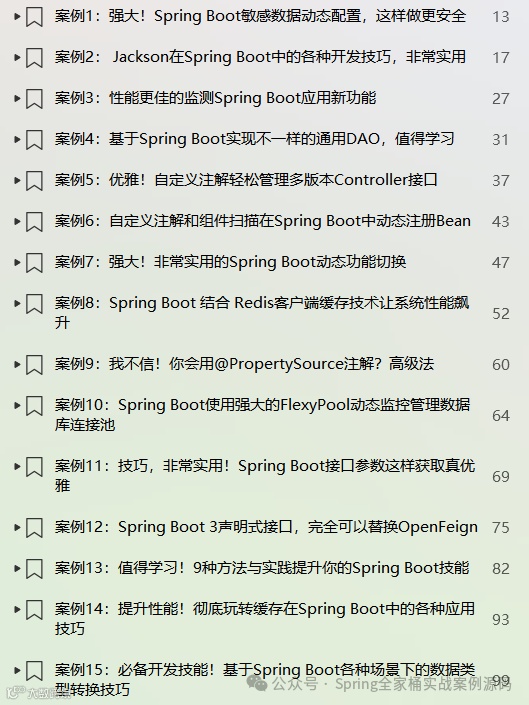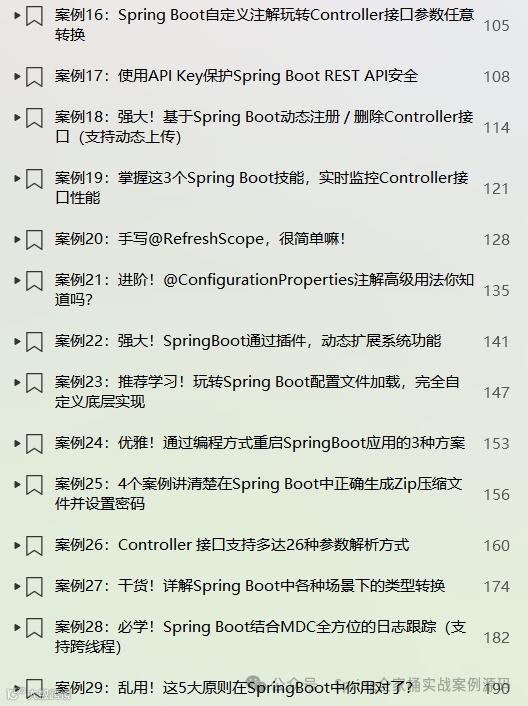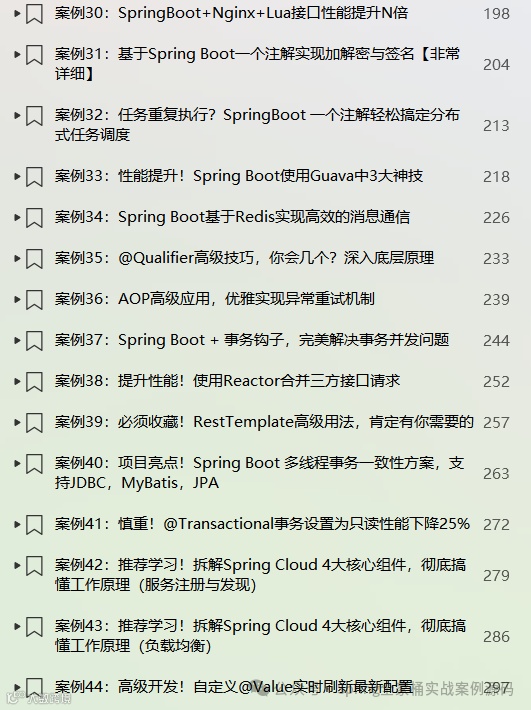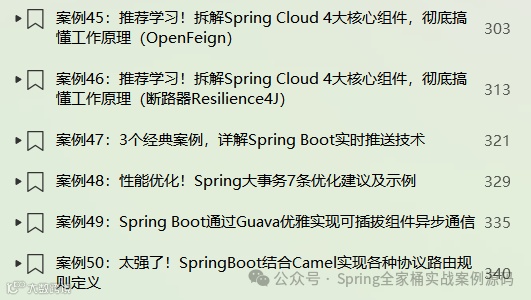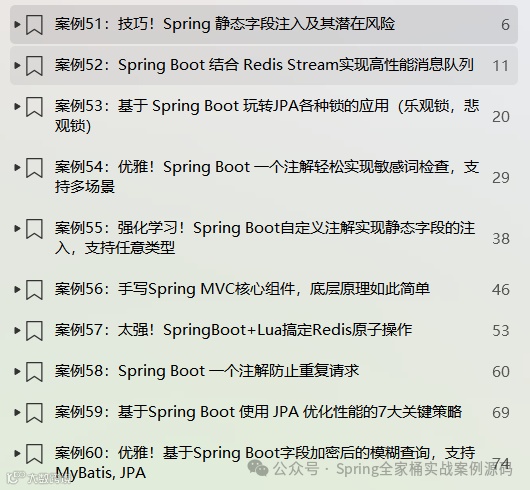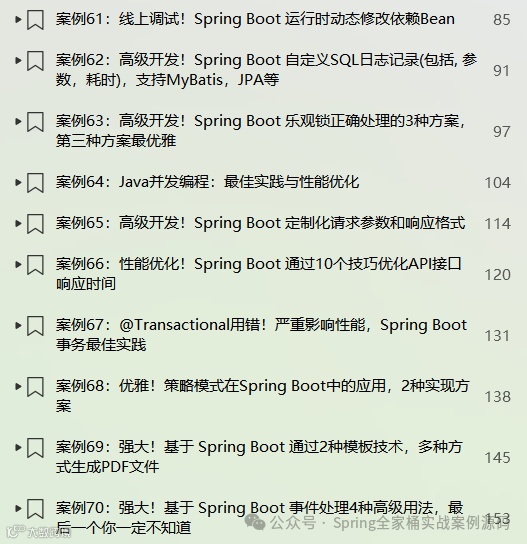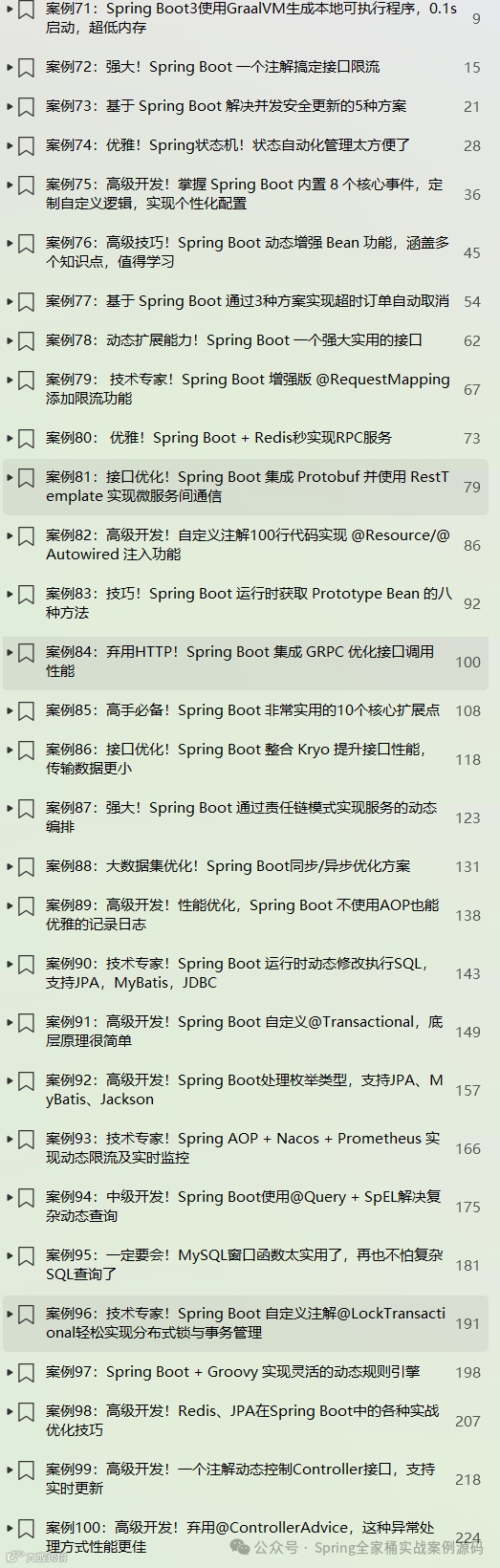
《Spring Boot 3实战案例锦集》PDF电子书已更新至100篇!
🎉🎉《Spring Boot实战案例合集》目前已更新110个案例,我们将持续不断的更新。文末有电子书目录。
💪💪永久更新承诺
我们郑重承诺,所有订阅合集的粉丝都将享受永久免费的后续更新服务。
💌💌如何获取
订阅我们的合集《点我订阅》,并通过私信联系我们,我们将第一时间将电子书发送给您。
环境:SpringBoot2.7.16
1. 简介
在项目开发中,用户注册、邮箱激活以及密码找回等功能的应用十分广泛。这些功能不仅提高了用户体验,还增强了系统的安全性。
帐号激活是用户注册流程中的一个重要环节。用户在注册完成后,系统会发送一封包含激活链接的邮件到用户的注册邮箱。用户点击链接后,账户状态会从未激活变为已激活。邮箱激活功能的意义在于:
防止恶意注册:通过邮箱激活,系统可以筛选出真实用户,防止大量恶意注册和垃圾账号的产生。
验证用户邮箱的有效性:确保用户提供的邮箱地址是真实有效的,方便后续的邮件通知和服务。
提高用户信任度:用户通过激活流程,对系统的信任度会提高,更愿意使用系统提供的服务。
密码找回功能允许用户在忘记密码时,通过一定的验证流程重新设置密码。这一功能的意义在于:
提高用户体验:当用户忘记密码时,可以通过密码找回功能快速恢复。
增强系统安全性:密码找回功能通常包含验证码验证、邮箱验证等安全机制,确保只有真实的用户才能重置密码,防止密码被恶意篡改或盗用。
2. 实战案例
本案例通过QQ邮件服务器进行邮件的发送,首先我们要在QQ邮箱中进行配置。
2.1 QQ邮箱配置
按如下流程进行设置
第一步:

第二步:
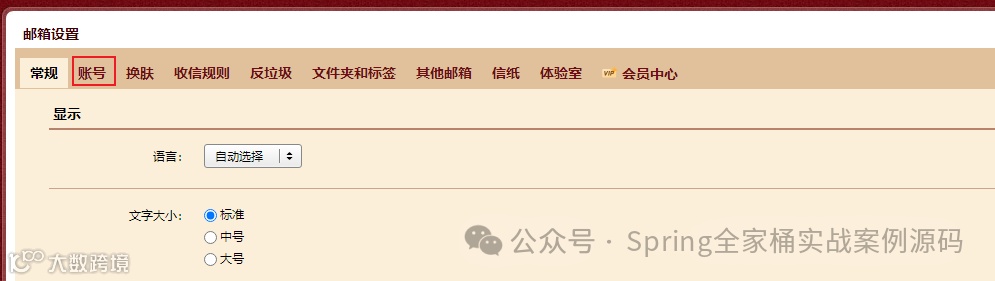
第三步:
开启服务功能,然后生成登录授权码
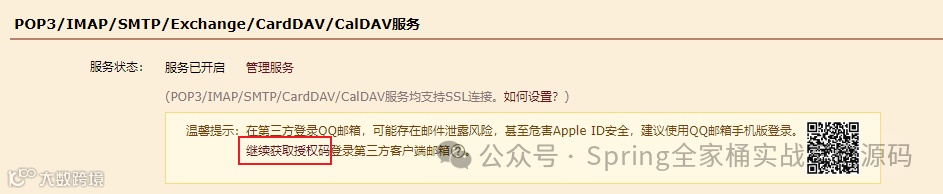
以上是在QQ邮箱中进行设置,设置完成后我们才可以在项目中使用QQ邮箱进行邮件的发送。
2.2 项目配置
引入依赖
<dependency><groupId>org.springframework.boot</groupId><artifactId>spring-boot-starter-mail</artifactId></dependency>
邮件配置文件
spring:mail:host: smtp.qq.comusername: xxxooo@qq.com#这里就是你在QQ邮箱中配置生成的登录授权码,这里可不是你QQ密码哦password: xxxoooxxxoooprotocol: smtp#smtp端口(465这个不行)port: 587#其它配置(下面超时的设置)properties:'[mail.smtp.connectiontimeout]': 5000'[mail.smtp.timeout]': 3000'[mail.smtp.writetimeout]': 5000
2.3 发送模版邮件
配置模版
SimpleMailMessage mailMessage(MailProperties mailProperties) {SimpleMailMessage mailMessage = new SimpleMailMessage() ;mailMessage.setSubject("Spring全家桶实战案例源码 - 帐号激活") ;mailMessage.setFrom(mailProperties.getUsername()) ;return mailMessage ;}
发送模版邮件
// 该类SpringBoot已经帮我们自动配置好了,之间注入使用即可private JavaMailSender mailSender ;private SimpleMailMessage templateMessage ;public void accountActivation(User user) {SimpleMailMessage msg = new SimpleMailMessage(this.templateMessage);msg.setTo(user.getMail()) ;msg.setText("感谢 " + user.getName()+ ", 注册为《Spring全家桶实战案例源码》 超级VIP, 请点击此处激活帐号") ;try {this.mailSender.send(msg) ;} catch (MailException ex) {System.err.printf("邮件发送错误:%s%n", ex.getMessage()) ;}}
注意:邮件发送我们最好是异步发送,不要因为邮件发送而影响我们系统整体的性能。
测试发送
public void testAccountActivation() throws Exception {User user = new User() ;user.setMail("xxxooo@vip.qq.com") ;user.setName("Pack") ;user.setUsername("jaapack") ;this.mailService.accountActivation(user) ;System.in.read() ;}
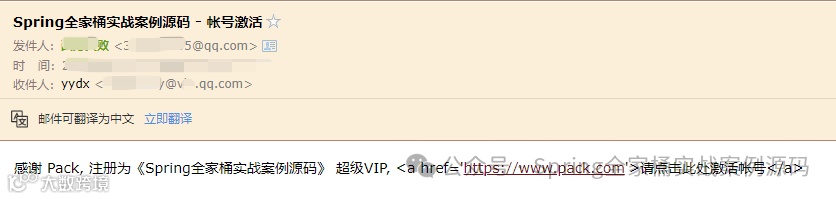
QQ邮箱成功收到邮件
2.4 发送附件功能
public void sendAttachments(User user) throws Exception {MimeMessage message = this.mailSender.createMimeMessage();MimeMessageHelper helper = new MimeMessageHelper(message, true);helper.setFrom(mailProperties.getUsername()) ;helper.setTo(user.getMail()) ;helper.setSubject("赠送【SpringBoot项目实战案例锦集】") ;helper.setText("感谢 " + user.getName()+ ", 关注《Spring全家桶实战案例源码》 赠送【SpringBoot项目实战案例锦集.pdf】") ;FileSystemResource file = new FileSystemResource(new File("f:/SpringBoot项目实战案例锦集.pdf"));helper.addAttachment("SpringBoot项目实战案例锦集.pdf", file) ;this.mailSender.send(message) ;}
测试发送附件
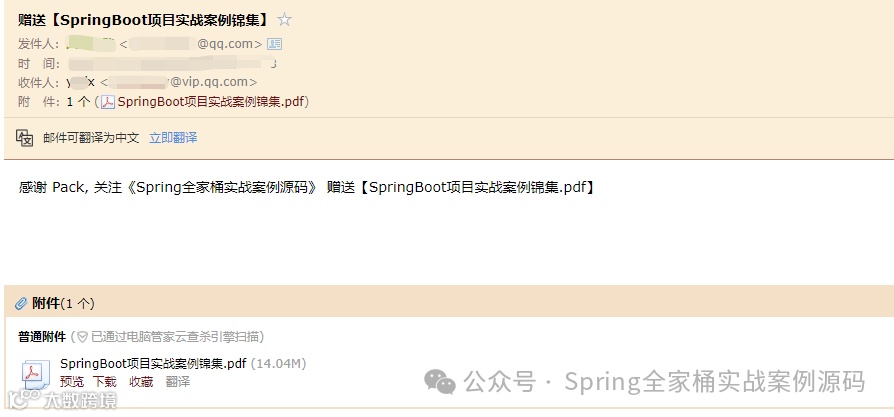
带有附近的邮箱发送成功,关注《Spring全家桶实战案例源码》公众号,评论区留下你邮箱给你PDF哦。
2.5 内联资源
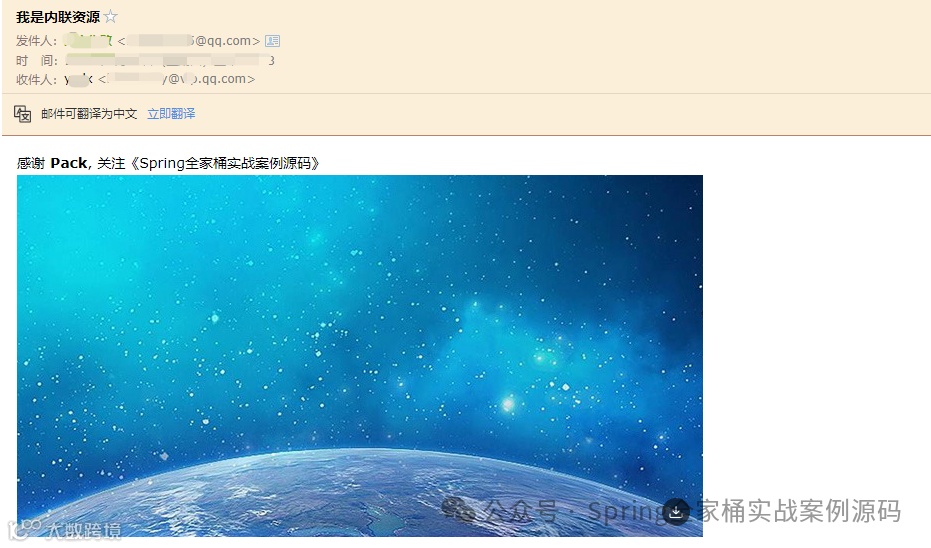
内联资源就是我们的邮件内容包含图片等HTML相关内容。
public void sendInlineResource(User user) throws Exception {MimeMessage message = this.mailSender.createMimeMessage();MimeMessageHelper helper = new MimeMessageHelper(message, true);helper.setFrom(mailProperties.getUsername()) ;helper.setTo(user.getMail()) ;helper.setSubject("我是内联资源") ;helper.setText("感谢 <b>" + user.getName()+ "</b>, 关注《Spring全家桶实战案例源码》<br/><img src='cid:id_un_123'/>", true) ;FileSystemResource res = new FileSystemResource(new File("d:/images/1.png")) ;helper.addInline("id_un_123", res) ;this.mailSender.send(message) ;}
注意:这里的img标签cid:id_un_123这里的id_un_123就是下面addInline指定的值,同时setText第二个参数需要设置为true,已告知是html内容。
这里还有一点非常重要,请确保先添加文本,然后再添加资源。
推荐文章
如何在Spring Boot中优雅地加载配置?这些方法你必须掌握!
打破限制!基于 AspectJ 的 Spring AOP 增强:final/static/private 方法全支持
强大!基于Spring Boot通过责任链模式,实现复杂接口动态编排能力
非常实用!玩转 Spring Boot 接口参数类型转换,支持任意场景
你用错了!详解SpringBoot异步任务&任务调度&异步请求线程池的使用及原理
性能提升!@Async与CompletableFuture优雅应用
优雅!Spring Boot 一个注解轻松实现敏感词检查,支持多场景