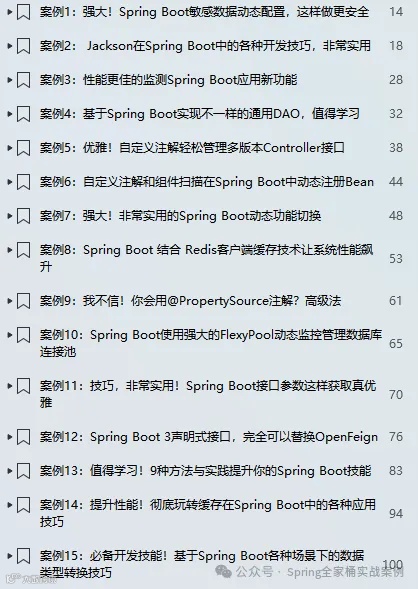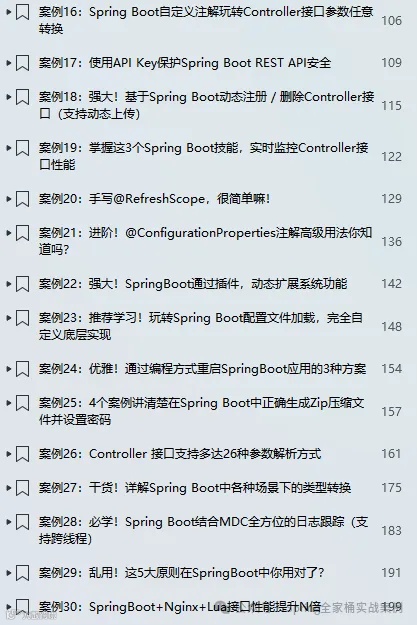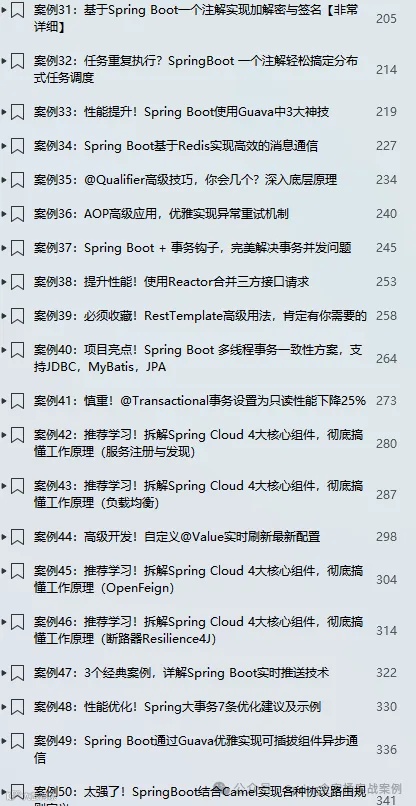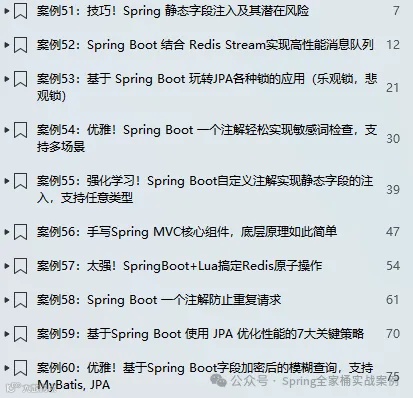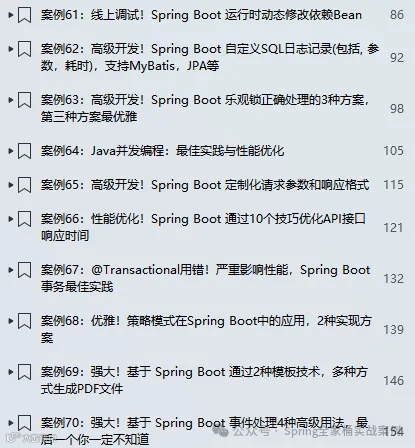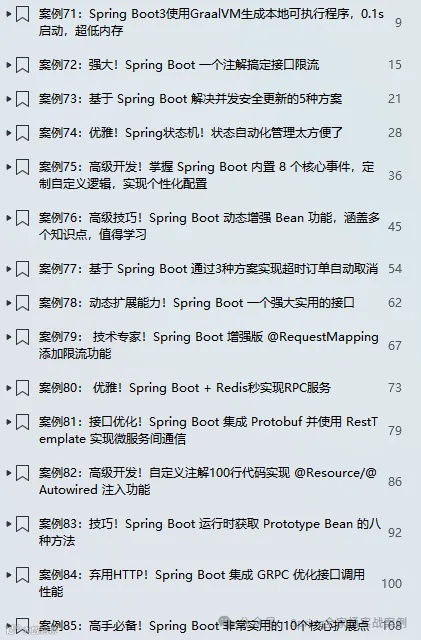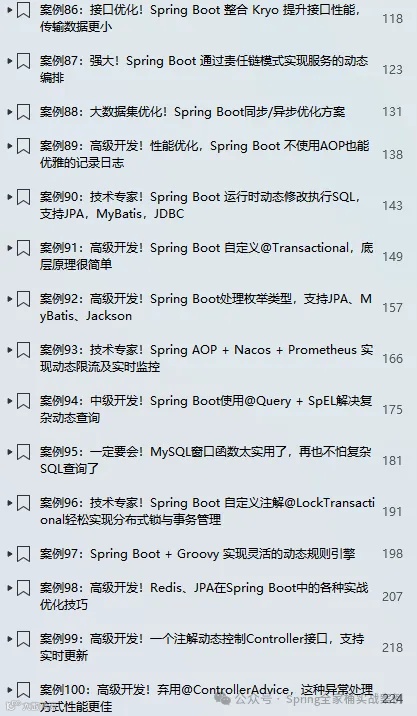
🎉🎉《Spring Boot实战案例合集》目前已更新173个案例,我们将持续不断的更新。文末有电子书目录。
💪💪永久更新承诺
我们郑重承诺,所有订阅合集的粉丝都将享受永久免费的后续更新服务。
💌💌如何获取
订阅我们的合集《点我订阅》,并通过私信联系我们,我们将第一时间将电子书发送给您。
环境:SpringBoot3.4.2
1. 简介
Spring基于注解的验证是一种便捷的数据校验方式,通过在实体类属性上添加如@NotNull、@Size等验证注解,结合Spring的验证框架,能在数据绑定或方法调用时自动触发校验逻辑,快速识别并反馈不合规数据,提升开发效率与代码健壮性。如下示例:
public class User {private String username;(min = 6, max = 20)private String password;// ...}
Spring 不仅支持基于注解的便捷验证方式,通过简单配置即可自动校验数据,同时还提供了一套完善且灵活的编程式验证接口,允许开发者根据实际需求手动编写验证逻辑,实现更复杂、更精细化的数据校验。如下编程式验证的简单示例:
public class UserValidator implements Validator {public boolean supports(Class<?> clazz) {return User.class.isAssignableFrom(clazz) ;}public void validate(Object target, Errors errors) {User user = (User) target;// 自定义验证逻辑}}
什么时候使用编程式验证?
在简单场景中,能通过注解清晰表达验证规则时,声明式验证因使用方便且契合“约定优于配置”原则而成为首选;而编程式验证灵活性与控制力更强,适用于超出声明式表达能力、依赖动态条件或涉及多字段交互的复杂场景。实际开发中,可综合运用二者,以发挥各自优势。
接下来,我们以案例的方式详细介绍基于编程式的验证。
2.1 API介绍
以下是创建自定义验证器对象的一般步骤:
创建一个类,实现org.springframework.validation.Validator接口
重写supports()方法,以指定此验证器支持验证的类。
实现validate()或validateObject()方法,以定义实际的验证逻辑。
使用ValidationUtils.rejectIfEmpty()等工具方法,以给定的错误代码拒绝给定字段。
我们也可以直接调用Errors.rejectValue()方法,以添加其他类型的错误。
如下示例:
import org.springframework.validation.Errors;import org.springframework.validation.ValidationUtils;import org.springframework.validation.Validator;public class UserValidator implements Validator {public boolean supports(Class<?> clazz) {return User.class.isAssignableFrom(clazz);}public void validate(Object target, Errors errors) {User user = (User) target;// 校验username字段ValidationUtils.rejectIfEmptyOrWhitespace(errors,"username", "field.required", "Username must not be empty.");// 你也可以自定义自己的验证逻辑}}
接下来,如何使用呢?我们可以new每次创建实例,也可以通过注入的方式直接使用,如下示例:
public class UserService {private final UserValidator userValidator ;public UserService(UserValidator userValidator) {this.userValidator = userValidator;}public void someServiceMethod(User user) {Errors errors = new BeanPropertyBindingResult(user, "user");userValidator.validate(user, errors);if (errors.hasErrors()) {// 如果存在错误,则进行错误处理}}}
2.2 编程式验证示例
首先,我们定义如下实体对象:
public class Employee {private Long id;private String name;private String email;private Department department;// getters, setters}public class Department {private Long id;private String name;// getters, setters}
定义验证器
public class EmployeeValidator implements Validator {public boolean supports(Class<?> clazz) {return Employee.class.isAssignableFrom(clazz);}public void validate(Object target, Errors errors) {ValidationUtils.rejectIfEmpty(errors, "id", "id.empty");ValidationUtils.rejectIfEmptyOrWhitespace(errors, "name", "姓名不能为空");ValidationUtils.rejectIfEmptyOrWhitespace(errors, "email", "邮件不能为空");Employee employee = (Employee) target;if (employee.getName() != null && employee.getName().length() < 2) {errors.rejectValue("name", "姓名必须大于等于2个字符");}}}
同样地,我们也为 Department 类定义了相应的验证器。如有需要,你可以添加更复杂的验证规则。
public class DepartmentValidator implements Validator {public boolean supports(Class<?> clazz) {return Department.class.equals(clazz);}public void validate(Object target, Errors errors) {ValidationUtils.rejectIfEmpty(errors, "id", , "id.empty");ValidationUtils.rejectIfEmptyOrWhitespace(errors, "name", "部门名称不能为空");Department department = (Department) target;if(department.getName() != null && department.getName().length() < 2) {errors.rejectValue("name", "部门名称必须大于等于2个字符");}}}
现在,我们可以按照如下方式对 Employee 和 Department 类的实例进行验证:
Employee employee = new Employee();EmployeeValidator employeeValidator = new EmployeeValidator();Errors errors = new BeanPropertyBindingResult(employee, "employee");employeeValidator.validate(employee, errors);if (!errors.hasErrors()) {System.out.println("Object is valid");} else {for (FieldError error : errors.getFieldErrors()) {System.out.println(error.getCode());}}
输出结果
id.empty姓名不能为空邮件不能为空
2.3 链式多验证器
如果使用上述自定义验证器时,仅对 Employee 对象进行验证,则 API 不会自动验证与之关联的 Department 对象。正常情况下,在验证某个特定对象时,应同时对其所有关联对象执行验证。
编程式验证 API 支持通过调用其他验证器来聚合所有错误,并最终返回综合结果。这可通过 ValidationUtils.invokeValidator() 方法实现,如下示例:
public class EmployeeValidator implements Validator {DepartmentValidator departmentValidator;public EmployeeValidator(DepartmentValidator departmentValidator) {if (departmentValidator == null) {throw new IllegalArgumentException("The supplied Validator is null.");}if (!departmentValidator.supports(Department.class)) {throw new IllegalArgumentException("The supplied Validator must support the Department instances.");}this.departmentValidator = departmentValidator;}public void validate(Object target, Errors errors) {//...try {errors.pushNestedPath("department");ValidationUtils.invokeValidator(this.departmentValidator, employee.getDepartment(), errors);} finally {errors.popNestedPath();}}}
说明:
pushNestedPath() 方法允许为子对象设置临时嵌套路径。在上述示例中,当对 department 对象进行验证时,路径会被设置为 'employee.department'。
popNestedPath() 方法则会在调用 pushNestedPath() 方法后,将路径重置回原始路径。在上述示例中,它会将路径重新恢复为 'employee'。
修改上面的代码如下:
public class EmployeeValidator implements Validator {private final DepartmentValidator departmentValidator ;public void validate(Object target, Errors errors) {// ...try {errors.pushNestedPath("department");ValidationUtils.invokeValidator(this.departmentValidator, employee.getDepartment(), errors);} finally {errors.popNestedPath();}}}
修改测试类
Department department = new Department() ;Employee employee = new Employee(null, null, null, department);EmployeeValidator employeeValidator = new EmployeeValidator(new DepartmentValidator());Errors errors = new BeanPropertyBindingResult(employee, "employee");employeeValidator.validate(employee, errors);if (!errors.hasErrors()) {System.out.println("Object is valid");} else {for (FieldError error : errors.getFieldErrors()) {System.out.println(error.getField() + "," + error.getCode()) ;}}
输出结果
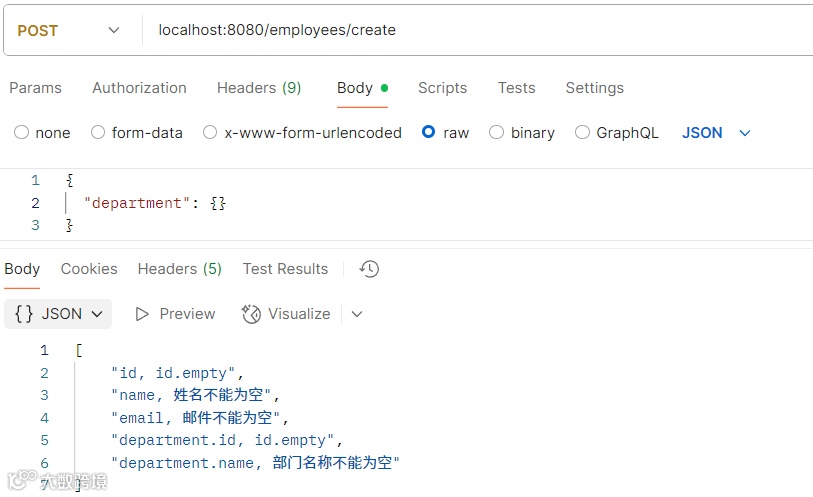
id,id.emptyname,姓名不能为空email,邮件不能为空department.id,id.emptydepartment.name,部门名称不能为空
2.4 与Controller接口结合
将编程式验证器(Programmatic Validators)与Spring MVC控制器集成,需要将编程式验证器注入到控制器中、在Spring上下文中进行配置,并利用 @Valid 注解和 BindingResult 对象实现简洁的验证流程。
("/employees")public class EmployeeController {protected void initBinder(WebDataBinder binder) {// 设置我们自定义的验证器binder.setValidator(new EmployeeValidator(new DepartmentValidator()));}("/create")public ResponseEntity<?> create(Employee employee, BindingResult error) {if (error.hasErrors()) {List<String> errors = error.getFieldErrors().stream().map(err -> err.getField() + ", " + err.getCode()).toList() ;return ResponseEntity.ok(errors) ;}return ResponseEntity.ok("success") ;}}
如上示例,验证时,将会应用我们自定义的验证器。
推荐文章
技术专家:零代码,Spring Boot存储加密解密,支持JDBC、MyBatis及JPA
必学!Spring Boot结合MDC全方位的日志跟踪(支持跨线程)
性能优化!3种方案优化Controller接口调用,性能提升N倍
Jackson在Spring Boot高级应用技巧【Long精度丢失, @JsonValue, 数据脱敏】
性能排名第一的模板引擎 JTE 在 Spring Boot 中的应用
优雅!基于Spring Boot字段加密后的模糊查询,支持MyBatis, JPA
性能提升!@Async与CompletableFuture优雅应用
Spring Boot新增注解@BindParam,请求参数处理更加灵活