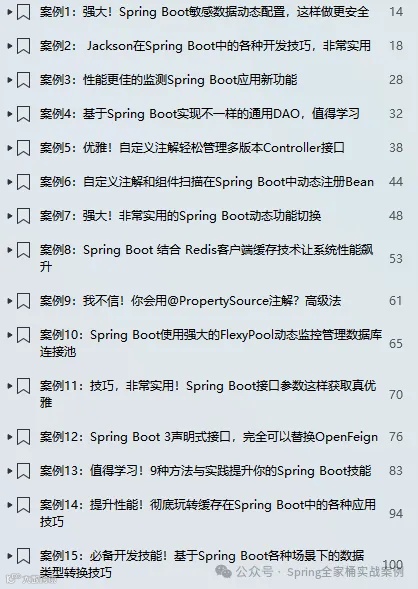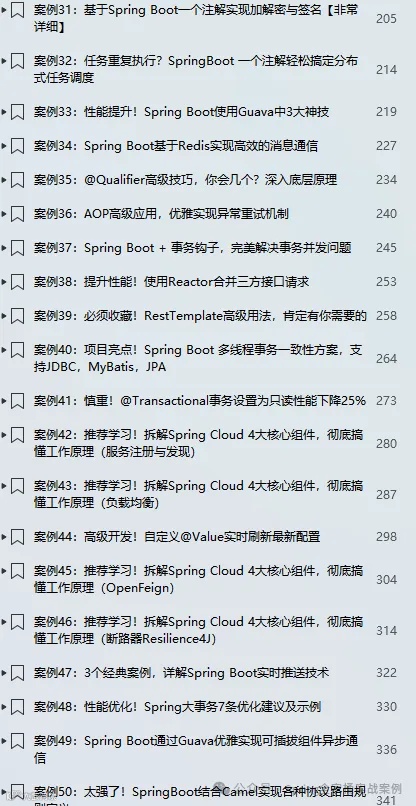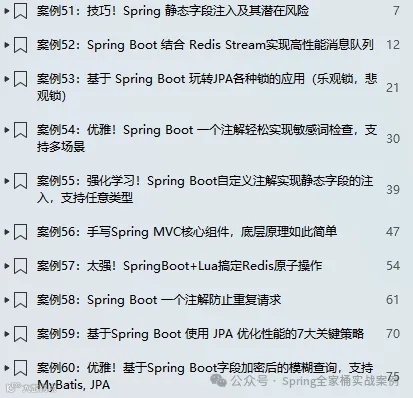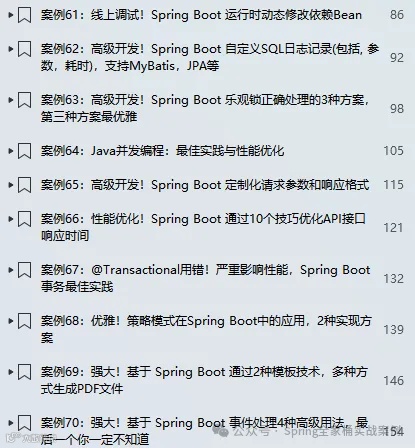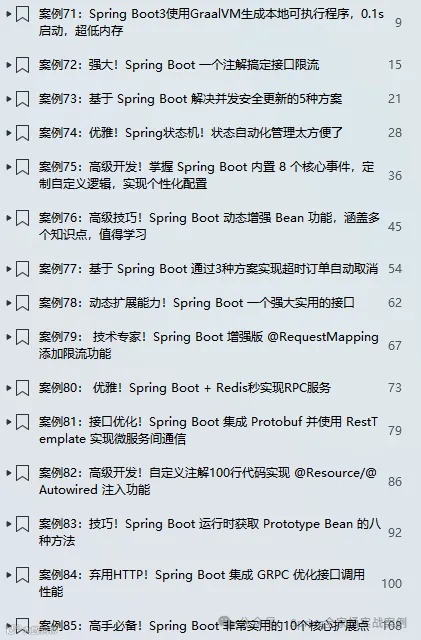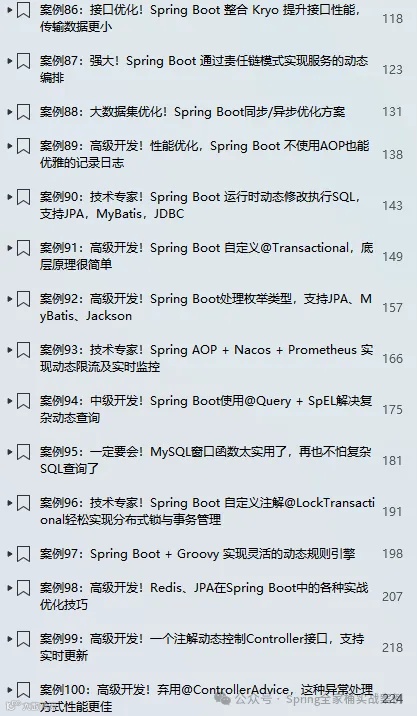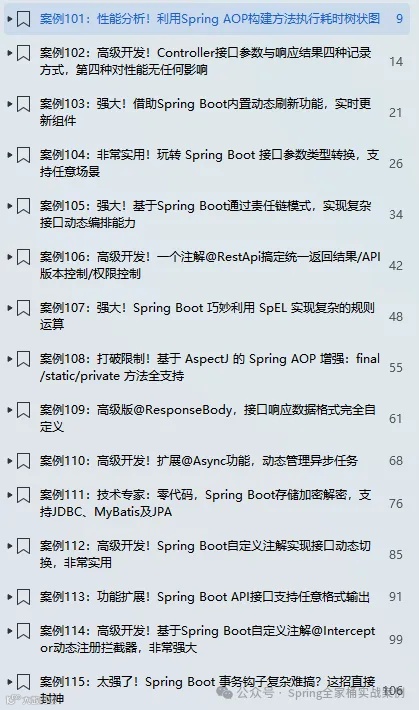
🎉🎉《Spring Boot实战案例合集》目前已更新140个案例,我们将持续不断的更新。文末有电子书目录。
💪💪永久更新承诺
我们郑重承诺,所有订阅合集的粉丝都将享受永久免费的后续更新服务。
💌💌如何获取
订阅我们的合集《点我订阅》,并通过私信联系我们,我们将第一时间将电子书发送给您。
环境:SpringBoot3.4.2
1. 简介
在Spring Boot应用开发中,随着业务复杂度提升及多环境部署需求的增加,传统硬编码配置方式不仅难以维护,还可能导致环境切换时频繁修改代码,增加部署风险。Spring Boot通过外部化配置机制,允许开发者将配置信息从代码中剥离,集中存储在外部文件或系统中,实现配置与代码解耦。
为满足不同场景需求,Spring Boot提供了多种加载自定义配置文件的方式,本篇文章将详细的介绍6种方式加载自定义的外部配置数据。
2.1 使用命令行
通过命令行配置数据是最直接,简单的方式,我们不需要在代码中做任何的处理直接可以通过 @Value 或者 @ConfigurationProperties 进行读取。如下在启动应用时通过 "--xxx=ooo" 格式进行配置:
java -jar app.jar --pack.app.title=命令行参数xxxooo测试代码
public class CommandLineArgumentRunner implements CommandLineRunner {("${pack.app.title:}")private String title ;public void run(String... args) throws Exception {System.err.printf("Command Line Argument title: %s%n", title) ;}}
输出结果
Command Line Argument title: 命令行参数xxxooo2.2 使用spring.config.import
通过 spring.config.import 配置属性可以非常方便的导入类路径或文件系统中的配置文件,导入后无需进行任何其它处理就可以使用了。如下配置:
spring:config:import:- optional:file:/d:/pack/config.properties
config.properties配置文件

测试代码
public class ConfigImportRunner implements CommandLineRunner {("${pack.app.title:}")private String title ;public void run(String... args) throws Exception {System.err.printf("spring.config.import title: %s%n", title) ;}}
输出结果
spring.config.import title: 通过spring.config.import导入外部文件-0012.3 使用@PropertySource
通过该注解同样可以加载类路径下或者磁盘文件中的配置文件,但是通过该注解有一个限制是不能加载yaml格式的文件,需要自定义PropertySourceFactory实现加载逻辑。如下配置:
value = {"classpath:pack.properties", "file:/d:/pack/other.properties"},encoding = "UTF-8")public class PackConfig {}
这里加载了类路径及文件系统中的配置文件。
配置文件内容如下:
#pack.propertiespack.app.version=1.0.0#other.propertiespack.app.author=pack
测试代码
public class PropertySourceRunner implements CommandLineRunner {("${pack.app.version}")private String version ;("${pack.app.author}")private String author ;public void run(String... args) throws Exception {System.err.printf("version: %s, author: %s%n", version, author) ;}}
输出结果
version: 1.0.0, author: pack2.4 自定义EnvironmentPostProcessor
允许在应用上下文刷新(refresh)之前对应用程序的 Environment 进行自定义。
EnvironmentPostProcessor 的实现类需要在 META-INF/spring.factories 文件中注册,使用该类的全限定名作为键(key)。如果希望以特定顺序调用这些实现类,可以让它们实现 Ordered 接口或使用 @Order 注解。如下自定义实现:
public class PackEnvironmentPostProcessor implements EnvironmentPostProcessor {private final PropertiesPropertySourceLoader loader = new PropertiesPropertySourceLoader();public void postProcessEnvironment(ConfigurableEnvironment environment, SpringApplication application) {Resource resource = new FileSystemResource(new File("d:/pack/xg.properties")) ;try {environment.getPropertySources().addFirst(loader.load("xg", resource).getFirst()) ;} catch (IOException e) {e.printStackTrace();}}}
配置文件内容如下:
pack.app.env=prod接下来,在META-INF/spring.factories中定义
org.springframework.boot.env.EnvironmentPostProcessor=\com.pack.way4.postprocessor.PackEnvironmentPostProcessor
测试代码
public class EnvPostProcessorRunner implements CommandLineRunner {("${pack.app.env}")private String env ;public void run(String... args) throws Exception {System.err.printf("env: %s%n", env) ;}}
输出结果
env: prod2.5 使用@TestPropertySource
通过名称应该能猜到,该注解是应用在测试环境中,如下代码:
("file:/d:/pack/test.properties")public class AppTest {("${pack.app.ocr}")private String ocr ;public void testLoadConfig() {System.err.println(ocr) ;}}
配置文件内容如下:
pack.app.ocr=xxxooo运行测试用例,输出结果
xxxooo2.6 自定义PropertySourceLocator
该接口并不是Spring Boot中提供,而是Spring Cloud,所以我们首先要引入如下依赖:
<dependency><groupId>org.springframework.cloud</groupId><artifactId>spring-cloud-context</artifactId><version>4.2.1</version></dependency><dependency><groupId>org.springframework.cloud</groupId><artifactId>spring-cloud-starter-bootstrap</artifactId><version>4.2.1</version></dependency>
自定义Locator
public class PackPropertySourceLocator implements PropertySourceLocator {public PropertySource<?> locate(Environment environment) {return new MapPropertySource("packxg", Map.of("pack.app.vendor", "xg_pack"));}}
接下来,还需要在META-INF/spring.factories中进行配置
org.springframework.cloud.bootstrap.BootstrapConfiguration=\com.pack.way5.propertysourcelocator.PackPropertySourceLocator
测试代码
public class LocatorRunner implements CommandLineRunner {("${pack.app.vendor}")private String vendor ;public void run(String... args) throws Exception {System.err.printf("pack.app.vendor: %s%n", vendor) ;}}
输出结果
pack.app.vendor: xg_pack推荐文章
必学!Spring Boot结合MDC全方位的日志跟踪(支持跨线程)
基于 Spring Boot 玩转JPA各种锁的应用(乐观锁,悲观锁)
Spring Boot新增注解@BindParam,请求参数处理更加灵活
SpringBoot接口参数如何使用多个@RequestBody?
Tika 与 Spring Boot 的完美结合:支持任意文档解析的神器
SpringBoot冷门但逆天的5个神级注解,老司机都在偷偷用!
基于Spring Boot给所有Controller接口添加统一前缀的5种方式