


Note: Make sure the app is not killed by the mobile phone system. The app has to be running in the background all the time.
Android Instructions
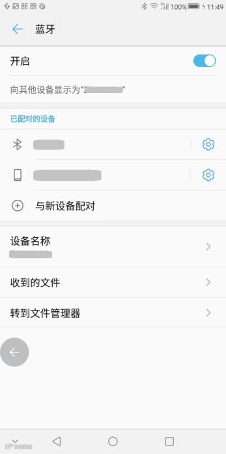
1.Install the SensLink app and turn on Bluetooth.
 (download it via QR code)
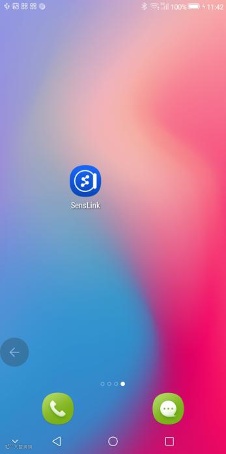
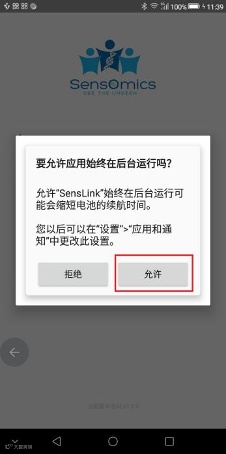
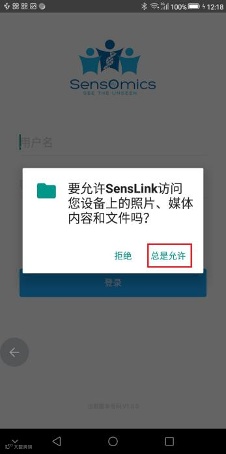
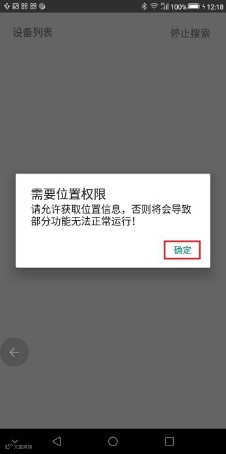
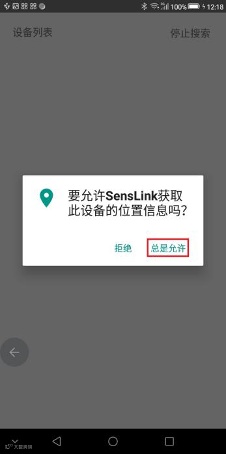
2. Open SensLink and authorize the app.
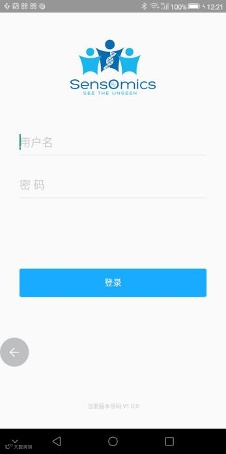
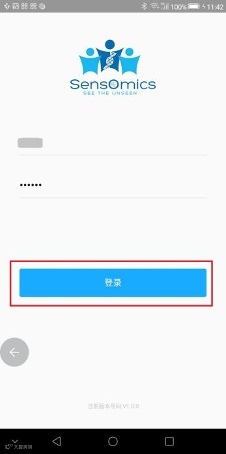
3. Enter your user name and password, and tap login.
4. Connect your SensWatch to your mobile device by selecting the corresponding serial number. You can find the serial number by tapping the metal sheet on your SensWatch to switch to “FUNCTION”, long-pressing the metal sheet, and then tapping the metal sheet again until you see the serial number. If you were unable to find your SensWatch, you can tap "stop searching" in the upper right corner and then tap “begin search” to search for nearby devices. Please do not tap the search button too frequently because it takes time for your phone to search. Once your SensWatch is successfully connected, you can now enter the main page of the SensLink app.
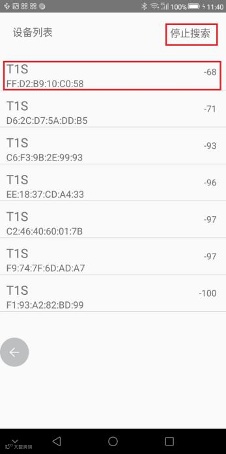
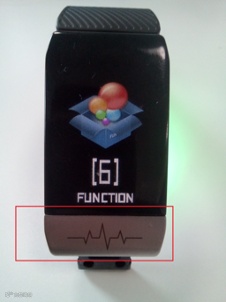
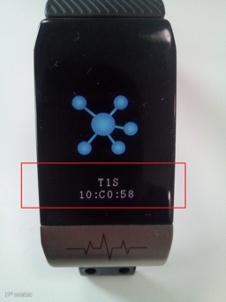
5. Once you get to the main page, it usually takes 10-60 seconds for the data to show up on your screen. If there is no data shown, you can drag down to refresh the page. In order to ensure the stability of transferring data from your SensWatch to the SensLink app, please do not refresh the page too frequently.
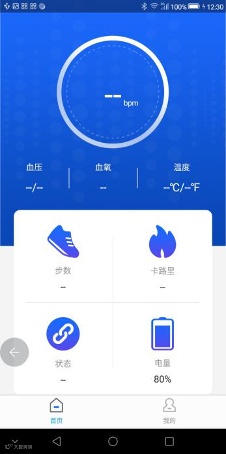
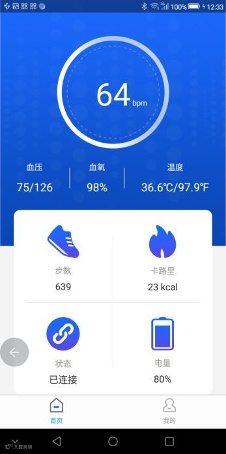
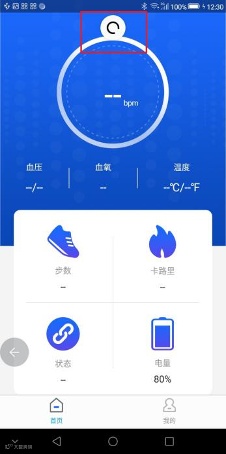
6. You can tap the "Me" button at the bottom to view user name, device name, device number, personal information, and current version of the app.
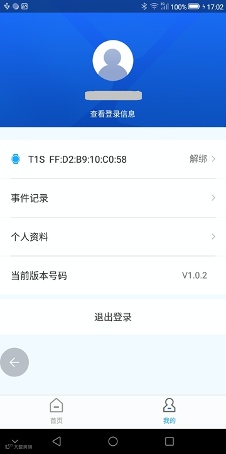
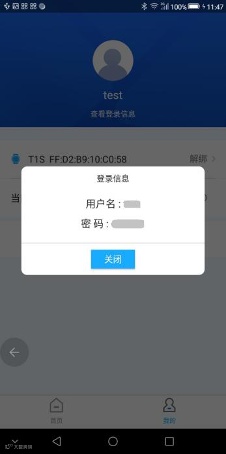
7. By tapping "Accounts info", a pop-up window displaying the user name and user password will appear.
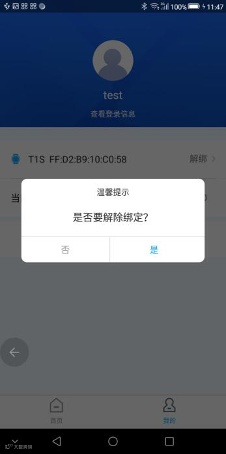
8. If you want to disconnect the SensWatch, tap "disconnect".
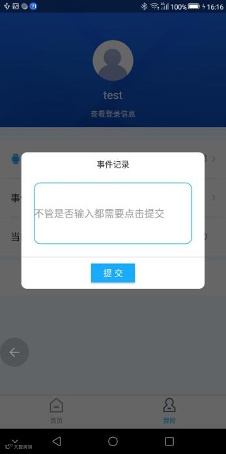
9. By tapping “Event markers”, a pop-up screen will appear and prompt you to record the event.
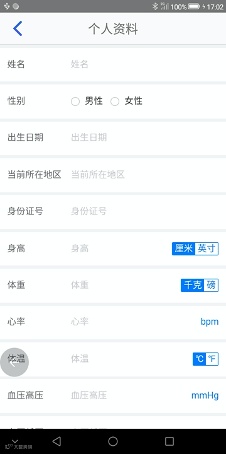
10. By tapping “Personal information”, you can view and edit your personal information.
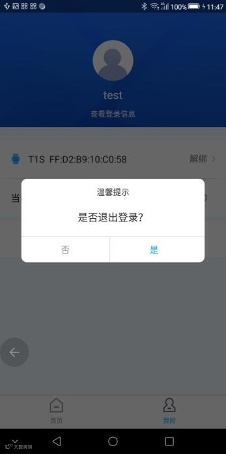
11. If you want to log out of the app, tap “Log out”.
If you have any questions about how to using SensWatch, please contact us by email: support@sensomics.com