
今天,通义千问团队开源了 Qwen-Image,一个20B的MMDiT模型。这是通义千问系列中首个图像生成基础模型,其在复杂文本渲染和精确图像编辑方面取得了显著进展。
主要特性包括:
卓越的文本渲染能力: Qwen-Image 在复杂文本渲染方面表现出色,支持多行布局、段落级文本生成以及细粒度细节呈现。无论是英语还是中文,均能实现高保真输出。
一致性的图像编辑能力(即将推出): 通过增强的多任务训练范式,Qwen-Image 在编辑过程中能出色地保持编辑的一致性。
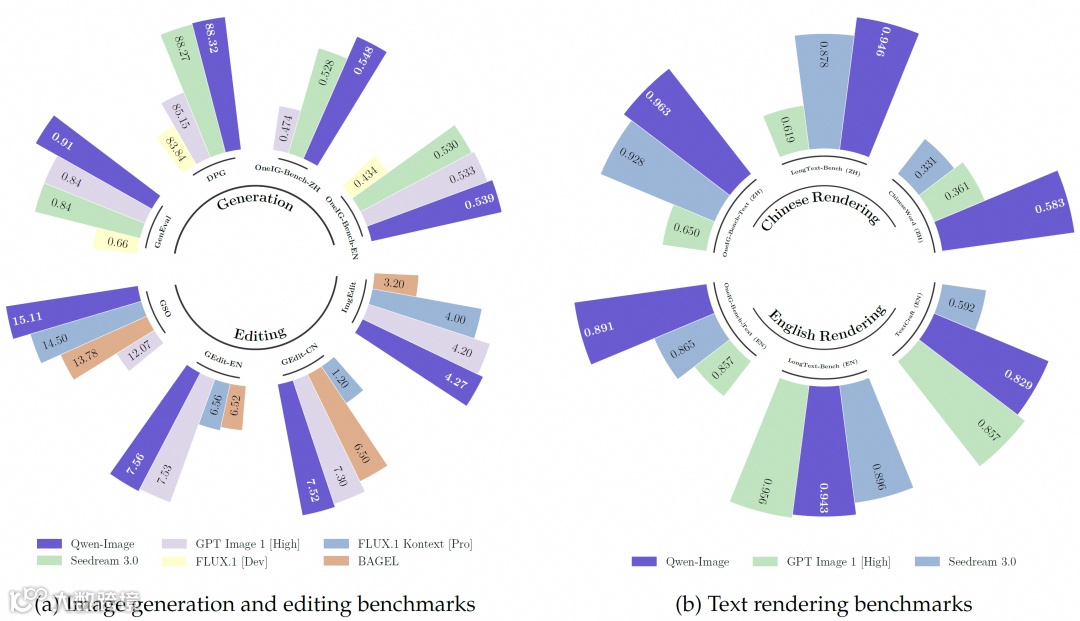
强大的跨基准性能表现: 在多个公开基准测试中的评估表明,Qwen-Image 在各类生成与编辑任务中均获得SOTA,是一个强大的图像生成基础模型。

性能表现
Qwen-Image在多个公开基准上对Qwen-Image进行了全面评估,包括用于通用图像生成的GenEval、DPG和OneIG-Bench,以及用于图像编辑的GEdit、ImgEdit和GSO。Qwen-Image在所有基准测试中均取得了最先进的性能,展现出其在图像生成与图像编辑方面的强大能力。此外,在用于文本渲染的LongText-Bench、ChineseWord和TextCraft上的结果表明,Qwen-Image在文本渲染方面表现尤为出色,特别是在中文文本渲染上,大幅领先现有的最先进模型。这凸显了Qwen-Image作为先进图像生成模型的独特地位,兼具广泛的通用能力与卓越的文本渲染精度。
蒸馏加速
Qwen-Image 模型的参数量达到了 20B,需进行至少 40 步推理才能生成一张清晰的图像。DiffSynth-Studio 团队为 Qwen-Image 模型进行了蒸馏加速,目前蒸馏加速模型已光速开源:
https://www.modelscope.cn/models/DiffSynth-Studio/Qwen-Image-Distill-Full
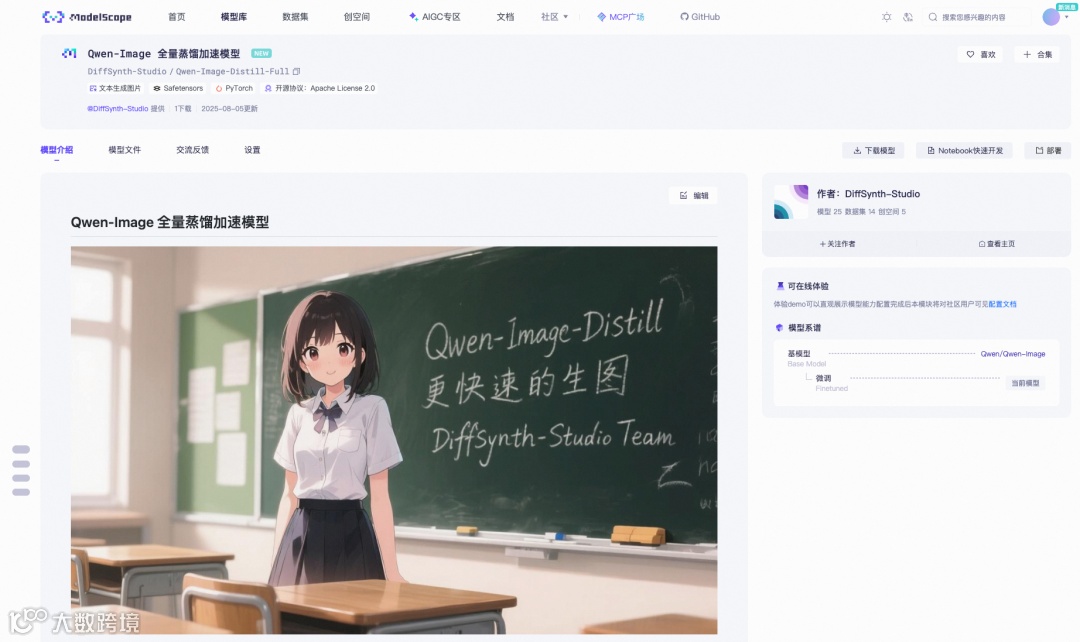
该模型能够以微小的图像质量损失为代价,实现约 5 倍的加速。

效果展示
以下是一些精彩的社区返图作品
多风格插画

created by cosmos4343

created by Huskytech

created by wmhovo

created by wmhovo
真实人像
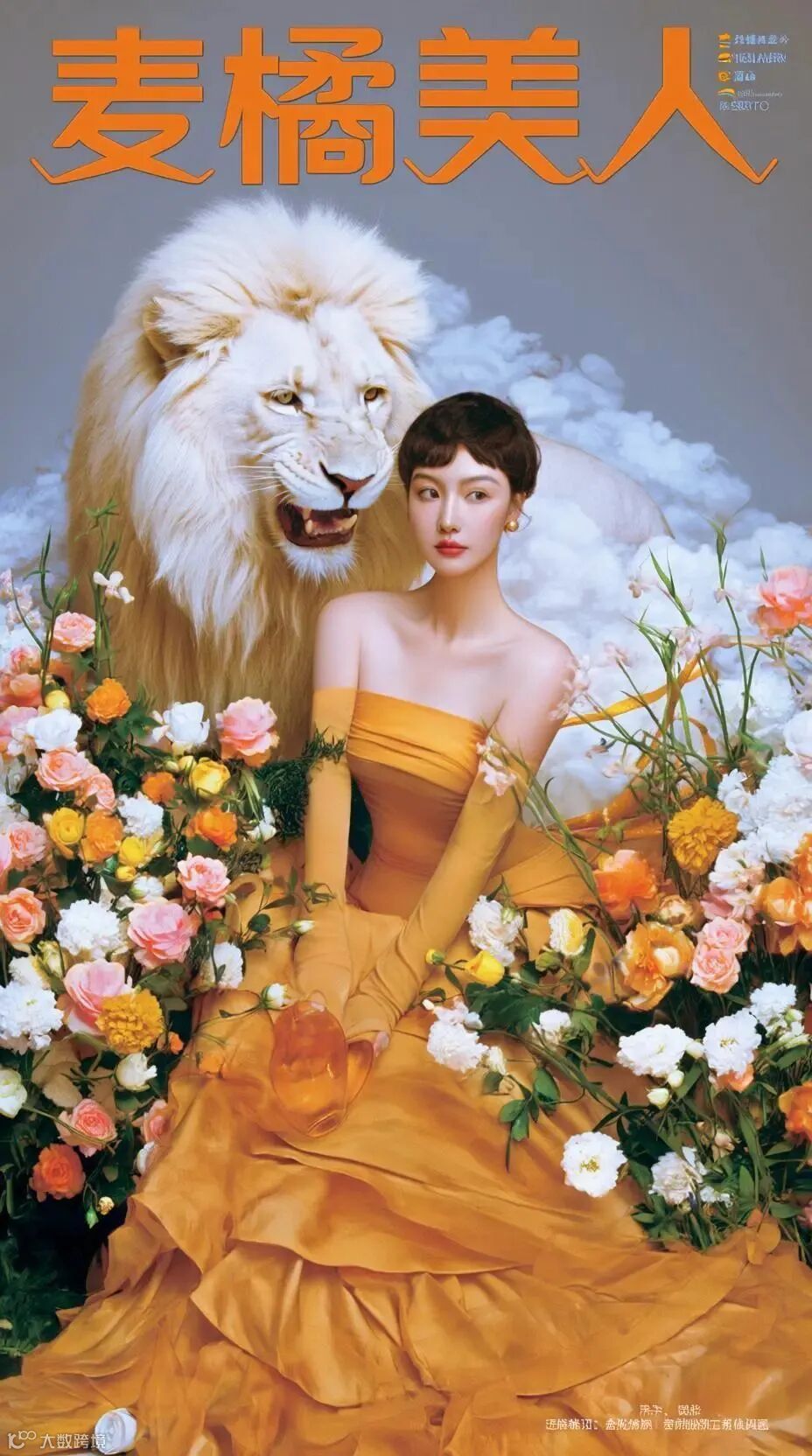

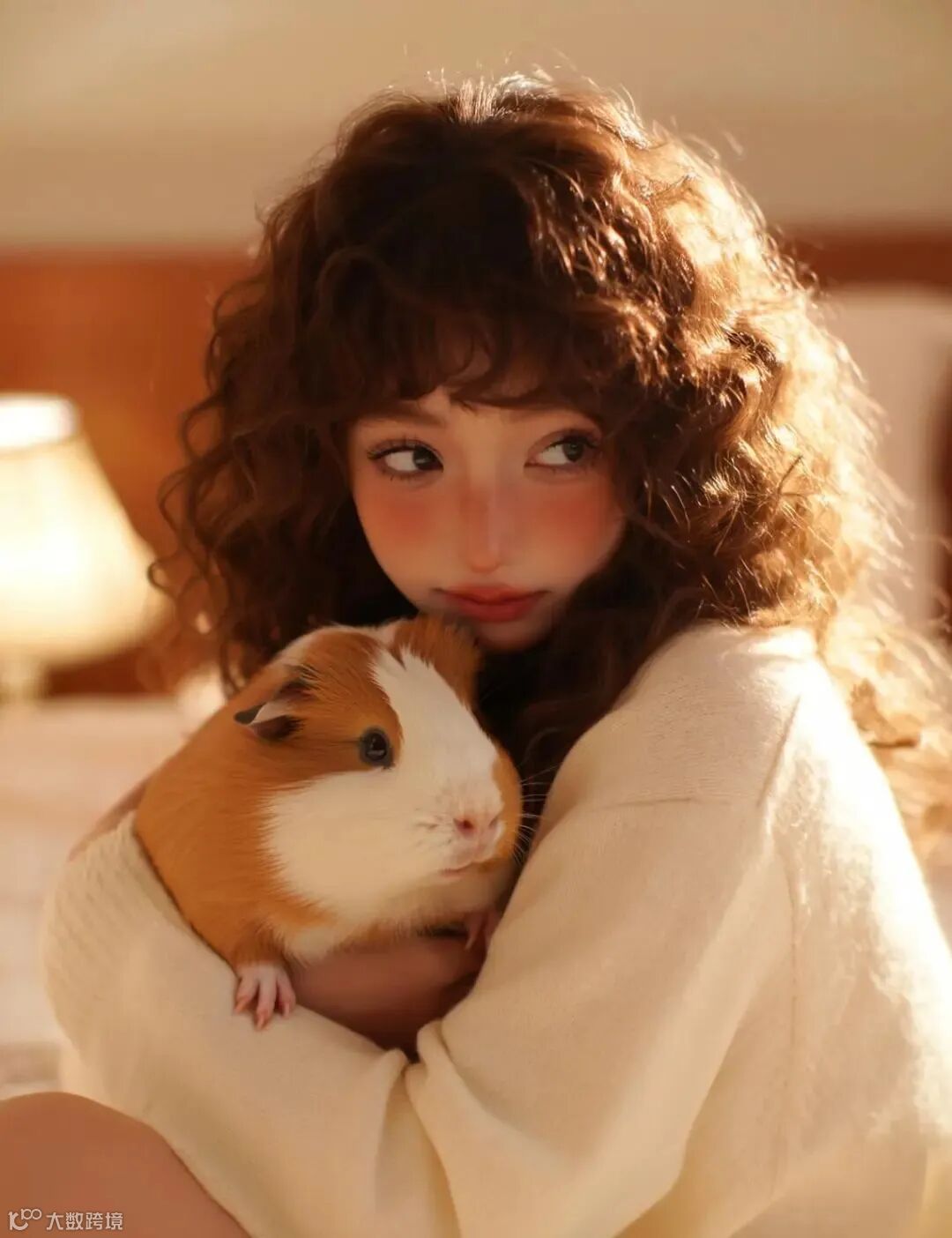


右滑查看更多→
以上作品均+LoRA merjic/majicbeauty-qwen1
created by merjic
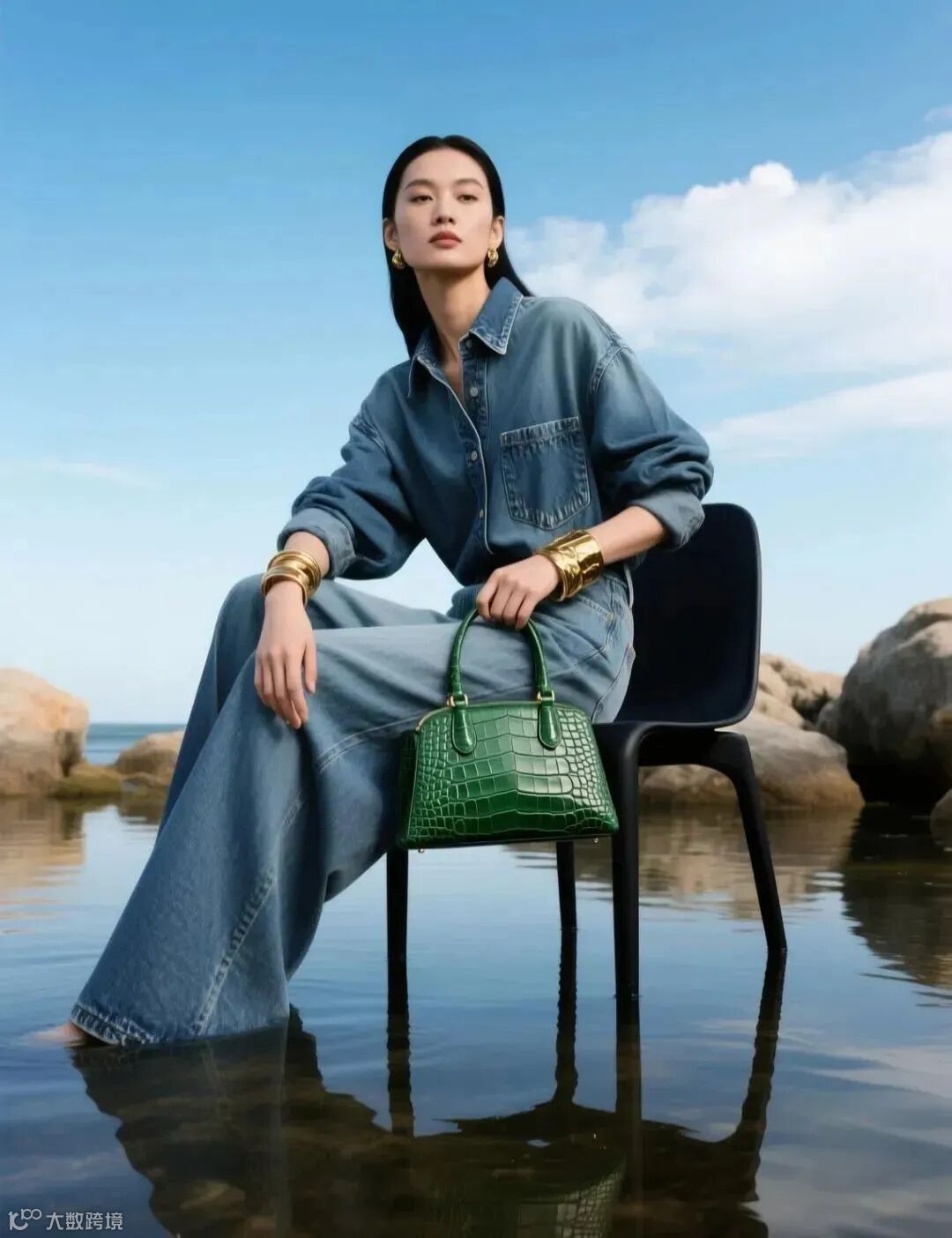
created by samuelpu
字体海报

created by iiiiihb
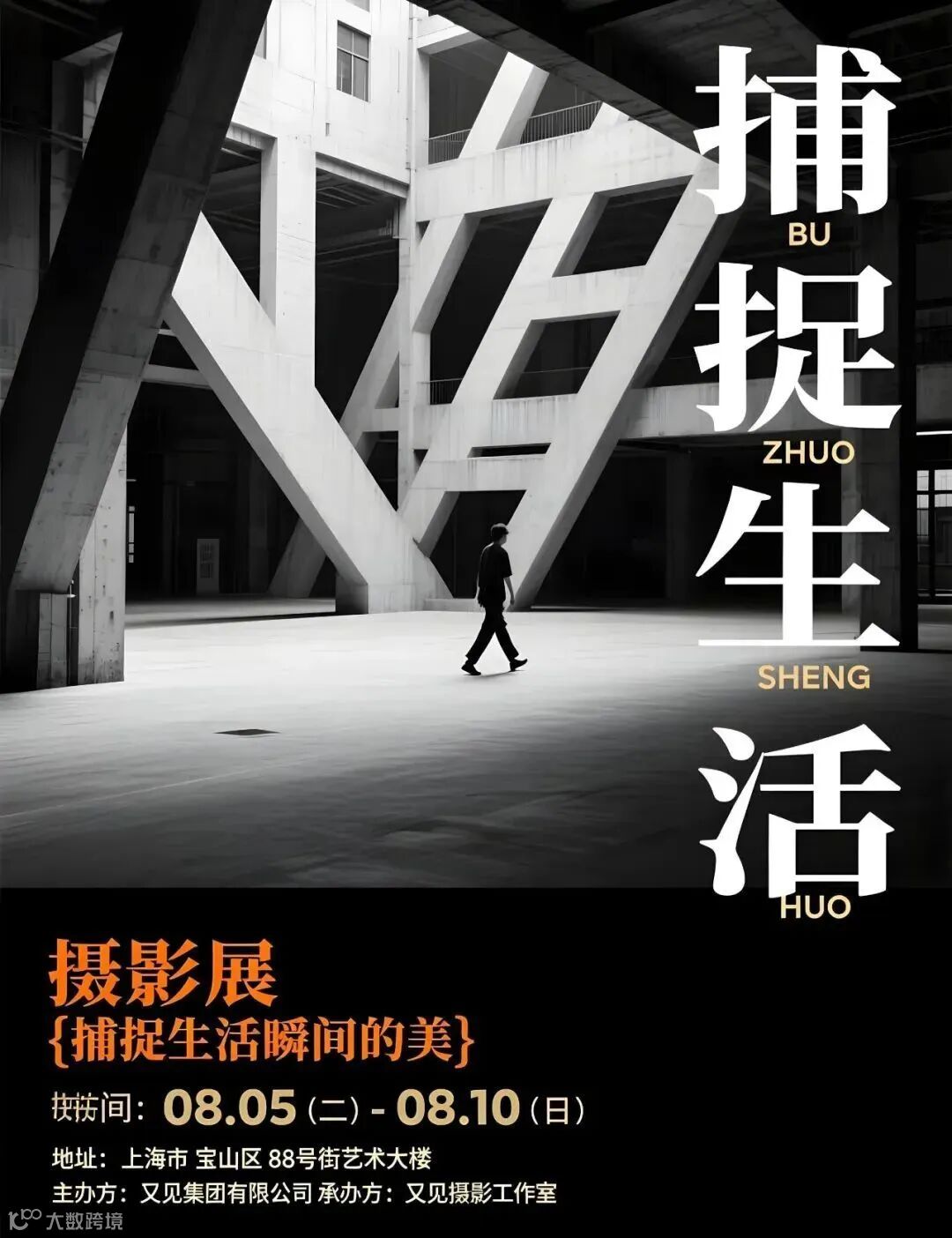
created by LIXIAOXIAO
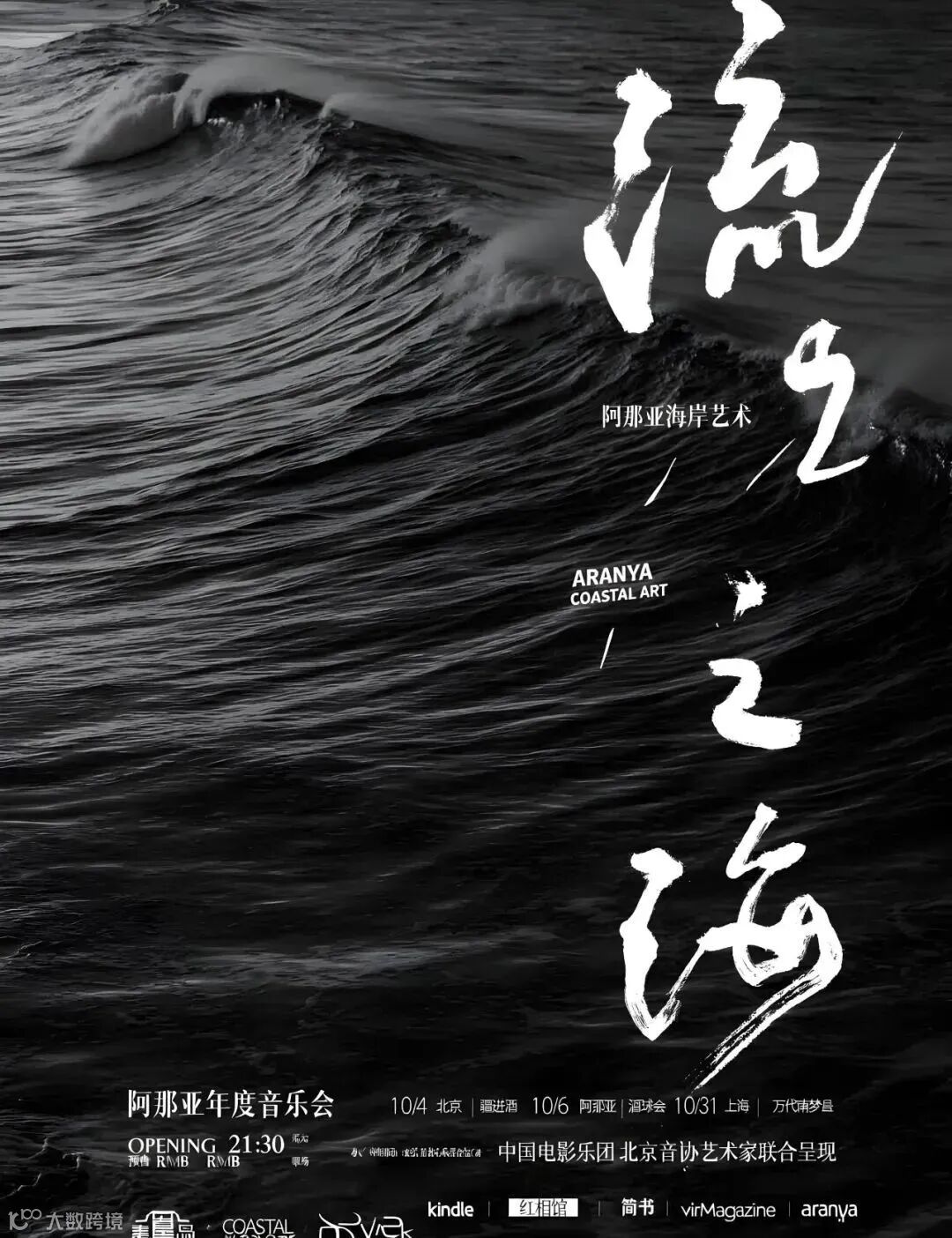
created by LIXIAOXIAO
......
更多精彩作品&创作prompt详见
魔搭社区 Qwen-image 返图区
https://www.modelscope.cn/models/MusePublic/Qwen-image/picture
模型实战应用
魔搭AIGC专区体验
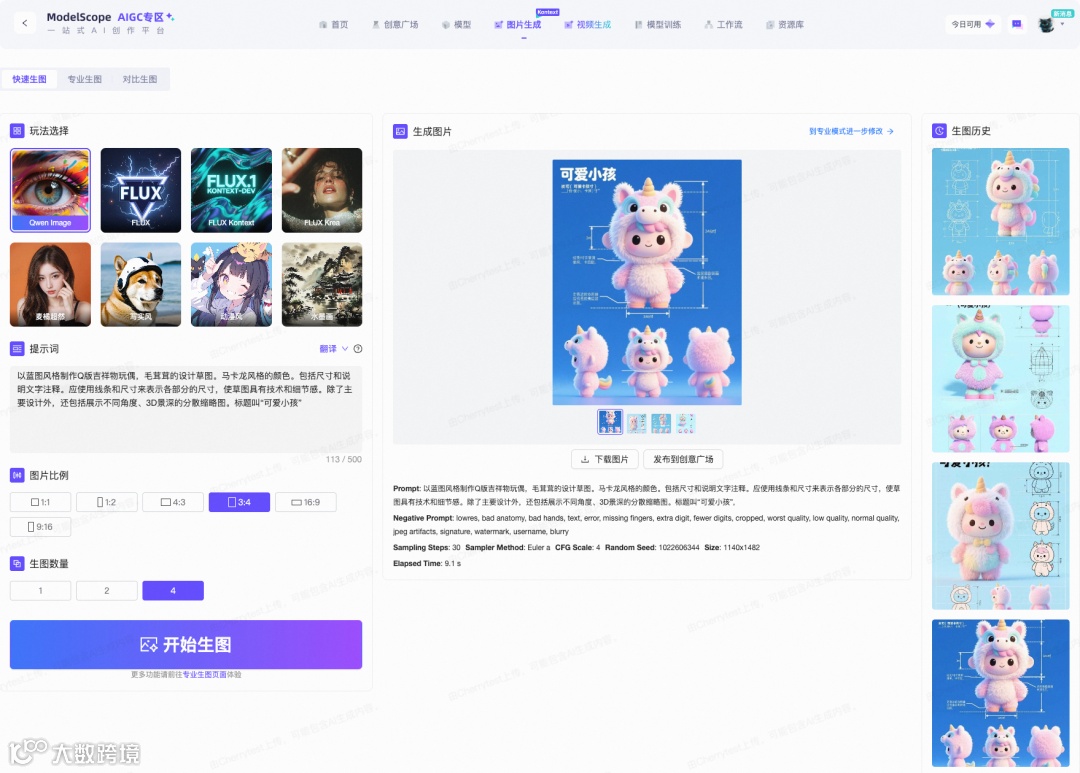
魔搭社区提供了快速生图和专业生图两种模型推理体验方式。
快速生图
提供了直观易用的界面,用户只需输入简单的文本描述,即可一键生成对应风格的高质量图像。
链接:
https://modelscope.cn/aigc/imageGeneration?tab=default
快速生图支持多种预设风格和自定义参数调整,满足从初学者到高级用户的多元化需求。
目前Qwen-Image已经是魔搭AIGC专区快速生图的默认模型:
专业生图
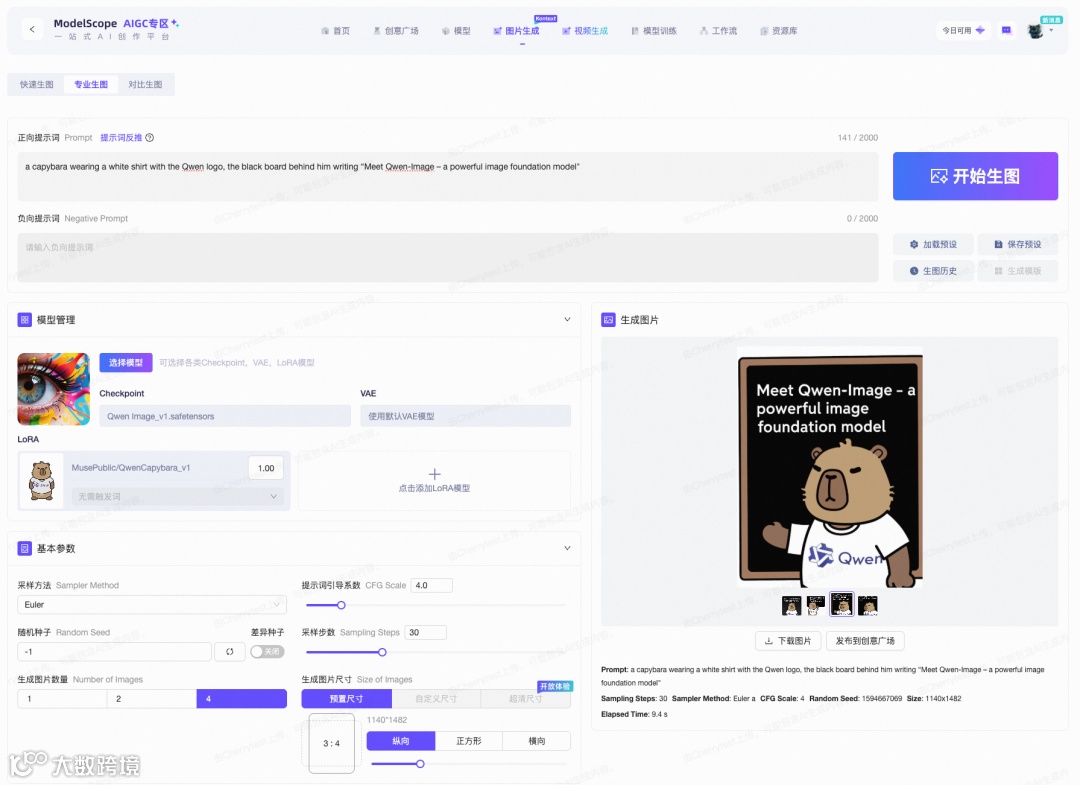
当基础的快速生成图像已不足以激发您的灵感,可以一键跳转到专业生图页面,解锁无限可能。
链接:
https://modelscope.cn/aigc/imageGeneration?tab=advanced
在专业生图模式下,魔搭社区支持更强大的提示词功能,更丰富的基模与LoRA组合,还引入了图生图、高清修复以及ControlNet等高阶能力,适合有更专业需求的AI生图创作者。
我们用坤坤卡皮的lora+专业生图,可以定制出专属角色的生图效果。
模型训练
对于寻求更深层次个性化体验的用户,模型训练页面支持基于社区现有的AIGC基础模型,使用您上传的数据集训练自定义LoRA模型。
链接:
https://modelscope.cn/aigc/modelTraining
目前,我们已支持Qwen-Image模型的LoRA训练功能。
通过这一功能,可以在线创建出反映个人风格的独特LoRA模型。无论是打造专属的特色风格,还是实现特定场景的渲染效果,模型训练功能都能成为你的得力助手。

本地部署体验
DiffSynth-Studio 第一时间适配了 Qwen-Image 模型,支持低显存推理。
安装:
git clone https://github.com/modelscope/DiffSynth-Studio.gitcd DiffSynth-Studiopip install -e .
推理(需 80G 显存的 GPU):
from diffsynth.pipelines.qwen_image import QwenImagePipeline, ModelConfigimport torchpipe = QwenImagePipeline.from_pretrained(torch_dtype=torch.bfloat16,device="cuda",model_configs=[ModelConfig(model_id="Qwen/Qwen-Image", origin_file_pattern="transformer/diffusion_pytorch_model*.safetensors"),ModelConfig(model_id="Qwen/Qwen-Image", origin_file_pattern="text_encoder/model*.safetensors"),ModelConfig(model_id="Qwen/Qwen-Image", origin_file_pattern="vae/diffusion_pytorch_model.safetensors"),],tokenizer_config=ModelConfig(model_id="Qwen/Qwen-Image", origin_file_pattern="tokenizer/"),)prompt = "A detailed portrait of a girl underwater, wearing a blue flowing dress, hair gently floating, clear light and shadow, surrounded by bubbles, calm expression, fine details, dreamy and beautiful."image = pipe(prompt, seed=0, num_inference_steps=40)image.save("image.jpg")
推理(适配低显存设备,支持低至 4G 显存推理):
from diffsynth.pipelines.qwen_image import QwenImagePipeline, ModelConfigimport torchpipe = QwenImagePipeline.from_pretrained(torch_dtype=torch.bfloat16,device="cuda",model_configs=[ModelConfig(model_id="Qwen/Qwen-Image", origin_file_pattern="transformer/diffusion_pytorch_model*.safetensors", offload_device="cpu"),ModelConfig(model_id="Qwen/Qwen-Image", origin_file_pattern="text_encoder/model*.safetensors", offload_device="cpu"),ModelConfig(model_id="Qwen/Qwen-Image", origin_file_pattern="vae/diffusion_pytorch_model.safetensors", offload_device="cpu"),],tokenizer_config=ModelConfig(model_id="Qwen/Qwen-Image", origin_file_pattern="tokenizer/"),)pipe.enable_vram_management()prompt = "精致肖像,水下少女,蓝裙飘逸,发丝轻扬,光影透澈,气泡环绕,面容恬静,细节精致,梦幻唯美。"image = pipe(prompt, seed=0, num_inference_steps=40)image.save("image.jpg")
更多信息,例如模型训练等,请参考:https://github.com/modelscope/DiffSynth-Studio/tree/main/examples/qwen_image