

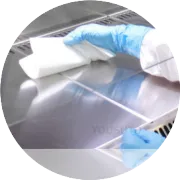
Keeping your Zebra printer clean from dust is essential for maintaining print quality and preventing paper jams. The CR80 cleaning card is an effective tool for this purpose. Here's a step-by-step guide on how to use the CR80 cleaning card to clean your Zebra printer:
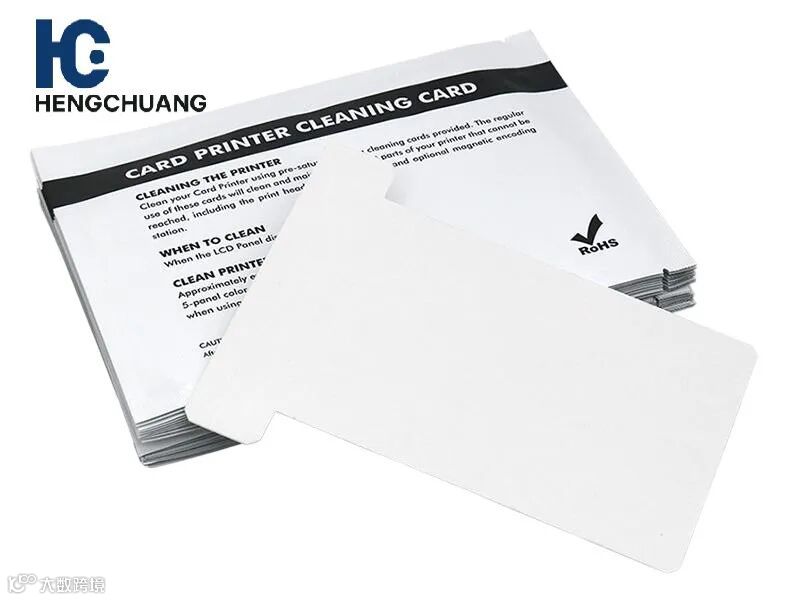
1. Turn Off the Printer
Before starting, always power off your Zebra printer and unplug it to avoid electrical issues or accidents during cleaning.
2. Prepare the CR80 Cleaning Card
CR80 cleaning cards are pre-saturated with cleaning solution, typically alcohol-based, designed to clean the printhead, rollers, and card path. Make sure the cleaning card is compatible with your Zebra printer model.
3. Insert the CR80 Cleaning Card
Insert the CR80 cleaning card into the printer’s card feeder slot, just like a regular card.
The printer will automatically pull the cleaning card through the card path, cleaning dust, ink residue, and other contaminants from the printhead and rollers.
4. Allow the Cleaning Card to Pass Through
Let the card pass through the printer without forcing it. This ensures that the cleaning card reaches all the necessary components, removing dust and debris.
If the card gets stuck or doesn’t pass through smoothly, check for any obstructions inside the printer before continuing.
5. Inspect the Printer
Once the card has passed through, check the printhead and rollers for any remaining dust or dirt. If needed, use a cleaning swab or wipe for more precise cleaning in hard-to-reach areas.
6. Run a Test Print
After cleaning, power the printer back on and run a test print to ensure that print quality has improved and no dust remains in the system.
7. Regular Cleaning Schedule
Use the CR80 cleaning card every 1,000 to 2,000 prints, or whenever you notice a decline in print quality or experience misfeeds.