

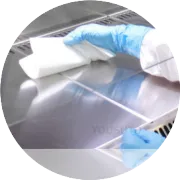
Evolis printer cleaning swabs are designed for precision cleaning of printheads, rollers, and other internal components to maintain print quality and extend printer lifespan. Proper usage ensures effective cleaning without causing damage. Here’s a detailed guide:
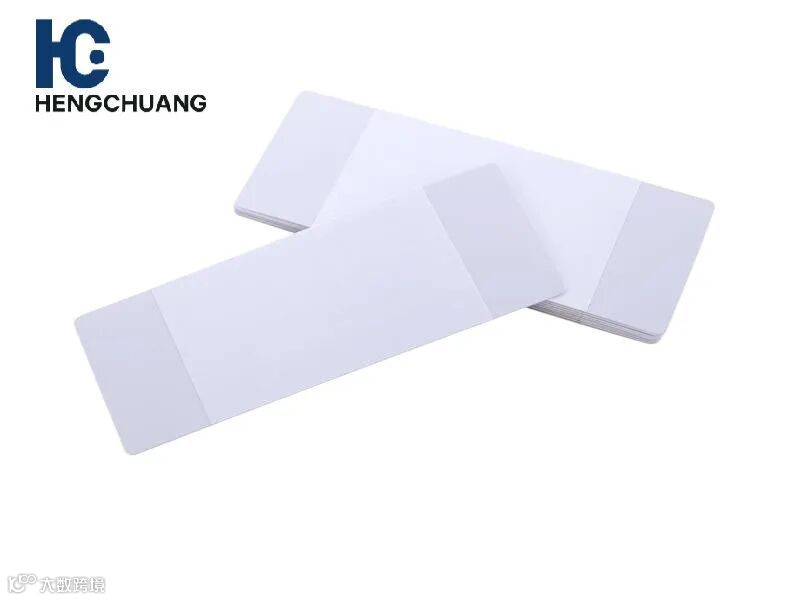
1. Power Off the Printer
Always turn off and unplug your Evolis printer before cleaning to prevent electrical hazards or accidental damage.
2. Use Evolis-Approved Swabs
Only use swabs approved by Evolis to ensure compatibility and safety.
Swabs are lint-free, preventing fibers from contaminating the printhead or card path.
3. Clean the Printhead
Lightly dampen the swab with isopropyl alcohol or Evolis-approved cleaning solution.
Gently wipe the printhead in one direction to remove dust, ink residue, and debris.
Avoid applying excessive pressure, which could damage the printhead.
4. Clean the Rollers
Use a separate swab to clean the rollers that guide the cards.
Wipe gently along the roller surfaces to remove dirt and dust for smooth card feeding.
5. Inspect and Repeat if Necessary
Check the printhead and rollers after cleaning.
Repeat cleaning with a fresh swab if any residue remains.
6. Test the Printer
Power the printer back on and run a test print to confirm improved print quality.
7. Regular Maintenance
Use cleaning swabs regularly, especially after changing ribbons or consumables, or when print quality decreases.
This helps prevent jams, streaks, and premature wear of printer components.