

Preventing dust buildup in your Evolis printer is crucial for maintaining consistent print quality and prolonging the life of your printer. Using cleaning cards effectively is one of the best ways to ensure dust doesn’t negatively impact performance. Here are some tips on how to use cleaning cards for dust prevention:
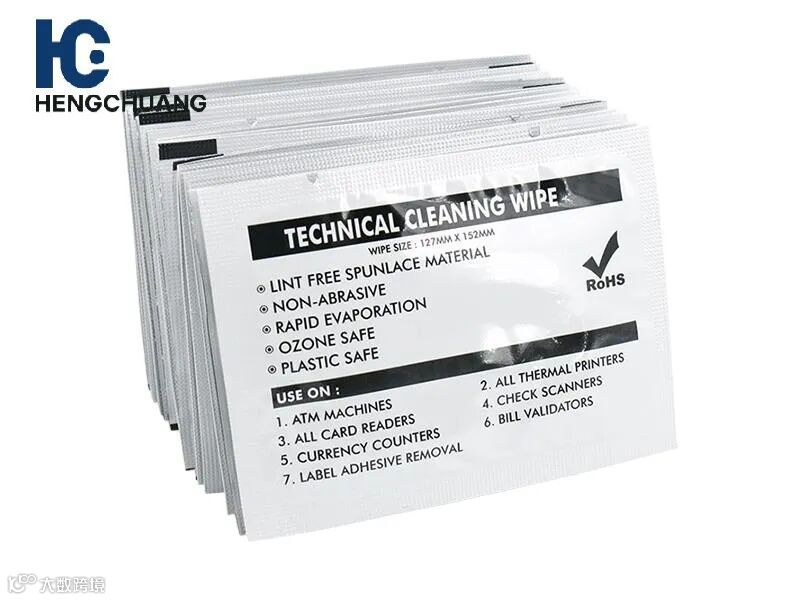
1. Use Manufacturer-Approved Cleaning Cards
Always use Evolis-approved cleaning cards to ensure compatibility and safe cleaning.
These cards are specifically designed to remove dust, debris, and ink residue from the printhead and card path without causing damage.
2. Clean the Printer Regularly
Clean the printer every 1,000 to 2,000 prints or when you notice a decline in print quality or card feeding.
Regular cleaning with cleaning cards helps prevent dust and debris from accumulating, which can cause print quality issues and misfeeds.
3. Insert the Cleaning Card Properly
Insert the cleaning card into the card input slot, just like a regular card.
Let the printer automatically pull the card through, as this will clean the printhead, rollers, and card path.
Avoid forcing the card through the system; let it pass naturally.
4. Clean After Replacing Consumables
After changing the ribbon or cards, it’s a good idea to clean the printer with a cleaning card. New consumables can introduce dust, so cleaning ensures optimal print quality from the start.
5. Store the Printer in a Clean Environment
Place the printer in a dust-free environment whenever possible.
Cover the printer with a dust cover when not in use to protect it from airborne particles.
6. Perform Regular Printer Maintenance
Along with using cleaning cards, inspect the printhead and rollers regularly for any signs of dust buildup.
This proactive approach ensures consistent, high-quality prints and helps extend the printer’s lifespan.