

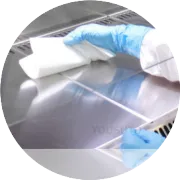
Proper maintenance of the printhead is essential for ensuring high-quality prints and extending the life of your Zebra printer. Here's a step-by-step cleaning routine to care for the printhead:
1. Power Off the Printer
Before beginning any cleaning, always power off your Zebra printer and unplug it to prevent electrical damage or accidental operation.
2. Gather the Necessary Tools
You will need:
Lint-free cleaning swabs or wipes
Isopropyl alcohol (IPA) or a cleaning solution specifically designed for printers
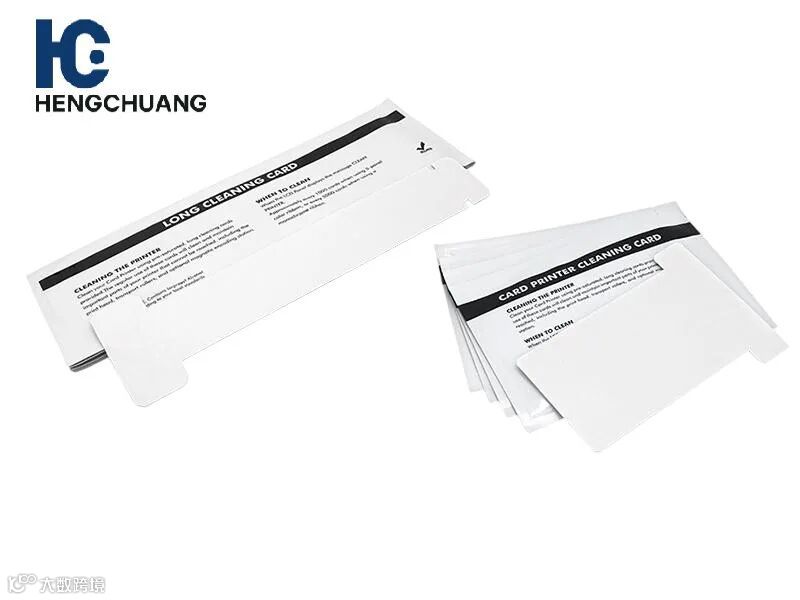
Cleaning cards (optional, for regular maintenance)
3. Clean the Printhead
Dampen the Swab: Lightly moisten the cleaning swab with IPA (don’t over-saturate to avoid excess liquid entering the printer).
Wipe the Printhead: Gently wipe the printhead in one direction to remove dust, ink residue, and other contaminants. Be careful not to apply too much pressure, as this could damage the printhead.
Inspect the Printhead: After cleaning, check the printhead for any visible wear or damage. If there are any noticeable defects, it may be time to replace the printhead.
4. Clean the Rollers
Use a separate cleaning swab or cleaning card to clean the rollers inside the printer. Rollers accumulate dust and ink residue, which can affect card feeding and print quality.
Gently wipe the rollers with the swab to remove any debris.
5. Wipe Down the Card Path
Use a lint-free wipe to clean the card path and surrounding areas to ensure smooth card movement and prevent misfeeds.
6. Perform Regular Maintenance
Clean the printhead every 1,000 to 2,000 prints, or more often if you notice print quality issues or card feeding problems.
Always perform this routine after changing ribbons or cards.
7. Run a Test Print
After cleaning, power the printer back on and run a test print to ensure the printhead is functioning properly and print quality has improved.