

Using IPA (isopropyl alcohol) wipes is an effective method for cleaning CR80 printers, helping maintain print quality and prolong printer life. Here’s a safe, step-by-step guide on how to use IPA wipes:
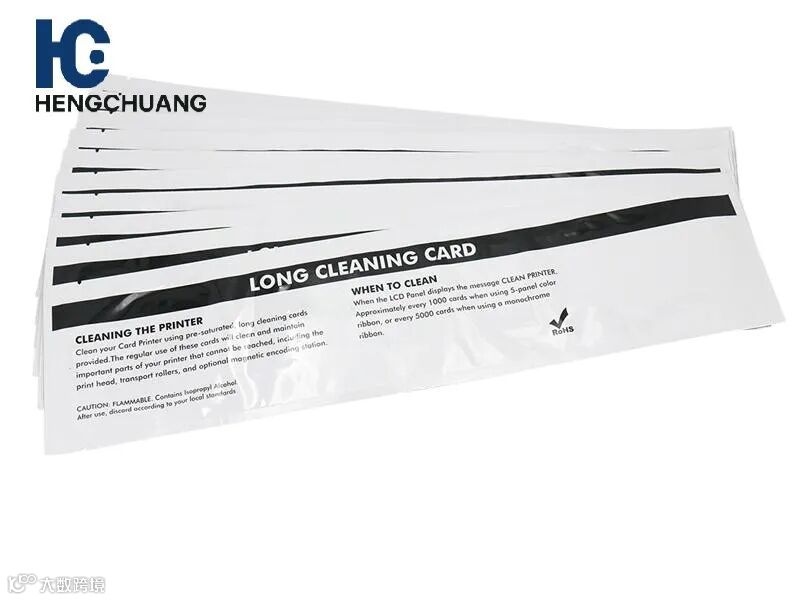
1. Power Off the Printer
Always turn off and unplug your CR80 printer before cleaning to avoid electrical hazards or accidental damage.
2. Use Lint-Free IPA Wipes
Select pre-saturated, lint-free IPA wipes suitable for printers.
Avoid using regular cloths or paper towels that can leave fibers or debris behind.
3. Clean the Printhead
Lightly wipe the printhead with the IPA wipe in a single direction.
Remove dust, ink residue, and debris without applying excessive pressure, which could damage the printhead.
4. Clean the Rollers
Use a separate IPA wipe to clean the rollers inside the printer.
Gently wipe along the roller surface to remove dirt, dust, and ink residue.
5. Clean the Card Path
Wipe down the card path and other accessible components to prevent card jams and maintain smooth feeding.
6. Inspect for Remaining Residue
Check the printhead, rollers, and card path after cleaning.
If debris remains, repeat using a fresh IPA wipe.
7. Run a Test Print
Power the printer back on and perform a test print to confirm that print quality has improved.
8. Regular Cleaning Schedule
Clean the CR80 printer every 1,000–2,000 prints, or whenever print quality declines or misfeeds occur.