

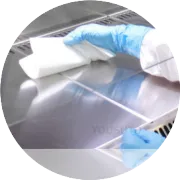
Proper use of Magicard printer cleaning swabs is essential for maintaining print quality and extending the printer’s lifespan. Follow these dos and don’ts to clean your printer safely and effectively:
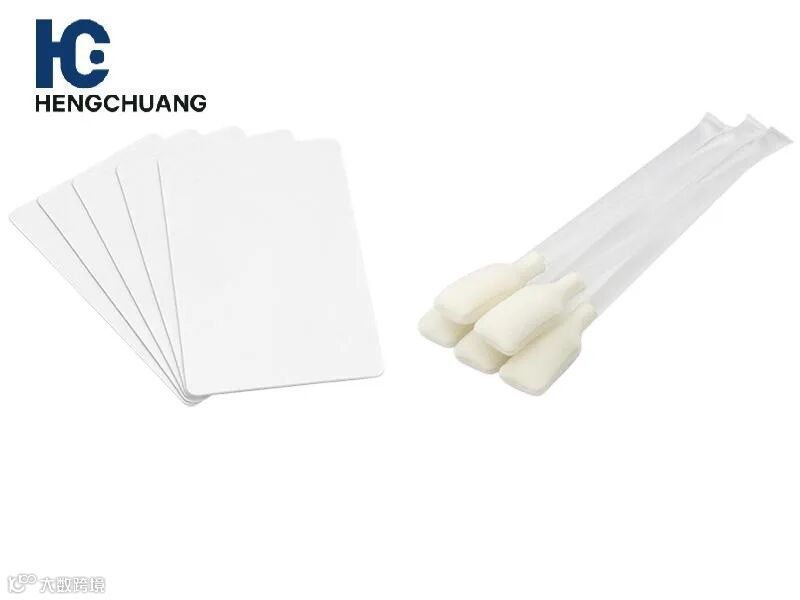
Dos
Power Off the Printer
Always turn off and unplug your printer before cleaning to prevent electrical hazards.Use Magicard-Approved Swabs
Use only swabs approved by Magicard to avoid damaging sensitive components like the printhead or rollers.Dampen Swabs Properly
Lightly moisten the swab with isopropyl alcohol or a Magicard-approved cleaning solution. Excess liquid can damage internal components.Wipe Gently in One Direction
Clean the printhead and rollers with gentle, consistent strokes to remove dust, ink residue, and debris without causing damage.Inspect After Cleaning
Check the printhead and rollers for any remaining residue. Repeat cleaning if necessary with a fresh swab.
Don’ts
Don’t Use Excessive Force
Applying too much pressure can scratch or damage the printhead and rollers.Don’t Reuse Swabs
Using the same swab multiple times can transfer dirt back onto the printhead and reduce cleaning effectiveness.Don’t Touch the Printhead with Bare Hands
Oils and dirt from your fingers can damage the printhead or affect print quality.Don’t Ignore Regular Maintenance
Neglecting cleaning can lead to poor print quality, card jams, and shortened printer lifespan.Don’t Use Harsh Chemicals
Avoid solvents or cleaners not recommended by Magicard, as they may damage internal components.