新版灯带选用了beetle板子,更小巧美观。如下图所示将各元件连接好:
如果你是第一次使用Arduino的话,需要下载Ardunio IDE并装好驱动。(点击原文查看详情)
NOTE: 这段代码中很多参数取决于背景的噪音、所使用的LED灯个数、和你所希望的分区情况,可以说是一个DIY程度非常高的项目,所以以上代码仅仅是做一个参考,大家可以根据自己的喜好,来调节最终的灯带效果,期待更多的作品哦 XD!
/*music responsible led strip sample code
created by Yu on 07/28/2015
#include <Adafruit_NeoPixel.h>
#include <AudioAnalyzer.h>
#define PIN 11 //The signal pin connected with Arduino
#define LED_COUNT 34 //total number of leds in the strip
#define NOISE 120// noise that you want to chrop off
#define SEG 6 // how many parts you want to seperate the led strip into
Analyzer Audio = Analyzer(10,9,0);//Strobe pin ->10 RST pin ->9 Analog Pin ->0
Adafruit_NeoPixel leds = Adafruit_NeoPixel(LED_COUNT, PIN, NEO_GRB + NEO_KHZ800);
int FreqVal[7];//create an array to store the value of different freq
……
……
}
(如需了解完整代码,请点击原文查看)
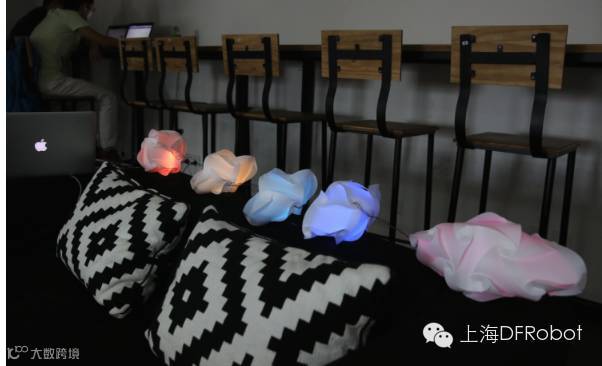
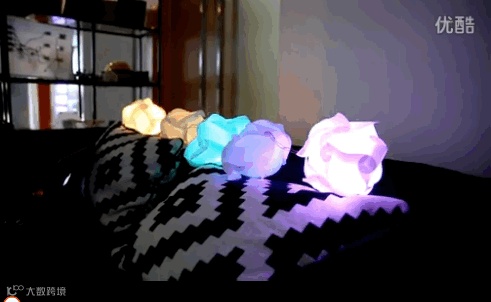
音乐IQ灯视频请复制网址观看:
http://v.youku.com/v_show/id_XMTI5NjI5MzQ3Mg==.html
点击 阅读原文 了解更多详情



 DF创客社区