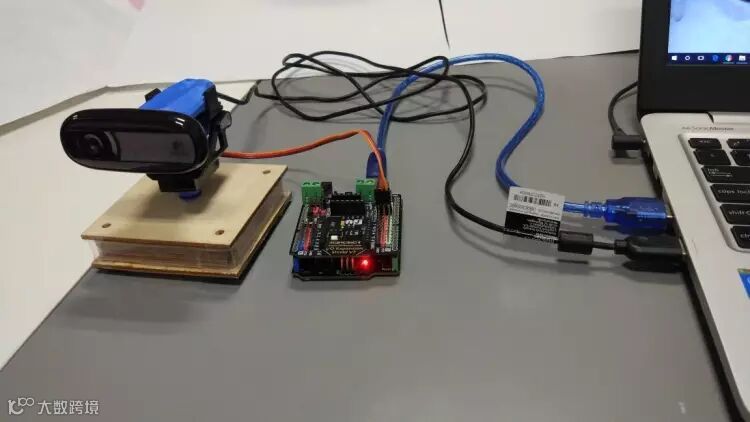
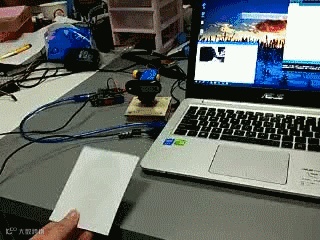
#include <Servo.h>
#define servomaxx 180 // max degree servo horizontal (x) can turn
#define screenmaxx 320 // max screen horizontal (x)resolution
#define screenmaxy 240 // max screen vertical (y) resolution
#define servocenterx 90 // center po#define of x servo
#define servopinx 9 // digital pin for servo x
#define baudrate 9600 // com port speed. Must match your setting
#define distancex 2 // x servo rotation steps
int valx = 0; // store x data from serial port
int posx = 0;
int incx = 10; // significant increments of horizontal (x) camera movement
Servo servox;
void setup() {
Serial.begin(baudrate); // connect to the serial port
Serial.setTimeout(20);
Serial.println("Starting Cam-servo Face tracker");
pinMode(servopinx, OUTPUT); // declare the LED's pin as output
servox.attach(servopinx);
// center servos
servox.write(servocenterx);
delay(200);
}
void loop () {
while (Serial.available() <= 0); // wait for incoming serial data
if (Serial.available() >= 1)
{
// get X axis 2-byte integer from serial
valx = Serial.parseInt();
// read last servos positions
posx = servox.read();
//Find out if the X component of the face is to the left of the middle of the screen.
if (valx < (screenmaxx / 2 - incx)) {
if ( posx >= incx ) posx += distancex; //Update the pan position variable to move the servo to the left.
}
//Find out if the X component of the face is to the right of the middle of the screen.
else if (valx > screenmaxx / 2 + incx) {
if (posx <= servomaxx - incx) posx -= distancex; //Update the pan position variable to move the servo to the right.
}
// Servos will rotate accordingly
servox.write(posx);
}
}