

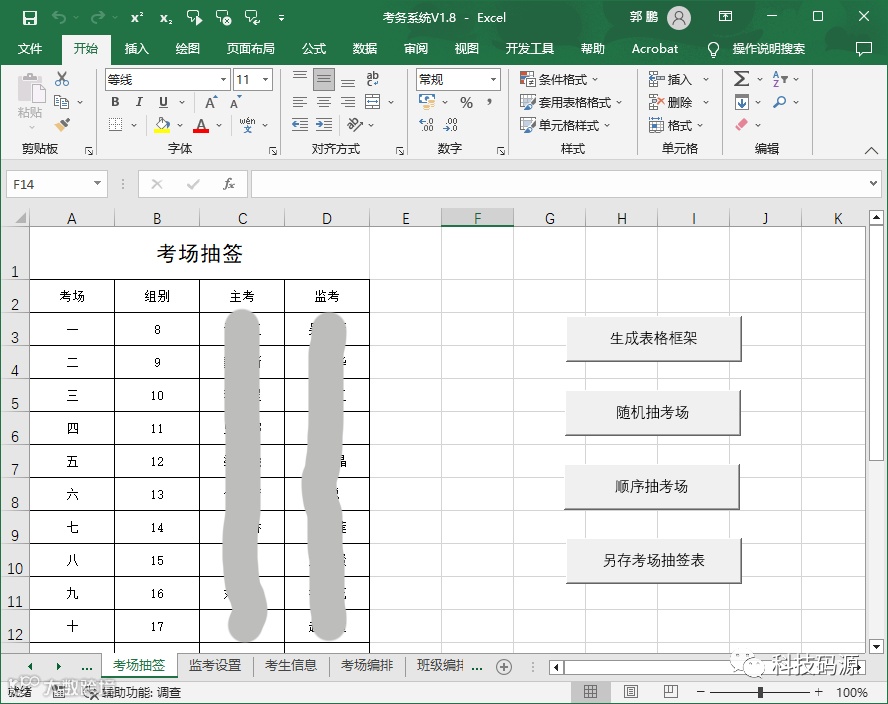
为了让大家轻松应对考务工作,前两期分享了考务系统中的考场抽签和考场编排两大功能,今天给大家分享班级编排功能程序代码。
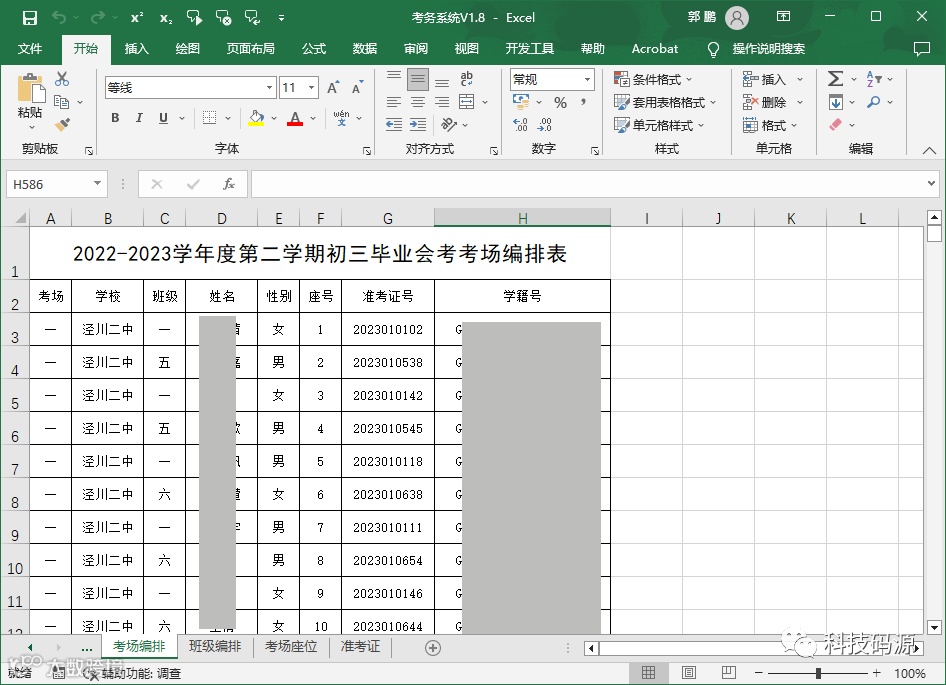
考场编排效果
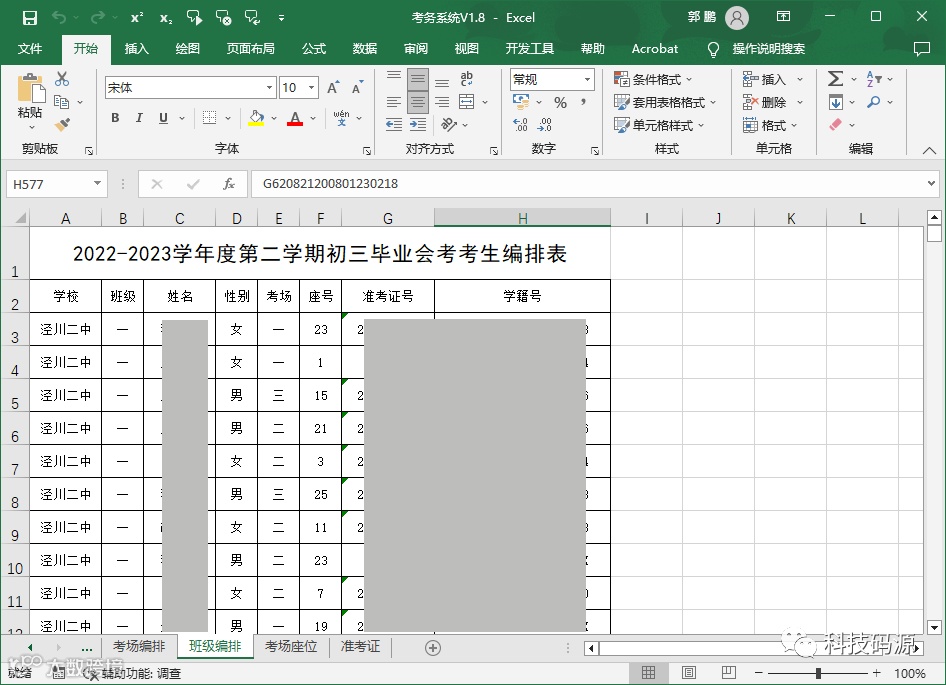
班级编排效果
在上一期考场编排三个代码的倒数第二行,都有一行ExamStuByClass代码,其实这就是班级编排函数。现将代码作以分享。

班级编排VBA代码
Sub ExamStuByClass()Sheets("班级编排").SelectSheets("班级编排").Cells.ClearSheets("班级编排").Range(Cells(1, 1), Cells(1, 8)).MergeSheets("班级编排").Cells(2, 1) = "学校"Sheets("班级编排").Cells(2, 2) = "班级"Sheets("班级编排").Cells(2, 3) = "姓名"Sheets("班级编排").Cells(2, 4) = "性别"Sheets("班级编排").Cells(2, 5) = "考场"Sheets("班级编排").Cells(2, 6) = "座号"Sheets("班级编排").Cells(2, 7) = "准考证号"Sheets("班级编排").Cells(2, 8) = "学籍号"If StuNum = 0 ThenDo While Sheets("考生信息").Cells(StuNum + 3, 4) <> ""StuNum = StuNum + 1LoopEnd IfFor i = 1 To StuNumSheets("班级编排").Cells(i + 2, 1) = StuArr(i, 13) '"学校"Sheets("班级编排").Cells(i + 2, 2) = StuArr(i, 1) '"班级"Sheets("班级编排").Cells(i + 2, 3) = StuArr(i, 2) '"姓名"Sheets("班级编排").Cells(i + 2, 4) = StuArr(i, 12) '"性别"Sheets("班级编排").Cells(i + 2, 5) = StuArr(i, 4) '"考场"Sheets("班级编排").Cells(i + 2, 6) = StuArr(i, 5) '"座号"Sheets("班级编排").Cells(i + 2, 7) = StuArr(i, 3) '"准考证号"Sheets("班级编排").Cells(i + 2, 8) = StuArr(i, 14) '"学籍号"NextSheets("班级编排").Range(Cells(2, 1), Cells(StuNum + 2, 8)).SelectWith Selection.HorizontalAlignment = xlCenter.VerticalAlignment = xlCenter' .ColumnWidth = 10.Columns.AutoFit.Font.Size = 10.Font.Name = "宋体".RowHeight = 25.Borders.LineStyle = xlContinuousEnd WithRows(1).RowHeight = 40With Cells(1, 1).HorizontalAlignment = xlCenter.VerticalAlignment = xlCenter.Font.Size = 16.Font.Name = "黑体".Value = Sheets("考试设置").Cells(3, 2) & Sheets("考试设置").Cells(3, 3) & Sheets("考试设置").Cells(3, 4) & Sheets("考试设置").Cells(3, 5) & "考生编排表"End WithSheets("班级编排").PageSetup.CenterHorizontally = True '水平居中End Sub
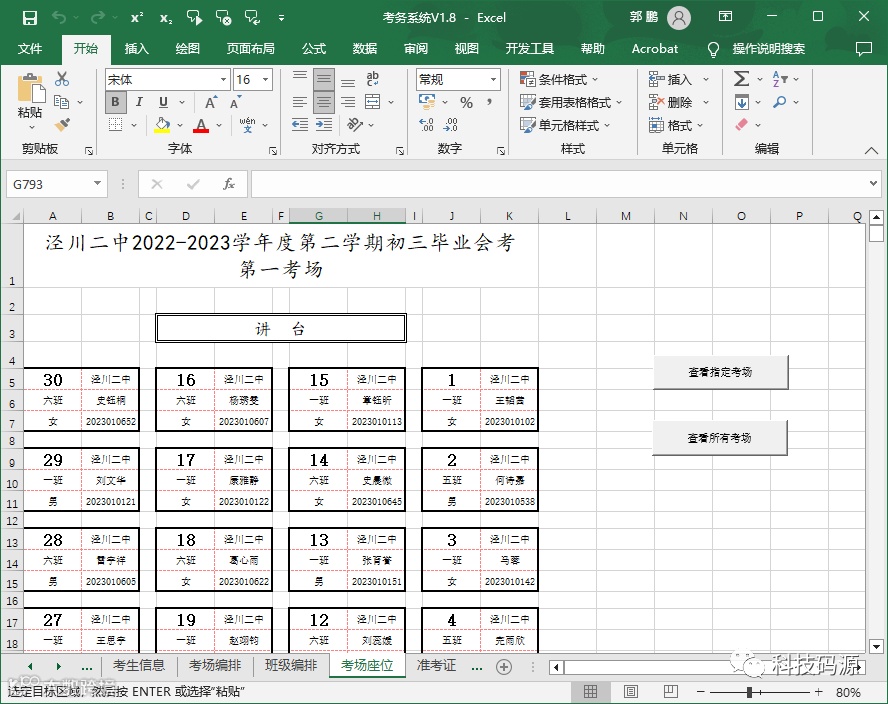
考场座位排布、准考证自动生成代码会在后续逐一分享,敬请关注!

感谢观看
2023.05.27