



Many people prefer Canon printers because of their exceptional performance. However, the warning "Could not perform correction" may show up if users try to correct quality problems. There are several possible causes for this error, including jammed paper or insufficient toner. This article explains how to deal with this issue.


Solution: load regular or recycled A4 or letter-sized paper into the paper drawer.
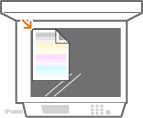
Solution: put the adjustment image on the platen glass with the print side face down and the black line toward the back side of the machine (as shown in the following picture).
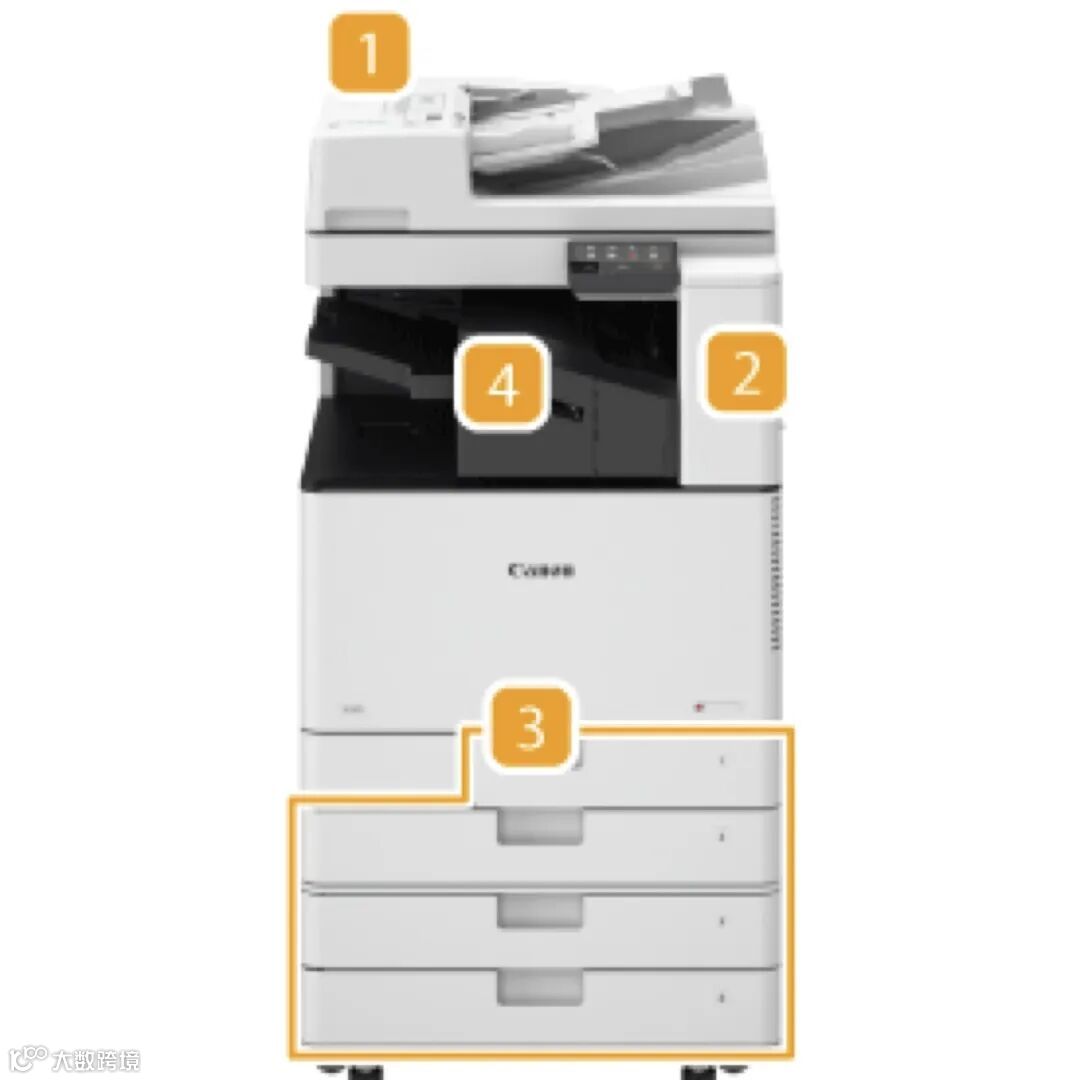
Solution: the printer will alert users when a toner cartridge is almost empty. You can replace the toner cartridges.
The transfer belt inside the machine is dirty
Solution: improper corrections could result from dirt adhering to the transfer belt. Use the following steps to clean the transfer belt:
1.Select <Menu> in the Home screen.
2.Select <Adjustment/Maintenance> → <Maintenance>.
3.Select <Clean ITB>.
4.Select <Start>.
﹀
We hope you have found this article useful. Please feel free to leave a message if you have any other questions, and we will get back to you as soon as possible.

For more news and tips
please follow Chipjet on WeChat and the website
English Website:https://en.chipjet.com.cn/
Tel.: 0571-87672898-638

All brandnames and trademarks are the properties of their respective owners and are used for identification purpose only.(Pictures are taken from the Internet and will be taken down if copyright infringement occurs)