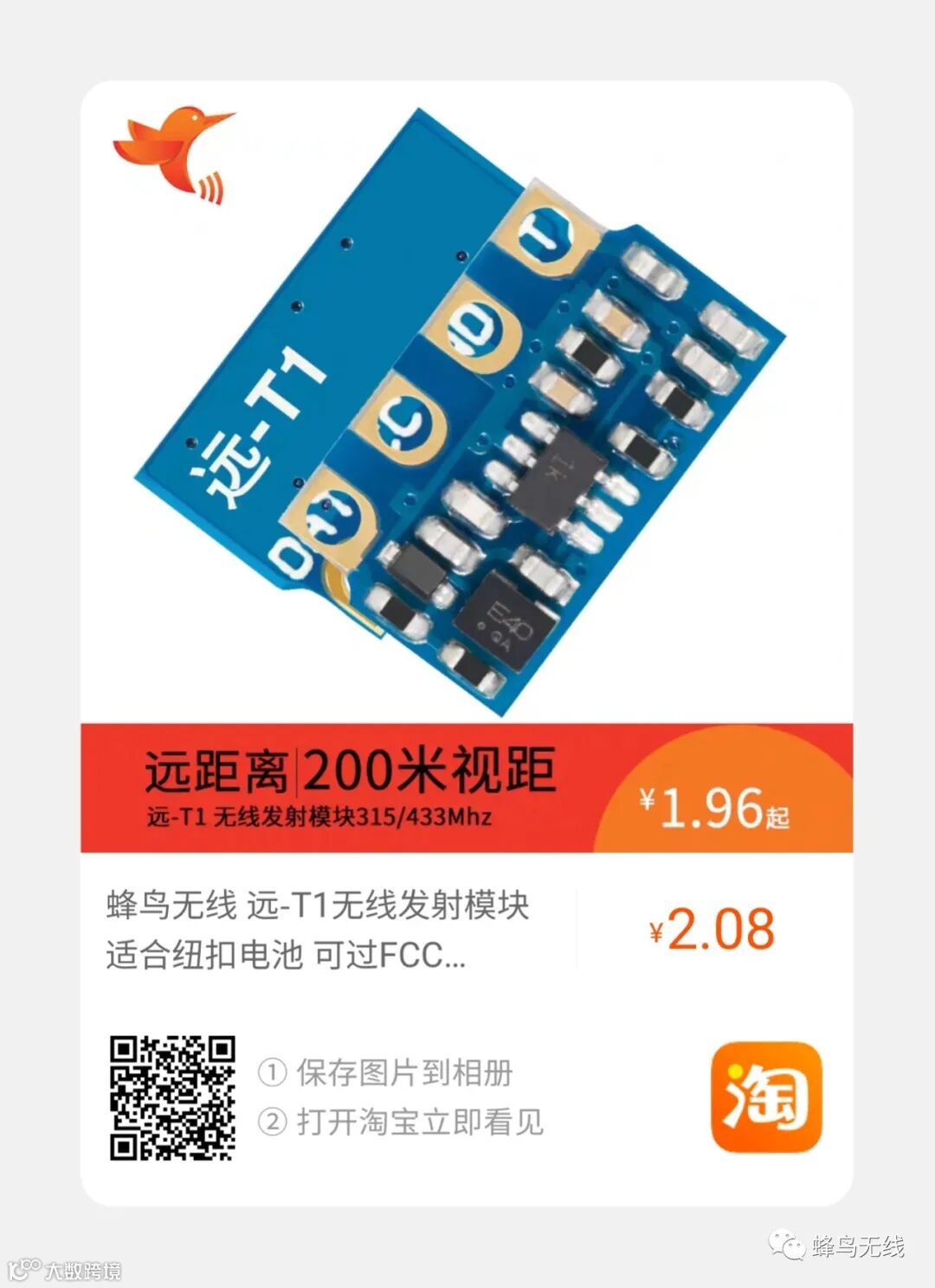
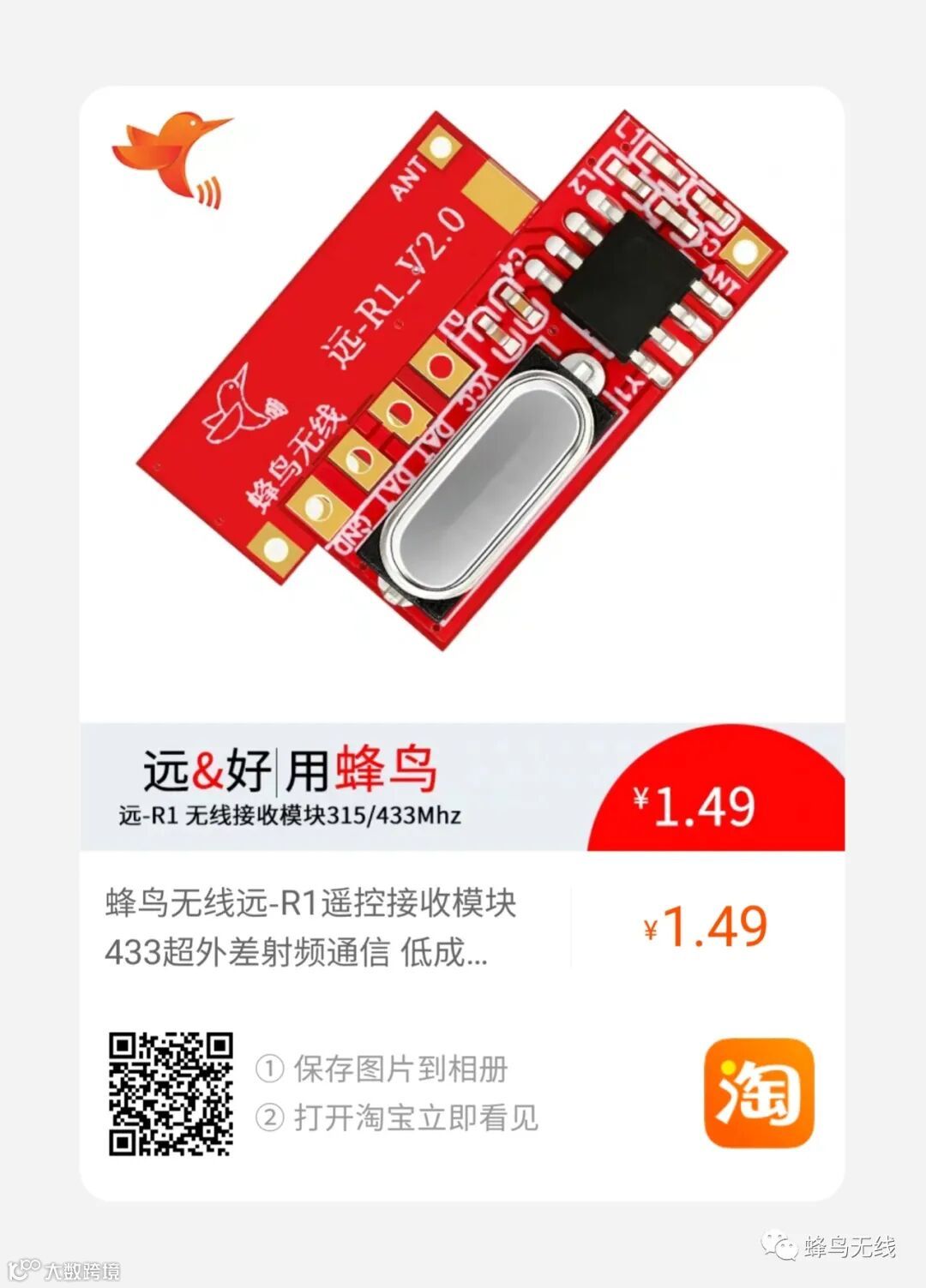
在arduino环境快速实现射频遥控,用到远-T1/R1收发模块和RCSwitch函数。
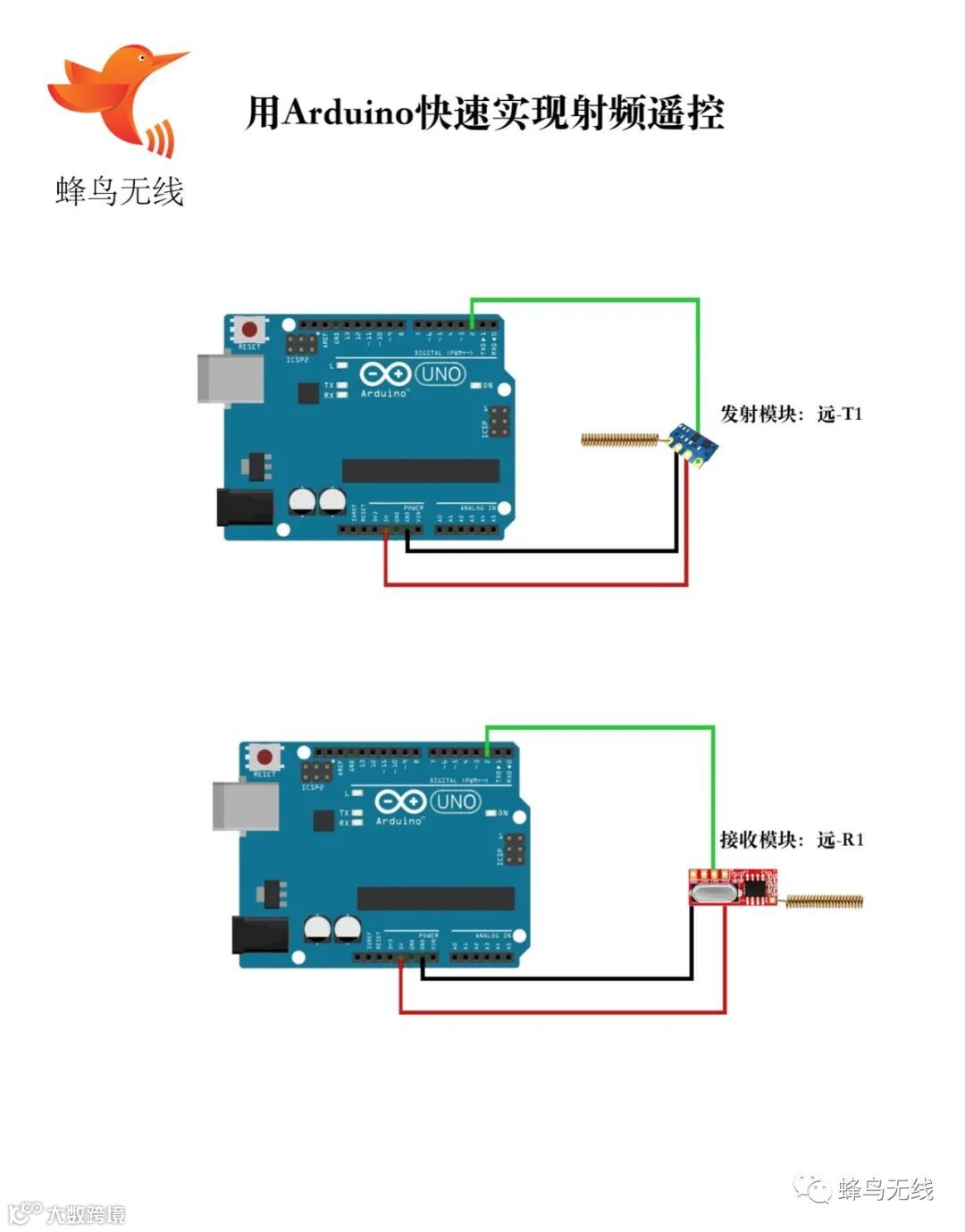
Arduino + 远-T1发射模块: 高、低电平和悬空三种模式切换
/*
This is a minimal sketch without using the library at all but only works for
the 10 pole dip switch sockets. It saves a lot of memory and thus might be
very useful to use with ATTinys :)
https://github.com/sui77/rc-switch/
*/
int RCLpin = 10;
void setup() {
pinMode(RCLpin, OUTPUT);
}
void loop() {
// RCLswitch(0b010001000001); // DIPs an Steckdose: 0100010000 An:01
// delay(2000);
// RCLswitch(0b010001000010); // DIPs an Steckdose: 0100010000 Aus:10
// RCLswitch(0);
// delay(2000); <br><br><br>// digitalWrite(RCLpin, LOW);// 不停触发 digitalWrite(RCLpin, HIGH);// 不触发
}
void RCLswitch(uint16_t code) {
for (int nRepeat=0; nRepeat<6; nRepeat++) {
for (int i=4; i<16; i++) {
RCLtransmit(1,3);
if (((code << (i-4)) & 2048) > 0) {
RCLtransmit(1,3);
} else {
RCLtransmit(3,1);
}
}
RCLtransmit(1,31);
}
}
void RCLtransmit(int nHighPulses, int nLowPulses) {
digitalWrite(RCLpin, HIGH);
delayMicroseconds( 350 * nHighPulses);
digitalWrite(RCLpin, LOW);
delayMicroseconds( 350 * nLowPulses);
}
|
Arduino + 远-R1 四种中断模式切换
int pin =13;
volatile int state = LOW;
int i=0;
void setup()
{Serial.begin(9600);
pinMode(pin, OUTPUT);
//attachInterrupt(0, blink, CHANGE);// 低 一直触发 高 一直不触发
attachInterrupt(0, blink,LOW); // 低 一直触发 高 一直触发
//attachInterrupt(0, blink,RISING); //低 一直触发 高 不触发
// attachInterrupt(0, blink,FALLING); //低 一直触发 高 不触发 很稳
digitalWrite(pin,!state);
delay(10000);
digitalWrite(pin, state);
delay(10000);
}
void loop()
{
// digitalWrite(pin, state);
}
void blink()
{ Serial.println(i+1);
state = !state;
}
|
Arduino + 远-R1 官方库正常解码模式
/*
Simple example for receiving
https://github.com/sui77/rc-switch/
*/
#include <RCSwitch.h>
#define led1 10
#define led2 11
RCSwitch mySwitch = RCSwitch();
void setup() {
Serial.begin(9600);
pinMode(led1, OUTPUT);
pinMode(led2, OUTPUT);
mySwitch.enableReceive(0); // Receiver on interrupt 0 => that is pin #2
}
void loop() {
if (mySwitch.available()) {
int value = mySwitch.getReceivedValue();
if (value == 0) {
Serial.print("Unknown encoding");
} else {
if (value ==17) {
if( digitalRead(led1)==0){
digitalWrite(led1, HIGH);
}
else{
digitalWrite(led1, LOW);
}
}
if (value ==18) {
if( digitalRead(led2)==0){
digitalWrite(led2, HIGH);
}
else{
digitalWrite(led2, LOW);
}
}
Serial.print("Received ");
Serial.print( mySwitch.getReceivedValue() );
Serial.print(" / ");
Serial.print( mySwitch.getReceivedBitlength() );
Serial.print("bit ");
Serial.print("Protocol: ");
Serial.println( mySwitch.getReceivedProtocol() );
}
mySwitch.resetAvailable();
}
}
|
| 发射引脚状态\接收引脚中断触发方式 |
上升沿 |
下降沿 |
改变(上升+下降) |
低电平 |
| 高电平 |
不触发 |
不触发 |
不触发 |
一直触发 |
| 低电平 |
一直触发 |
一直触发 |
一直触发 |
一直触发 |
| 悬空 |
一直触发 |
一直触发 |
一直触发 |
一直触发 |
天猫购买: