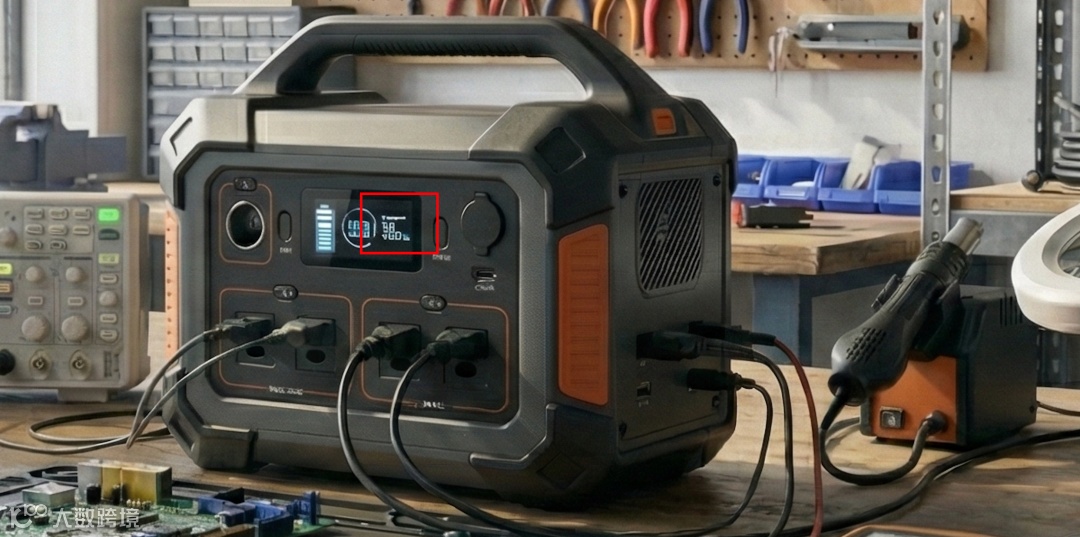
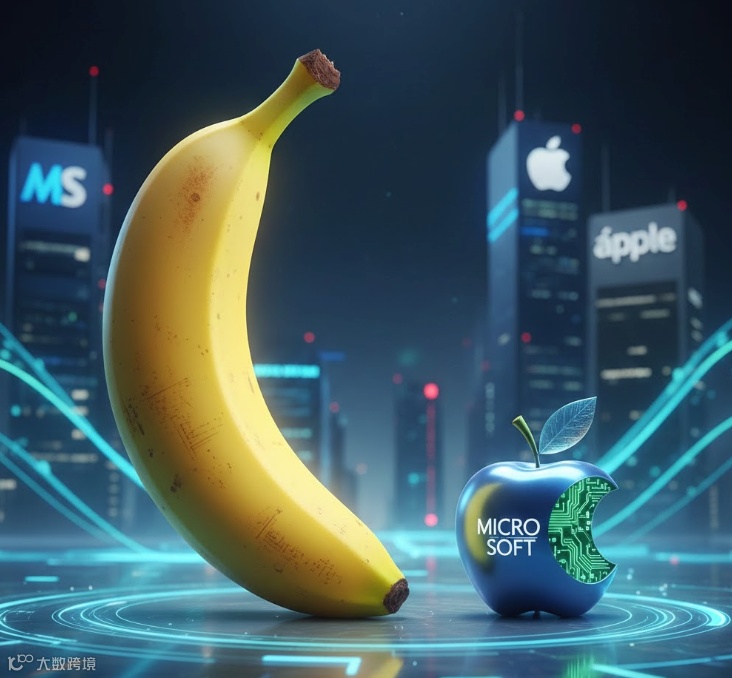
重试
Establishing the vision: Story, subject and style
确立愿景:故事、主题与风格
To achieve the best results and have more nuanced creative control, include the following elements in your prompt:
为了获得最佳效果并拥有更细腻的创意控制,请在提示中包含以下元素:
- Subject:
Who or what is in the image? Be specific. (e.g., a stoic robot barista with glowing blue optics; a fluffy calico cat wearing a tiny wizard hat).
主题: 图片中是谁或什么?具体点。(例如,一位发着蓝色光学器官的冷静机器人咖啡师;一只戴着小巫师帽的毛茸茸三花猫)。 - Composition:
How is the shot framed? (e.g., extreme close-up, wide shot, low angle shot, portrait).
组成: 镜头是如何构图的?(例如,极近特写、广角、低角度、人像)。 - Action:
What is happening? (e.g., brewing a cup of coffee, casting a magical spell, mid-stride running through a field).
行动: 发生了什么事情?(例如,冲泡一杯咖啡,施展魔法,在田野中奔跑)。 - Location:
Where does the scene take place? (e.g., a futuristic cafe on Mars, a cluttered alchemist's library, a sun-drenched meadow at golden hour).
位置: 场景发生在哪里?(例如,火星上的未来咖啡馆、杂乱的炼金术士图书馆、金色时分阳光普照的草地)。 - Style:
What is the overall aesthetic? (e.g., 3D animation, film noir, watercolor painting, photorealistic, 1990s product photography).
风格: 整体美学是什么?(例如,3D 动画、黑色电影、水彩画、写实、1990 年代产品摄影)。 - Editing Instructions:
For modifying an existing image, be direct and specific. (e.g., change the man's tie to green, remove the car in the background)
编辑说明: 修改现有图像时,要直接且具体。(例如,将男子领带改为绿色,去除背景中的汽车)
Refining the details: Camera, lighting and format
细节的精炼:摄影、灯光和格式
While simple prompts still work, achieving professional results requires more specific instructions. When crafting your prompts, move beyond the basics and consider these advanced elements:
虽然简单的提示依然有效,但要获得专业效果需要更具体的指导。在制作提示时,超越基础,考虑以下高级要素:
- Composition and aspect ratio:
Define the canvas. (e.g., "A 9:16 vertical poster," "A cinematic 21:9 wide shot.")
构图与画面比例: 定义画布。(例如,“9:16 的竖屏海报”、“电影感十足的 21:9 广角镜头。”) - Camera and lighting details:
Direct the shot like a cinematographer. (e.g., "A low-angle shot with a shallow depth of field (f/1.8)," "Golden hour backlighting creating long shadows," "Cinematic color grading with muted teal tones.")
摄影与灯光细节: 像摄影师一样导演镜头。(例如,“低角度镜头,浅景深(f/1.8)”、“黄金时段背光产生长阴影”、“电影般的色彩调色,采用柔和的青绿色调。”) - Specific text integration:
Clearly state what text should appear and how it should look. (e.g., "The headline 'URBAN EXPLORER' rendered in bold, white, sans-serif font at the top.")
具体文本整合: 明确说明应出现的文本及其外观。(例如,“标题'URBAN EXPLORER'以粗体白色无衬线字体呈现在顶部。”) - Factual constraints (for diagrams):
Specify the need for accuracy and ensure your inputs themselves are factual (e.g., "A scientifically accurate cross-section diagram," "Ensure historical accuracy for the Victorian era.").
事实约束(针对图表): 明确准确性的需求,并确保输入内容真实(例如,“科学准确的截面图”、“确保维多利亚时代的历史准确性”)。 - Reference inputs:
When using uploaded images, clearly define the role of each. (e.g., "Use Image A for the character's pose, Image B for the art style, and Image C for the background environment.")
参考输入: 使用上传图片时,明确定义每个图片的角色。(例如,“使用图片 A 作为角色姿势,图片 B 作为艺术风格,图片 C 作为背景环境。”)
Prompting examples: A showcase of creative techniques
提示示例:创意技巧的展示
Different prompting strategies can help you craft everything from photorealistic edits to fantastical new worlds. Here are some techniques to try:
不同的提示策略可以帮助你打造从照片级真实剪辑到奇幻新世界的各种元素。以下是一些可以尝试的技巧:
1. Generate visuals with incredible text rendering: Sharp, legible text helps you create impactful posters, intricate diagrams, and even detailed product mockups.
1. 用出色的文字渲染生成视觉效果: 清晰易读的文字帮助你制作有冲击力的海报、复杂的图表,甚至详细的产品模型。
2. Create with real-world knowledge: Built on Gemini 3 Pro, Nano Banana uses Gemini 3’s real-world knowledge and deep reasoning capabilities to deliver precise, detailed, rich image results.
2. 基于真实世界知识进行创作: 基于 Gemini 3 Pro,Nano Banana 利用 Gemini 3 的真实世界知识和深度推理能力,提供精准、细致且丰富的图像效果。
3. Translate and localize your ideas: Generate localized text, or translate text inside images. See what products might look like in multiple languages, ready for international markets, and create posters and infographics for use across different regions.
3. 翻译和本地化你的想法: 生成本地化文本,或在图像内翻译文本。看看产品可能以多种语言呈现,面向国际市场,并制作海报和信息图表,适用于不同地区。
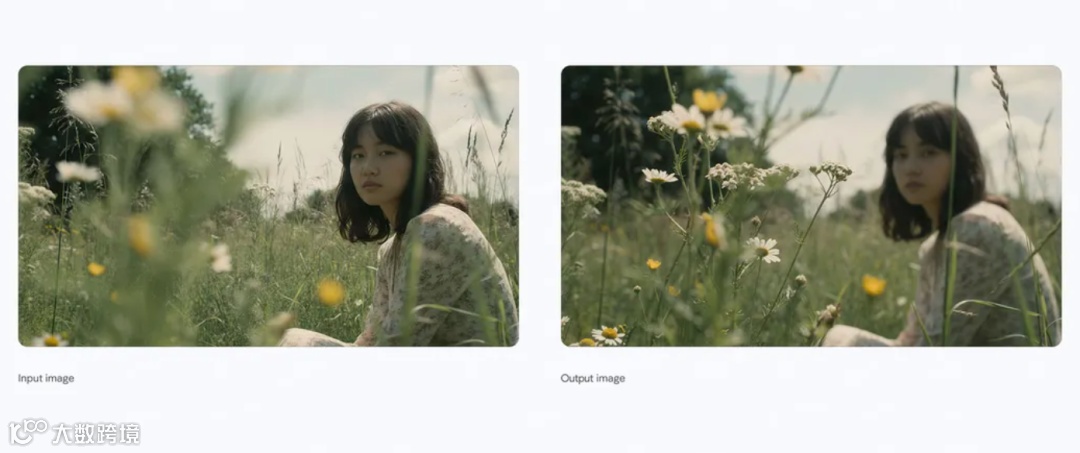
这里官方也提供了一些思路,基本上就是把现有的一些图片二创,或者快速创造出一些知识图片等。
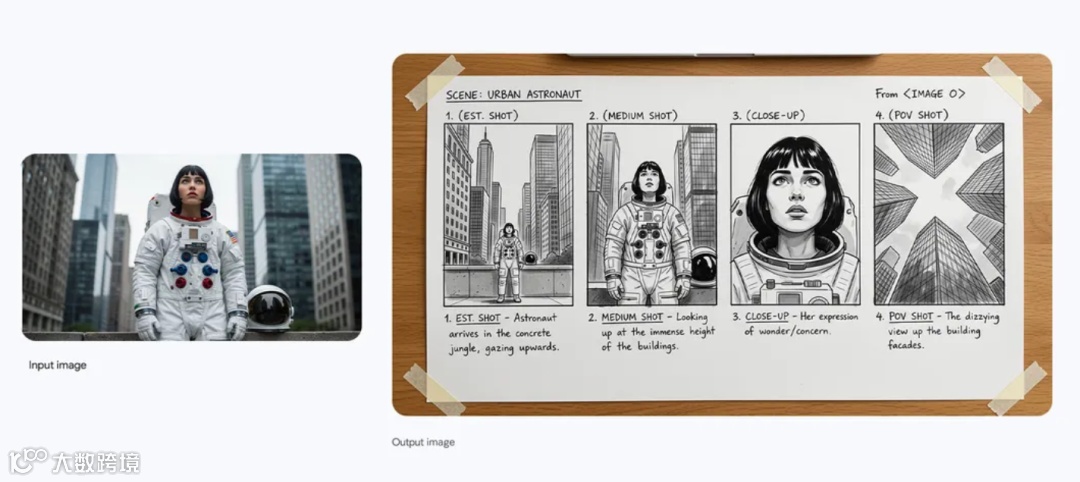
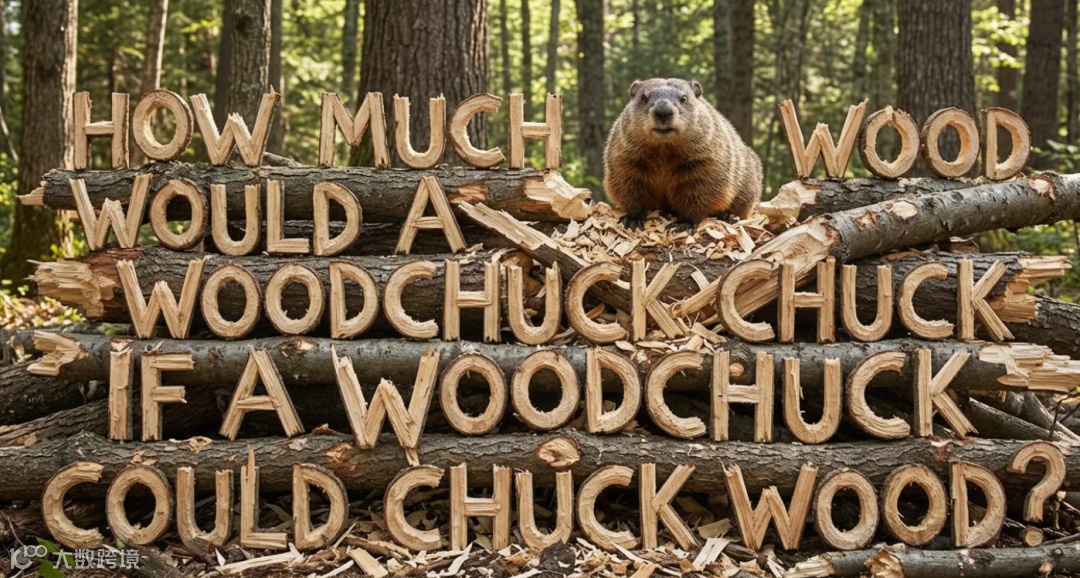
4. Use studio-quality control edits: Get extensive controls for professional-grade results. Directly influence lighting and camera settings like angle, focus, color grading and more.
4. 使用工作室质量控制的剪辑: 获得专业级效果的全面控制。直接影响灯光和相机设置,比如角度、对焦、调色等。
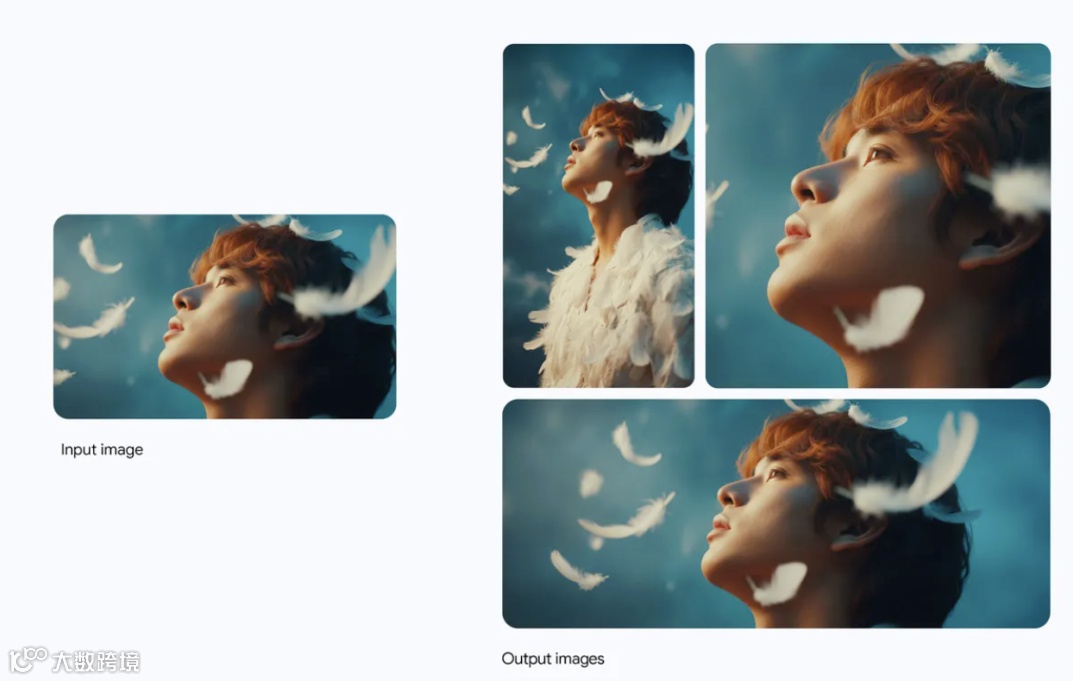
5. Resize with precision: Experiment with different aspect ratios and generate crisp visuals at 1K, 2K or 4K resolution across various products.
5. 精准调整尺寸: 尝试不同的宽高比,在不同产品中生成 1K、2K 或 4K 分辨率的清晰视觉效果。
6. Blend images and keep multiple characters consistent: Maintain the consistency and resemblance of multiple characters, even when they appear together in a group. Take up to 6 to 14 (input number varies by surface) entirely unconnected images and blend them to create something new.
6. 融合图像并保持多个角色的一致性: 即使多个角色在群体中出现,也要保持其一致性和相似度。取 6 到 14 张(输入数因表面而异)完全不连贯的图像,混合它们,创造出新的效果。
7. Create and maintain your brand look and feel: Render and apply designs with consistent brand styling to visualize concepts easily. Seamlessly drape patterns, logos, and artwork onto 3D objects and surfaces—from apparel to packaging—while preserving natural lighting and texture.
7. 创建并维护品牌外观与感觉: 渲染并应用统一品牌风格的设计,轻松实现概念可视化。无缝地将图案、标志和艺术作品垂挂在 3D 物体和表面上——从服装到包装——同时保持自然光和质感。
As we continue to develop and fine-tune our models, there are still areas in need of improvement:
随着我们不断开发和优化模型,仍有一些领域需要改进:
- Visual and text fidelity:
Rendering small text, fine details, and producing accurate spellings may not work perfectly.
视觉和文本的真实度: 渲染小文字、细节和准确拼写可能并不完美。 - Data and factual accuracy:
Always verify the factual accuracy of data-driven visuals like diagrams and infographics.
数据与事实准确性: 务必核实数据驱动的视觉资料(如图表和信息图)的事实准确性。 - Translation and localization:
Multilingual text generation may make grammar mistakes or miss specific cultural nuances.
翻译与本地化: 多语言文本生成可能会出现语法错误或遗漏特定的文化细节。 - Complex edits and image blending:
Advanced editing tasks like blending or lighting changes can sometimes produce unnatural artifacts.
复杂的编辑与图像混合: 高级编辑任务如混合或光照变化有时会产生不自然的伪影。 - Character features:
While usually reliable, character consistency across edits may vary.
角色特征: 虽然通常可靠,但不同编辑中的角色一致性可能有所不同。