


Browser Use 进步很大,已经比最初笔者介绍成熟了不少。
浏览器自动化工具 browser-use:让 AI 轻松操控网页
近日,团队发布了 0.9.0 版本,核心新功能是 Code Use,专门为爬取数据而设计。
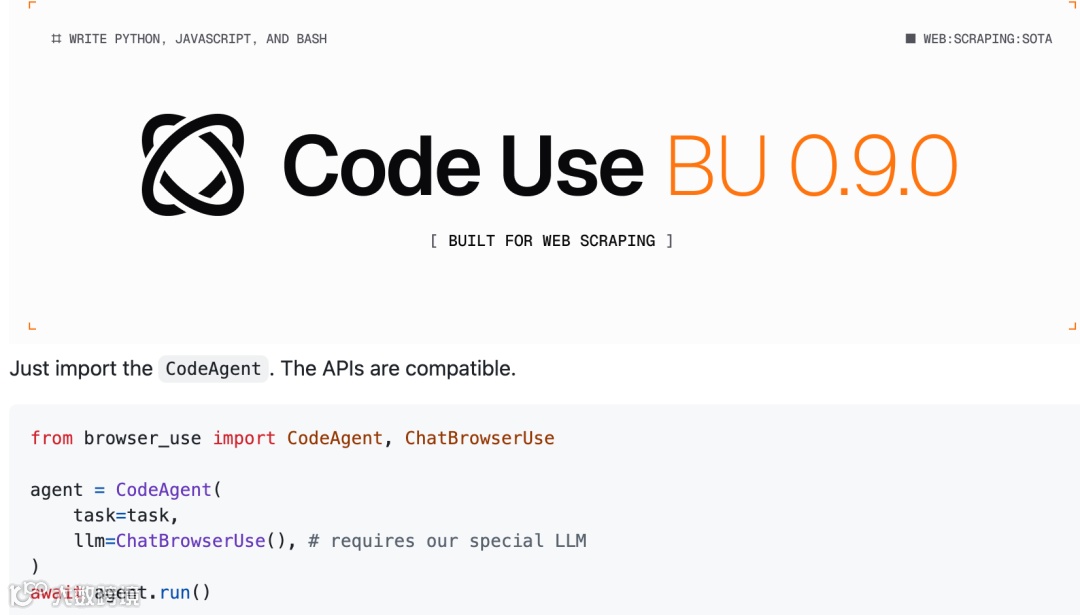
相较于过去模拟操作网页,新的方案更直接。既然网页本身就是用代码写的,那最原生的交互方式也应该是代码。团队开发了一个特殊的 Agent 和定制 LLM,只输出 Python 和 JavaScript 代码,通过 Chrome DevTools Protocol (CDP) 直接操控浏览器。这样不需要通过视觉识别和鼠标点击的中间层,直接用代码操控浏览器元素,理论上效率和准确性都会更高。
使用方式简单:
from browser_use import CodeAgent, ChatBrowserUse

agent = Agent(
 task='Find the number of stars of the following repos: browser-use, playwright, stagehand, react, nextjs',
 llm=ChatBrowserUse(),# 需要使用特定的 LLM
)
await agent.run()
多步复杂点的例子:
async def main():
 task = """

Go to https://www.flipkart.com. Continue collecting products from Flipkart in the following categories. I need approximately 50 products from:\n\n1. Books & Media (books, stationery) - 15 products\n2. Sports & Fitness (equipment, clothing, accessories) - 15 products  \n3. Beauty & Personal Care (cosmetics, skincare, grooming) - 10 products\nAnd 2 other categories you find interesting.\nNavigate to these categories and collect products with:\n- Product URL (working link)\n- Product name/description\n- Actual price (MRP)\n- Deal price (current selling price)  \n- Discount percentage\n\nFocus on products with good discounts and clear pricing. Target around 40 products total from these three categories.

 """
# Create code-use agent (uses ChatBrowserUse automatically)
 agent = CodeAgent(
  task=task,
  max_steps=30,
 )

 try:
# Run the agent
print('Running code-use agent...')
  session = await agent.run()

 finally:
  await agent.close()
不过团队也提醒了安全问题:这个 Agent 会写入和执行不安全的代码,生产环境使用需要谨慎。他们正在开发 alpha 版本的安全解决方案,有需求的用户可以等等正式发布。
感兴趣的可以尝试: https://github.com/browser-use/browser-use
关注公众号回复“进群”入群讨论。