
Board
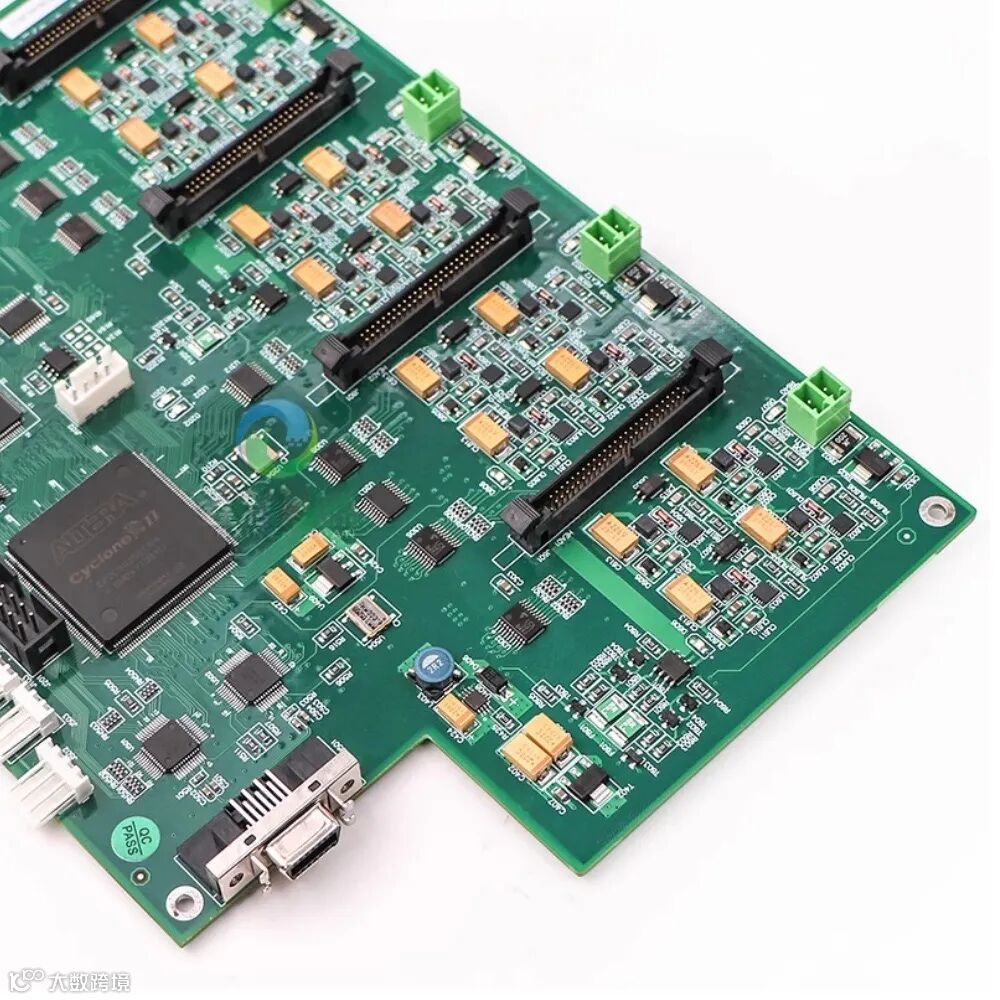
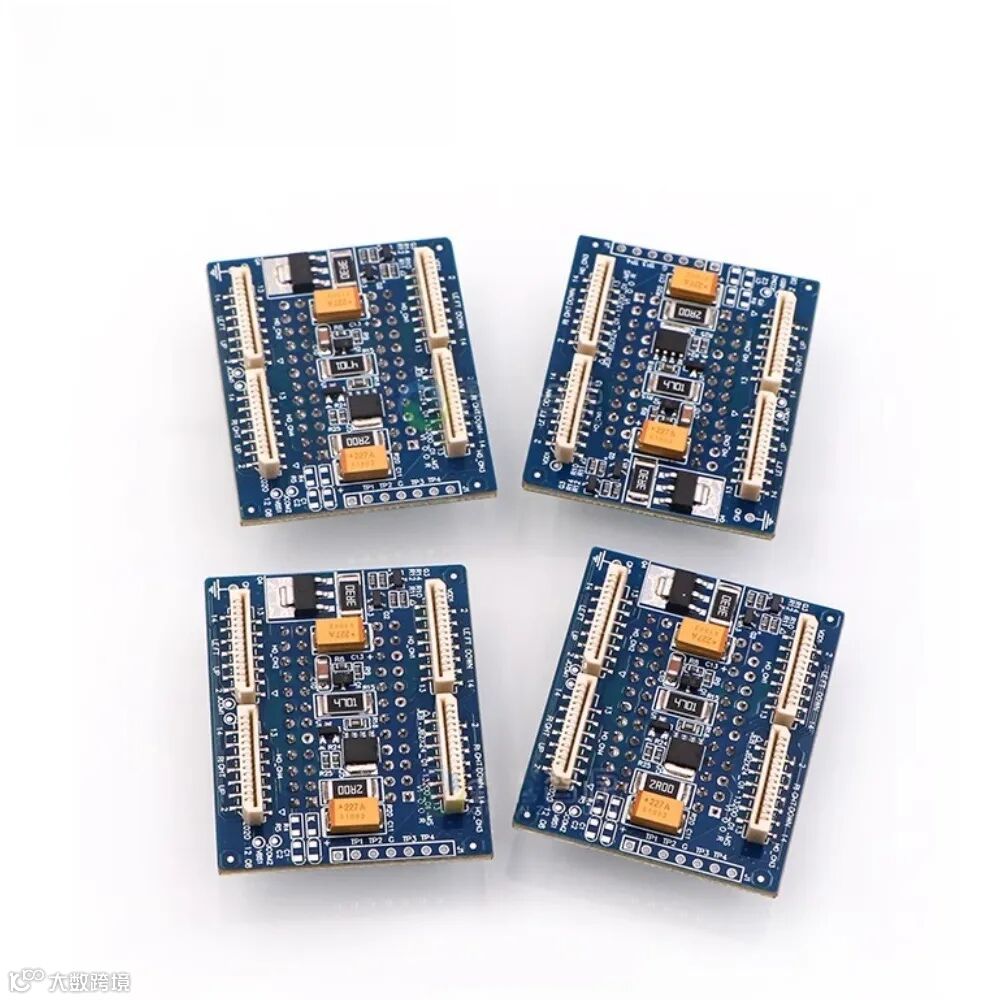
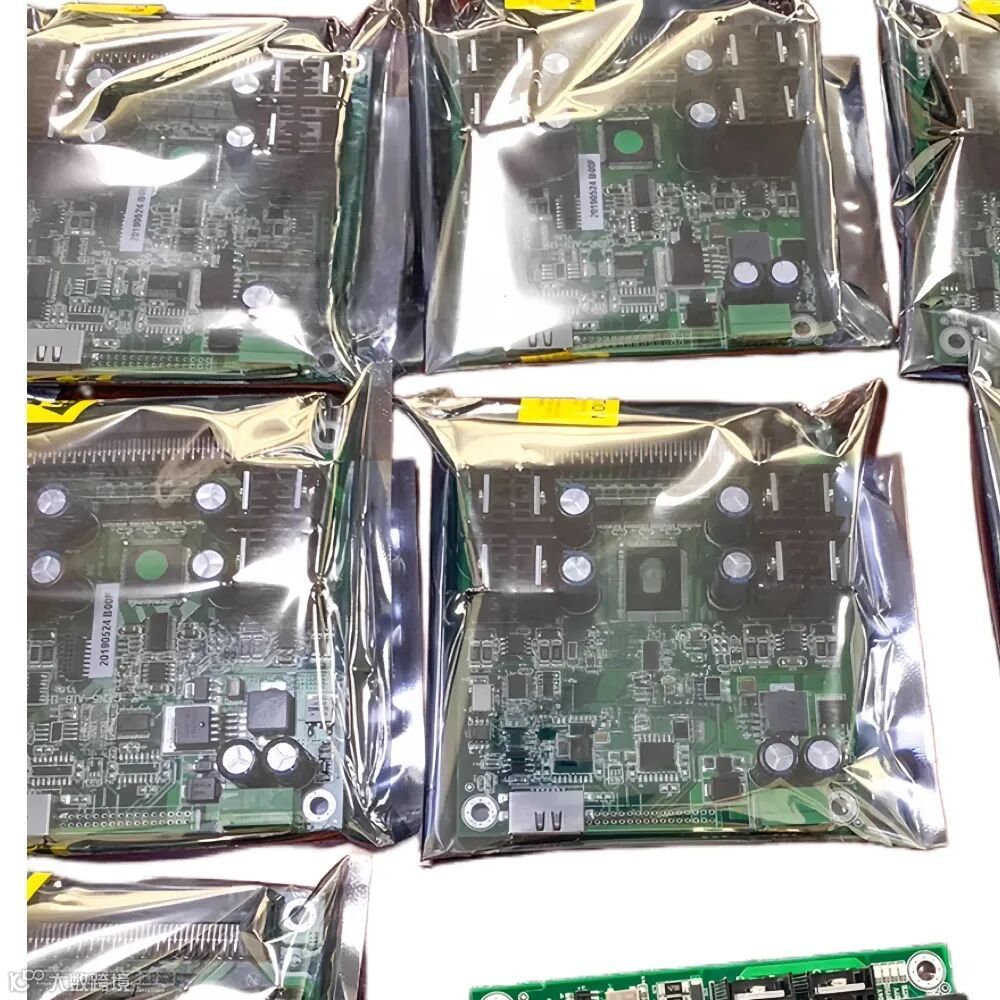
The board is the “brain” of a UV printer’s control system — it serves as the core module connecting the computer and the printhead.Through precise signal transmission, it enables the output of image data, printhead control, carriage movement, and power management.The mainboard, carriage board, and printhead board work together to ensure accurate color reproduction and stable image output.

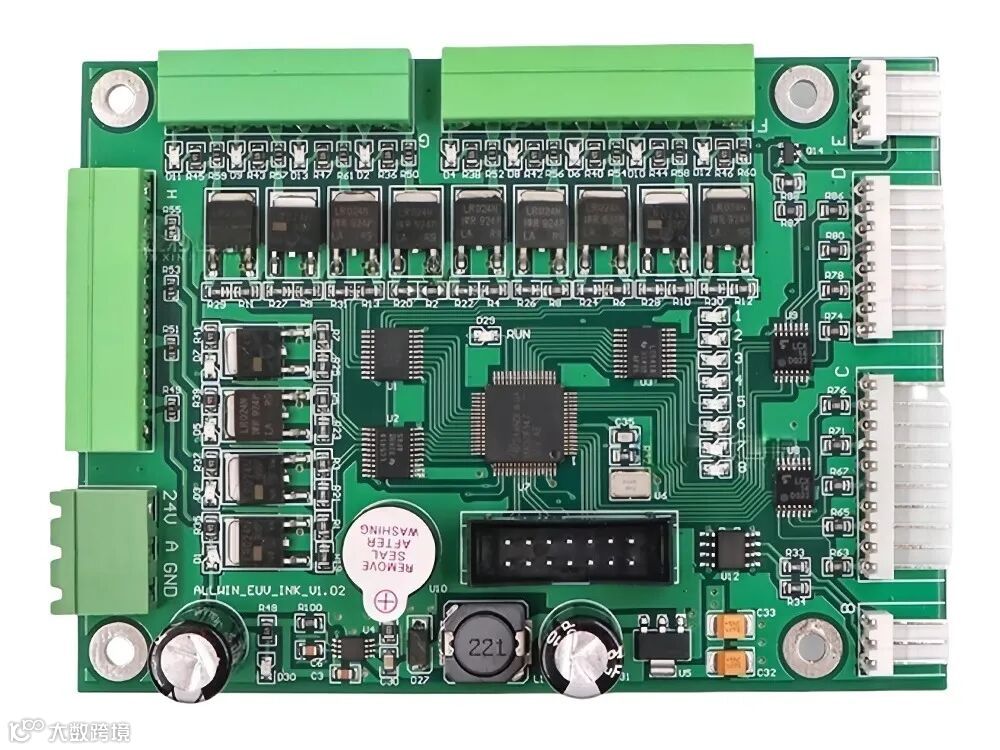
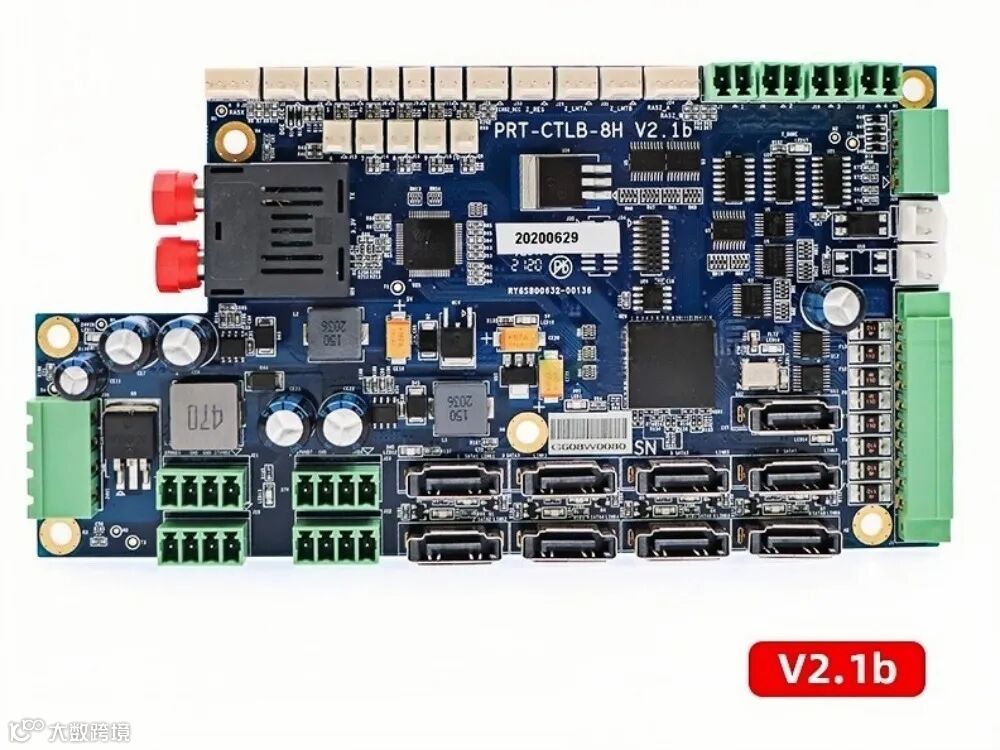

Functions and Roles
Data Analysis and Transmission
Converts image instructions from the computer into recognizable signals for the printhead, achieving precise print control.
Printhead Control
Determines inkjet timing, speed, frequency, and voltage — key factors in ensuring accurate image color and density.
Carriage Movement Control
Coordinates the printhead’s left and right motion to ensure smooth carriage travel without misalignment or interruption.
System Voltage Management
Provides stable power response to prevent data errors, component damage, or overheating, ensuring safe operation.

Structural Features
Modular Design:
Each control board integrates multiple core modules, including the controller, memory, IO ports, and power management systems.
High Compatibility:
Supports various printhead models (XP600, i3200, Ricoh Gen5, etc.).
High Stability:
Enables precise, high-resolution printing, improving operational efficiency.
Expandability:
Supports multi-printhead synchronization, with up to 4–8 channel output control.

Application Scenarios
UV Flatbed Printers:
Compatible with i3200, Gen5, and Gen6 printheads for printing on glass, metal, acrylic, and other rigid materials.
Eco-Solvent / Roll Printers:
Controls XP600 and similar printheads, suitable for banner printing, heat transfer, and sublimation applications.
Label & Tag Printing:
Works with label printing systems to ensure accurate image reproduction and stable color output.
PS: Different control boards correspond to specific printheads.Please confirm the model and connection type before installation.

Maintenance Recommendations
Regularly check whether cables are loose or damaged to prevent data loss.
Keep the board dry and dust-free to avoid oxidation or short circuits.
If the indicator light flashes abnormally, stop the machine immediately and check the power supply and grounding.
Avoid plugging or unplugging flat cables or printhead cables while the machine is powered on!
Always power off before maintenance. Avoid touching components directly to prevent electrostatic damage.
PS: In case of board damage, upgrades, or when connecting a new printhead, it is recommended to contact the original manufacturer’s technical support for proper matching and replacement.
From data transmission and printhead control to carriage movement and power management, the control board plays an indispensable role.Feel free to add us on WeChat to get more control board recommendations and service support!

If the QR code above is invalid, you can also add the WeChat below:
Mr. Wang:s15017514013
Or leave a message in the background, we will contact you as soon as we see it.


END


Click the “阅读原文” (Read Original Text) button at the bottom left to explore more!