


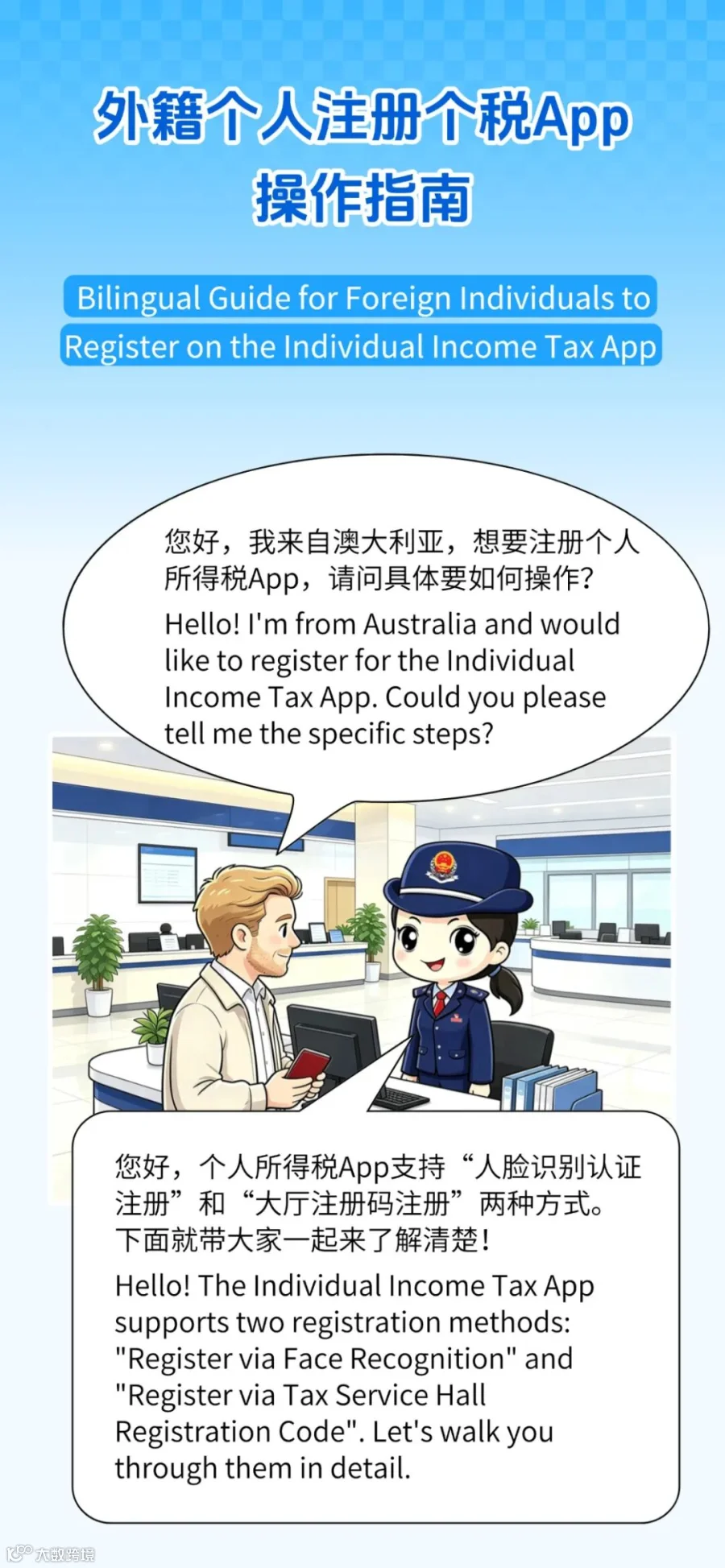
个人所得税 App 注册全流程指南
方式一:人脸识别认证注册
打开个人所得税 App,点击底部菜单栏【我的】—【注册/登录】,系统将提供“人脸识别认证注册”和“大厅注册码注册”两种选项。
First, open the Individual Income Tax App. Tap [Mine] at the bottom, and then select [Register/Login]. You will see two options: [Register via Face Recognition] and [Register via Tax Service Hall Registration Code].

请核对您持有的有效证件类型。“人脸识别认证注册”仅支持以下证件:居民身份证、港澳居民来往内地通行证、台湾居民来往大陆通行证、中国护照、外国人永久居留身份证(证)、中华人民共和国港澳居民居住证及台湾居民居住证。
Please check your valid ID document type. The [Register via Face Recognition] option supports only: Resident Identity Card, Mainland Travel Permit for Hong Kong/Macao/Taiwan Residents, Chinese Passport, Foreign Permanent Resident ID Card, and Residence Permits for Hong Kong/Macao/Taiwan Residents.
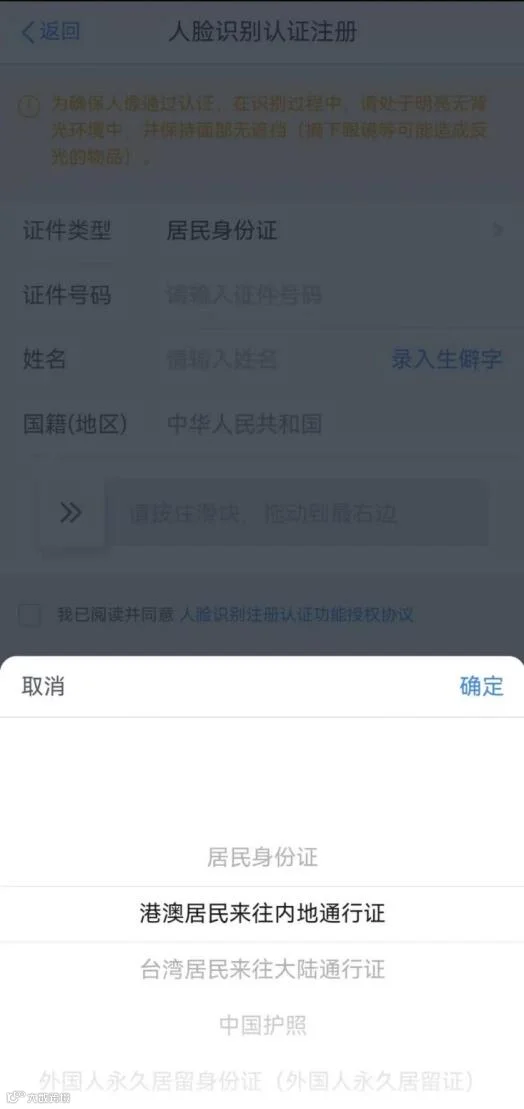
若持有上述证件,选择【人脸识别认证注册】并同意《自然人电子税务局用户注册协议》。随后选择证件类型,准确填写证件号码、姓名、国籍(地区)等信息。
If your ID is listed above, select [Register via Face Recognition] and agree to the "User Registration Agreement". Then choose your ID type and enter details including ID number, name, and nationality (region).

点击【开始人脸识别】,完成验证后,在注册页面设置密码、绑定手机号并输入短信验证码,即可完成注册。
Tap [Start Face Recognition]. After verification, set your password, bind your mobile number, and enter the SMS code to complete registration.
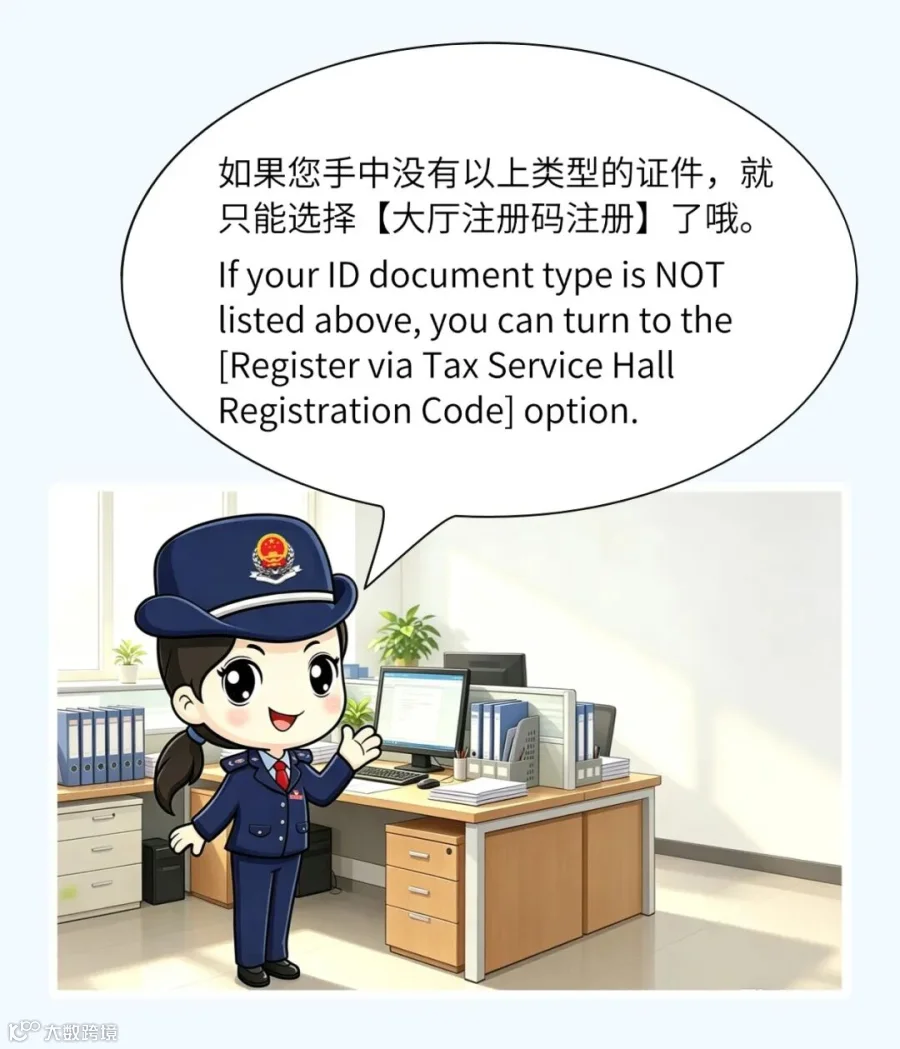
方式二:大厅注册码注册
此方式需本人携带有效证件前往办税服务厅获取注册码。注意:获得注册码后,须在 7 天内通过个人所得税 App 的【大厅注册码注册】入口完成认证。
Please visit a tax service hall with your valid ID to obtain a registration code. Note: You must complete registration via the App within 7 days of receiving the code.
操作流程与人脸识别类似:选择【大厅注册码注册】,同意用户协议,输入大厅注册码及证件相关信息(类型、号码、姓名、国籍等)。
Similar to the face recognition method: Select [Register via Tax Service Hall Registration Code], agree to the terms, enter the registration code, and fill in your ID details.
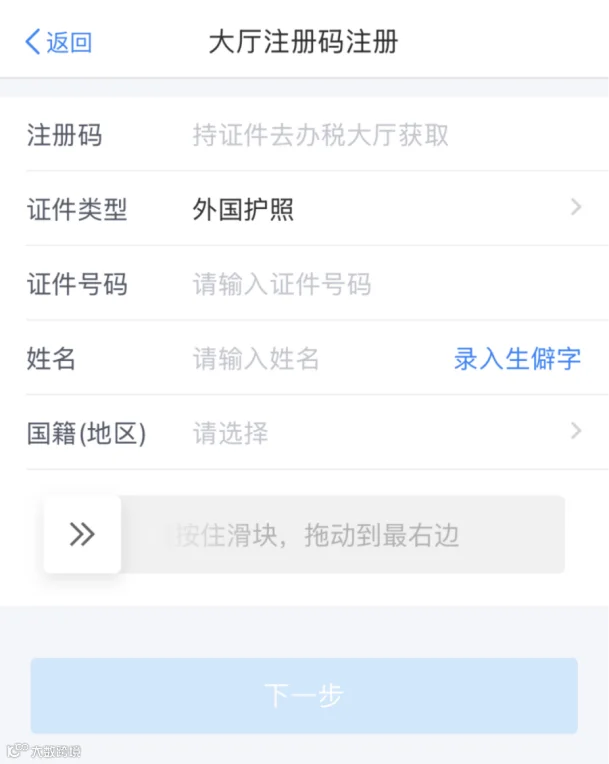
点击【下一步】,设置密码并验证手机号,即可成功注册。
Tap [Next], set your password, verify your mobile number, and you are all set.