


1. Stop hunching over your desk.(别再弓着背办公)
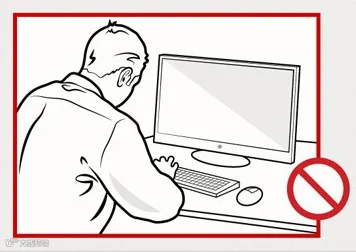
Hunching your back all day puts a huge amount of strain on your neck and lower back, making you more likely to get injured. Workers tend to slouch because they can't see the characters on their computer well.
2. Make it easy to read your on-screen text.(把字体调大一点)
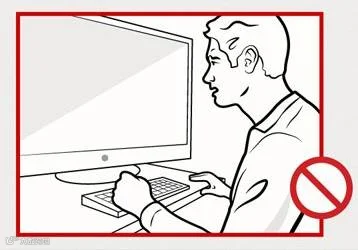
Even if you have a widescreen monitor, you might be straining your eyes. To tell wheter the text is big enough, hold up a dollar bill to the screen. The text should be at least as big as the serial number, about 3.5 mm.
3. Give up the phone.(别用有线电话了)
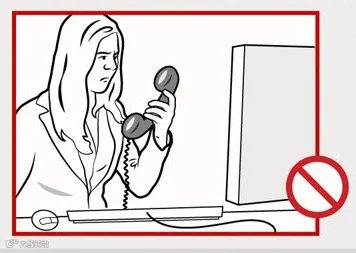
Ask your company to get you a headset. It's much better for your neck and shoulders.
4. Adjust your chair so that you have even pressure on your rear end.(调整椅子,好让屁股受力均匀)
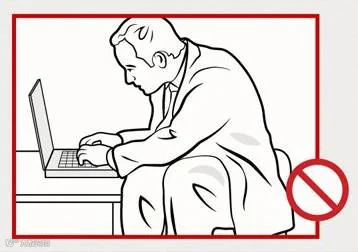
If the seat is too low, you put pressure on the back of your bum. If it's too high, you put pressure on the front of the seat. And your feet should easily touch the floor.
5. Place your keyboard and mouse at elbow height.(把键盘和鼠标放在肘部的高度)
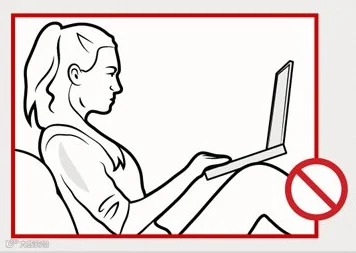
After you adjust your chair, adjust your keyboard and mouse so that they are at height of your elbow.
6. Use a thin, flat keyboard.(尽量用薄而平的键盘)
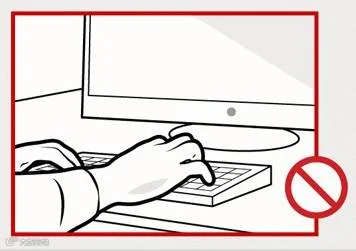
The thicker the keyboard, the more your wrist is cocked back, which can contribute to elbow and wrist pain.
7. Pick the right mouse for your workload.(选择最适合自己手形的鼠标)
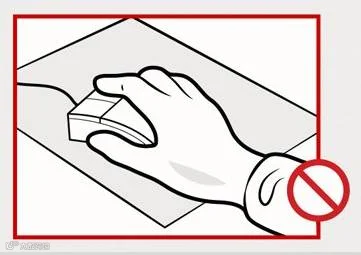
Picking the mouse is personal. You could use a symmetrical mouse, an asymmetrical mouse, a trackball, or a stylus. If you ar e a heavy user, rotate through a few.
8. Your monitor should be at eye level and positioned an arm's length away from you.(显示器应该跟眼睛同高,距离眼睛一个手臂的距离)
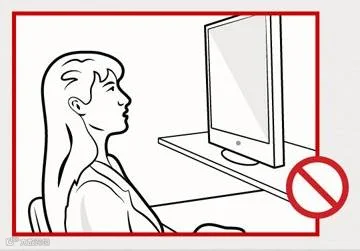
If the monitor is too high or low - or too close or far - you'll put undue strain on your neck.
9. Place the monitor perpendicular to windows to reduce glare.(把显示器和窗户成直角放置,防止反光)
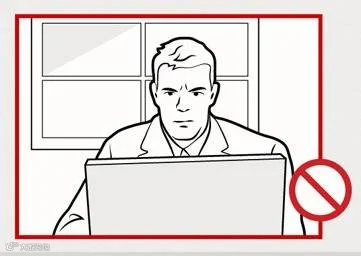
Glare makes you unproductive. If you can't see the screen well, you are more likely to twist your body to see what's on it.
-------------------------------------------
为了帮助急于找到口语陪练并愿意承担一定费用的用户,我们开辟的付费和收费练习名单。如果有什么建议或意见可以和我们联系
QQ:1044764833