


Several new improvements are in newest wechat version.
1
English Voice Input
英文语音输入
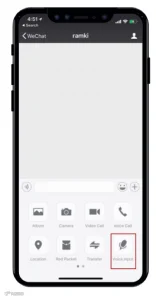
English and other non-Chinese interface users can now use “Voice Input” from within the chat“+”menu to send text messages. Voice input allows users to speak into WeChat in English and immediately convert their words to text so you can send a text message instead of a voice message.
As shown below, tap on “Voice Input” and a “Hold to Talk” button will appear.
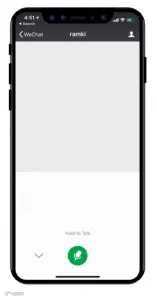
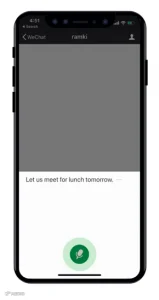
Press and hold the “Hold to Talk” button and begin speaking your message and you’ll see the converted text appear on-screen in realtime.
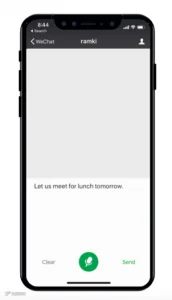
Once your done speaking, you can check and edit you message as necessary before sending the text to your friend. This not only saves time, but is also a convenient way to text long messages or to send text messages when on-the-go.

2
Switch Account
“切换登录帐号”
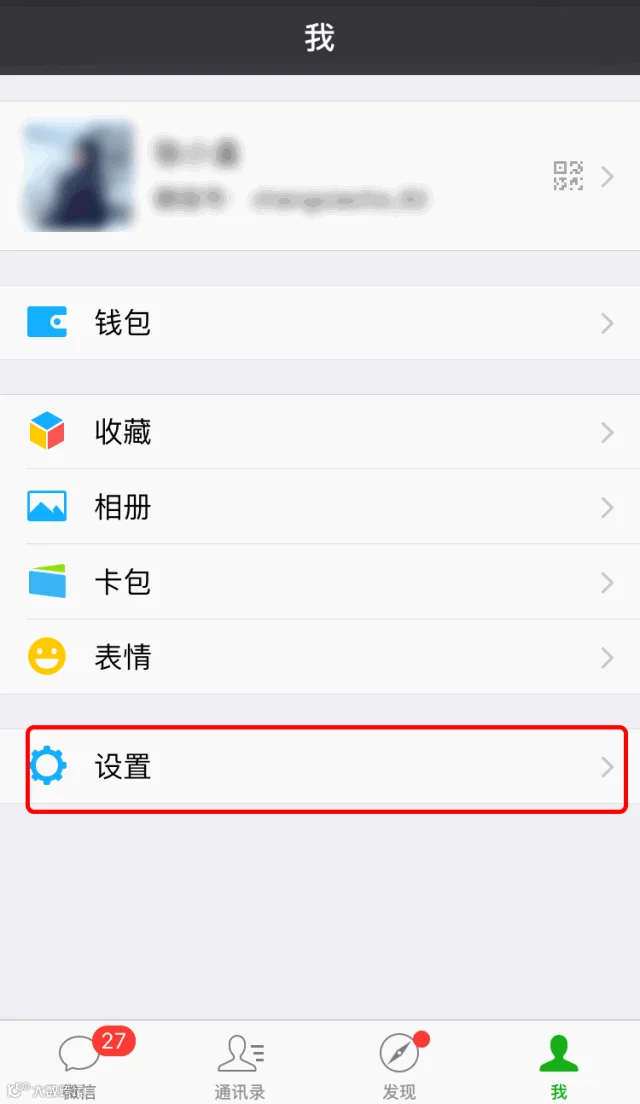
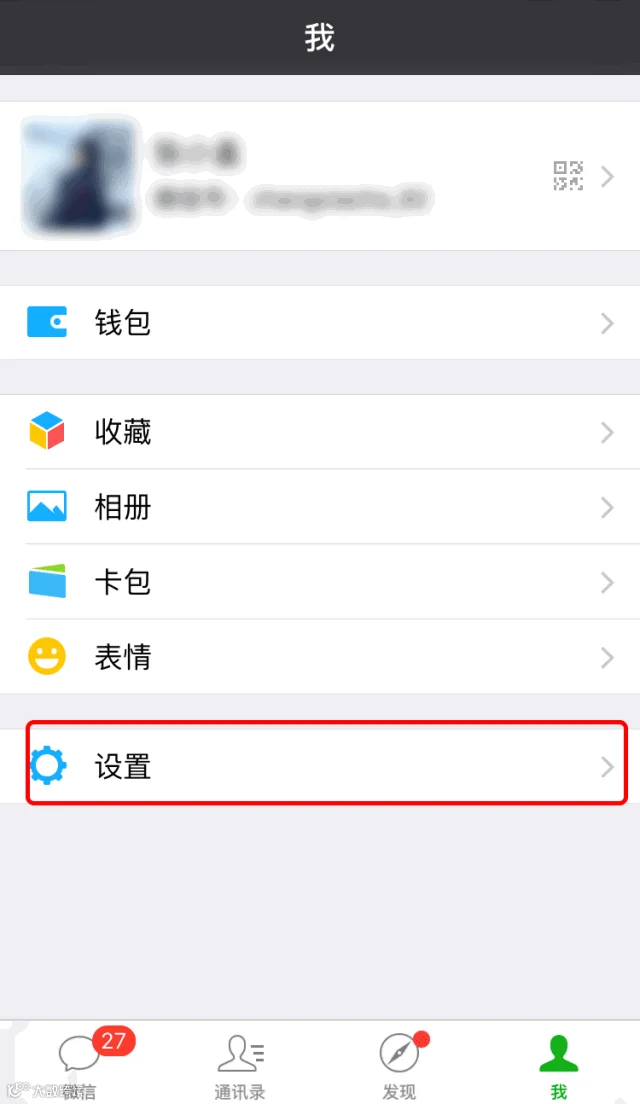
Do you frequently switch two different WeChat accounts on the same device. Now you can use Login Manager by going to “Me” > “Settings” > "Switch Account” to easily switch to another account.
You will be logged out of your current account (meaning that you will no longer receive system notifications when you receive a message on the prior account) and logged in to the new account.
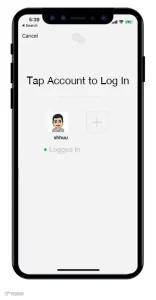
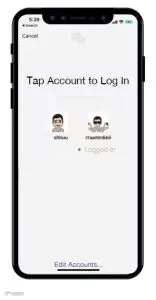
Tap the “+” button and enter your login credentials to log in your second WeChat account.
After logging in to your second account, return to this screen by going to “Me” > “Settings” > "Switch Account” again to easily switch back to your original account.
For your account’s safety, you’ll need to verify your identity by entering a password, SMS confirmation code, or Voiceprint verification each time you switch between accounts.
You can also tap “Edit Accounts…” to remove an account from the Login Manager screen.
一键切换登录帐号
进入微信客户端“设置”页面点击“切换帐号”,可以在本设备快速切换登录,最多可添加两个常用帐号。
3
“Discover” tab management
发现页管理
At WeChat, we work hard to bring you innovative, new features that enrich your app experience. In order to make the WeChat experience more suitable for all users, we’ve added the ability for you to show or hide features that appear in your WeChat “Discover” tab.
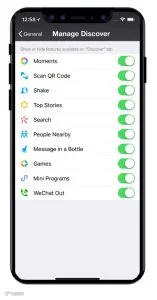
Go to “Me” > “Settings” > “General” > “Manage Discover” and you will have the option to show or hide the various optional features displayed within your “Discover” tab.
只发现你想发现的
教你如何管理发现页
在“设置”-“通用”-“发现页管理”中控制和选择哪些功能在“发现”页面中显示。
Source:wechat/ExpatGuide
Feel free to add "DC" if you have any questions.

Since you're here
Do you want to share a good news story? Let us know if you want to tell a story or share some news with us.

 Landing visas available at Changzhou Airport
 China eases visa permits for foreign high-skilled workers
 18 Hot Springs — Your Cold Day's Best Companion
 Important Notice of Chinese Work Permit
 Individual Income TaxGuide for Expats in China
 which major Chinese cities you can fly to/from Changzhou?