
Wechat has updated to a new version of 6.6.0 for IOS since yesterday! And there are three new functions, very practical ones:
Making voice calls on Wechat is just like making calls via phone system.
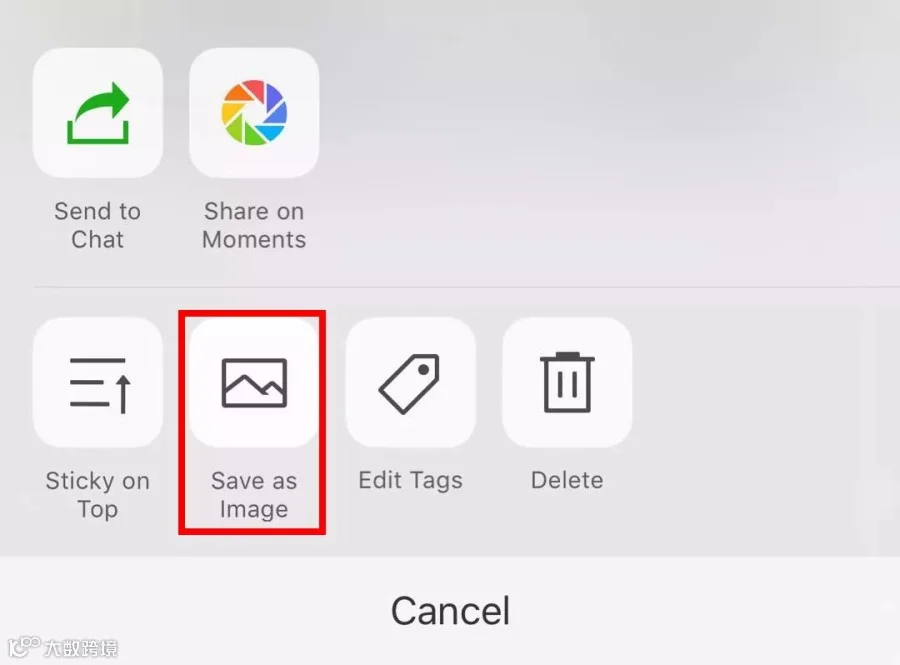
Notes taken in the “Favorites” list can be saved as pictures and shared on moments.
Recalled messages can be re-edited

However, for Android system, a new version of Wechat 6.5.23 has been launched, yet there is no updated function mentioned above so far.
Wechat Call = Mobile Call
Many users complained that voice call via Wechat was so inconvenient because unlike picking up phone calls, they couldn’t receive calling invitation if they quit Wechat interface. In that case, someone made voice call to you, you received no response once you were offline or just doing shopping on Amazon.
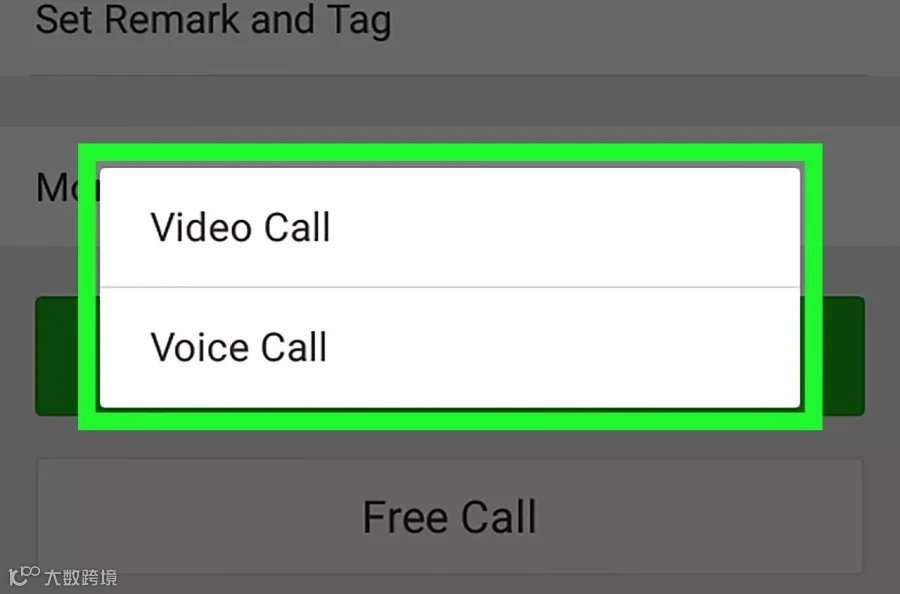
Surprisingly, the new version of Wechat this time solve the problem. When someone makes a voice call to you, your phone rings. That means, you can receive the Wechat calling invitation even though you are offline. And, it’s totally your choice to receive or decline the call, just like mobile calling does!
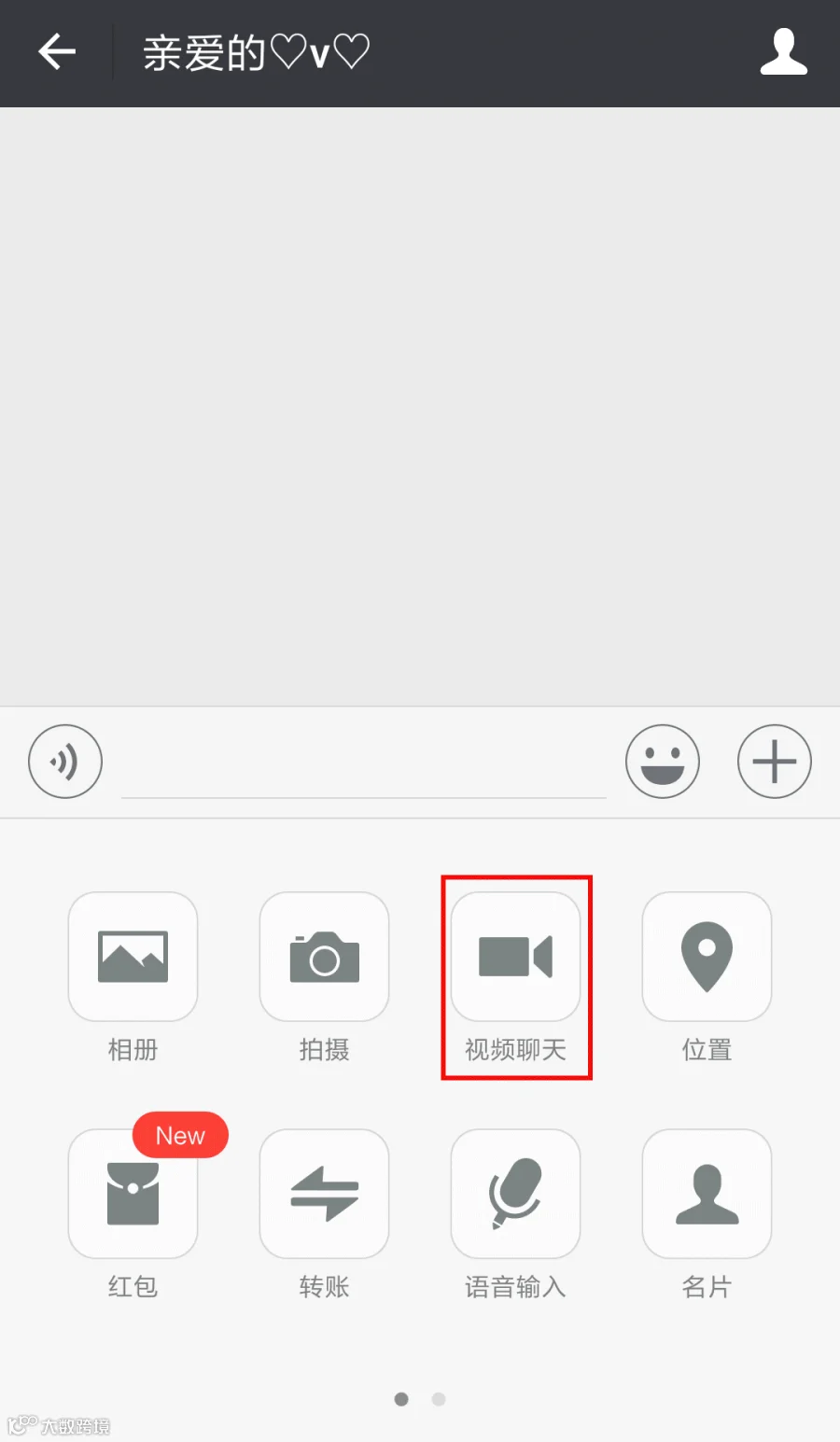
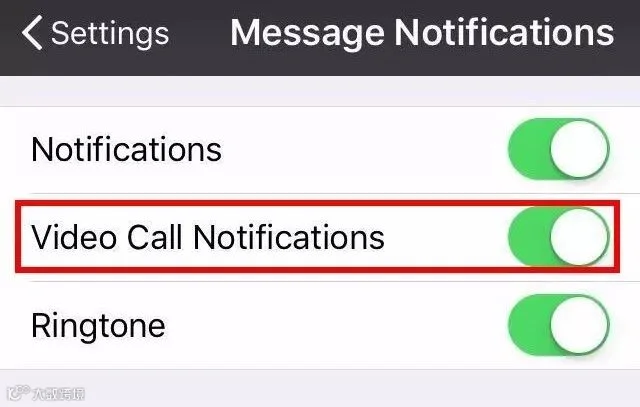
But, what if you think this function as a kind of disturbance, or don’t want the calling invitation just pops up, you can also turn down this function by turning down "Video call notifications". In this way, only if you are on the Wechat interface can you receive the notification.
How to set
"Me" -- "Setting" -- "Message Notifications" -- "Video Call Notifications"
Edit Recalled Message
Having sent a long and detailed message but just recalled it somehow accidentally? OMG! Do I have to type the same message again? Relax, in the new version of Wechat, you can get back your recalled message and edit it once again!
Before
There was merely a sign "You’ve recalled a message" before after recalling a message,
Now
There is a tip in blue font of "Re-edit".
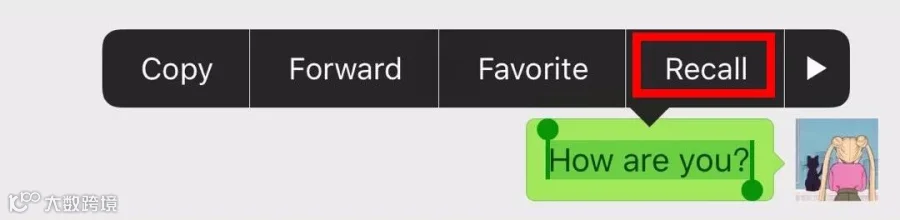
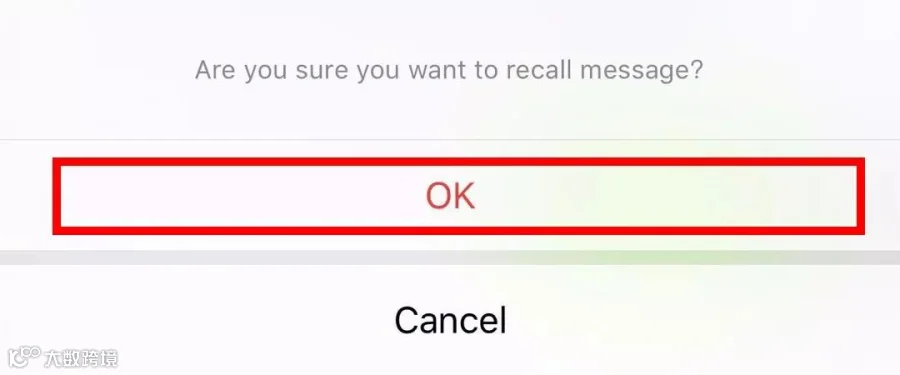
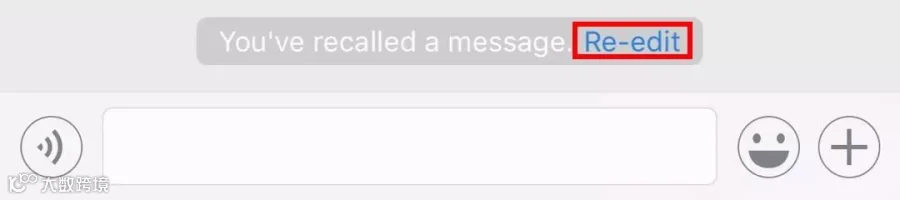
Click it, the message recalled by you will show up in the input box again! Just re-edit the message based on the original one, really convenient!
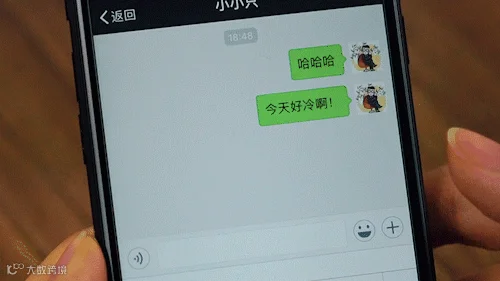
Note As before, messages can neither be recalled nor re-edited if they have been sent out for 2 minutes or much longer.
Save Notes Pictures
If you write a note in "Favorite" list of Wechat 6.6.0, you can save your notes as pictures and share on moments! Two more functions compared to the old version!
"Share on moments"
Not just about articles, pictures or musics, but notes can be shared to your friends on moments now! Moreover, you can choose which groups/tags you intend to share.
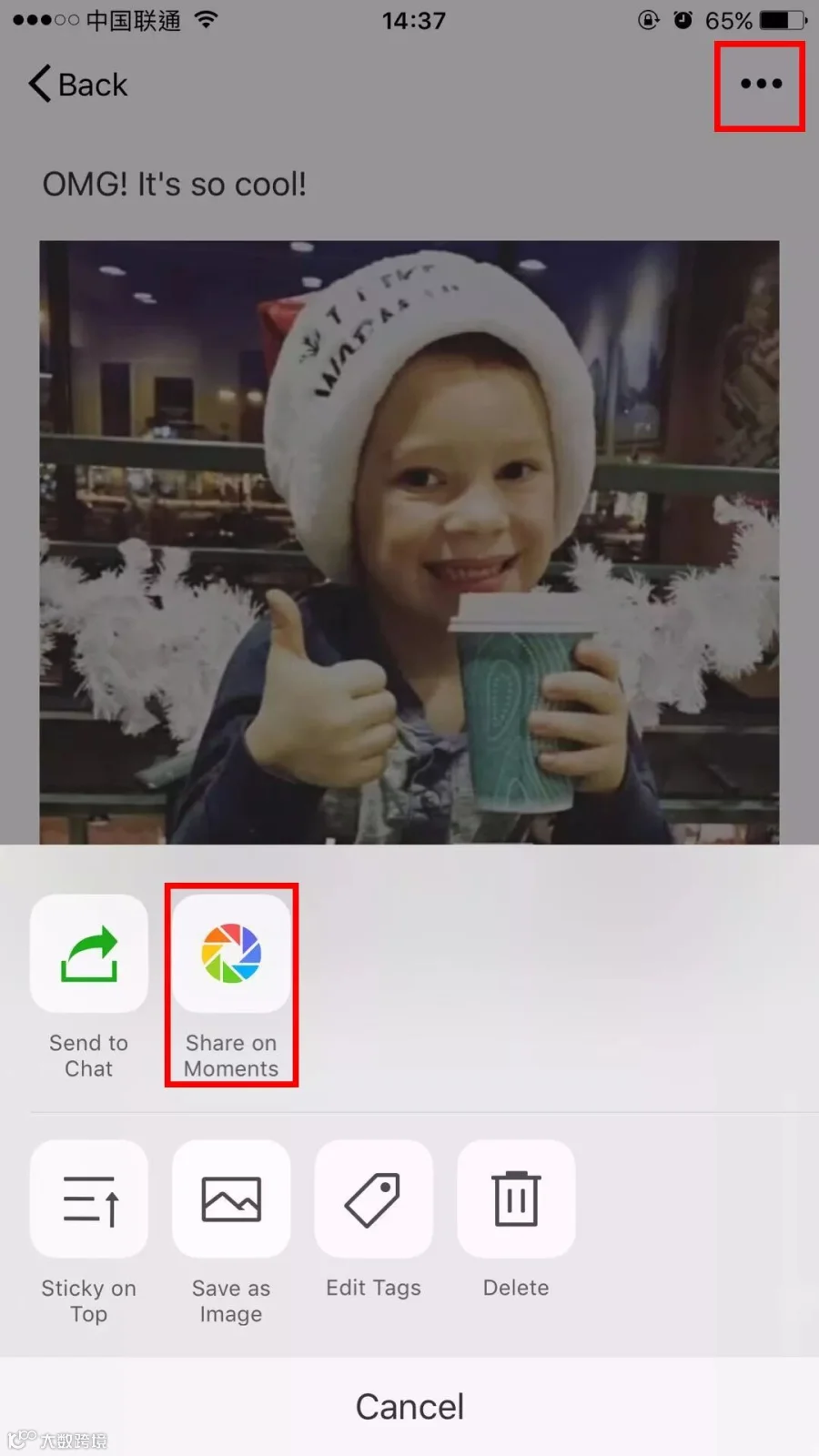
"Save as Image"
Each note you write can be saved as a picture in your mobile album.
Satisfied with new functions above?
Share to let your friends know!







HACOS,Business Services Solutions Master