
Nowadays, there are ways to pay. But do you know that sometimes, these payment ways may put your money in danger.
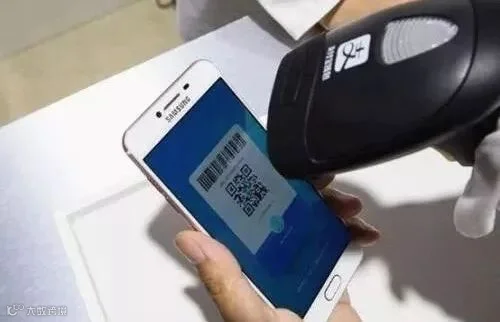
So how to make it safer?
How your money get stolen?
For instance, if your mobile get lost, your Wechat Wallet and Alipay account may be logged in by others via SMS verification sent to your phone, because they are bind up with your phone number!
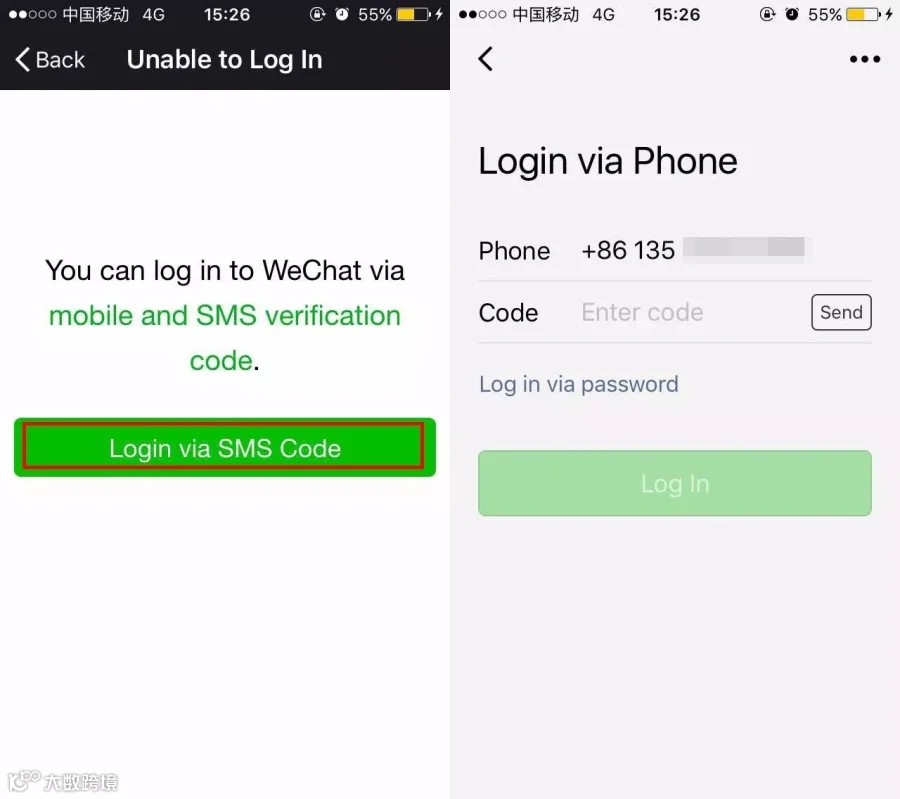
OMG! My case-dough kept from my wife is now gone! Nooooo...

So, how should you do?
(Take iPhone as an example)
Step 1
“Setting”-- “My Phone”
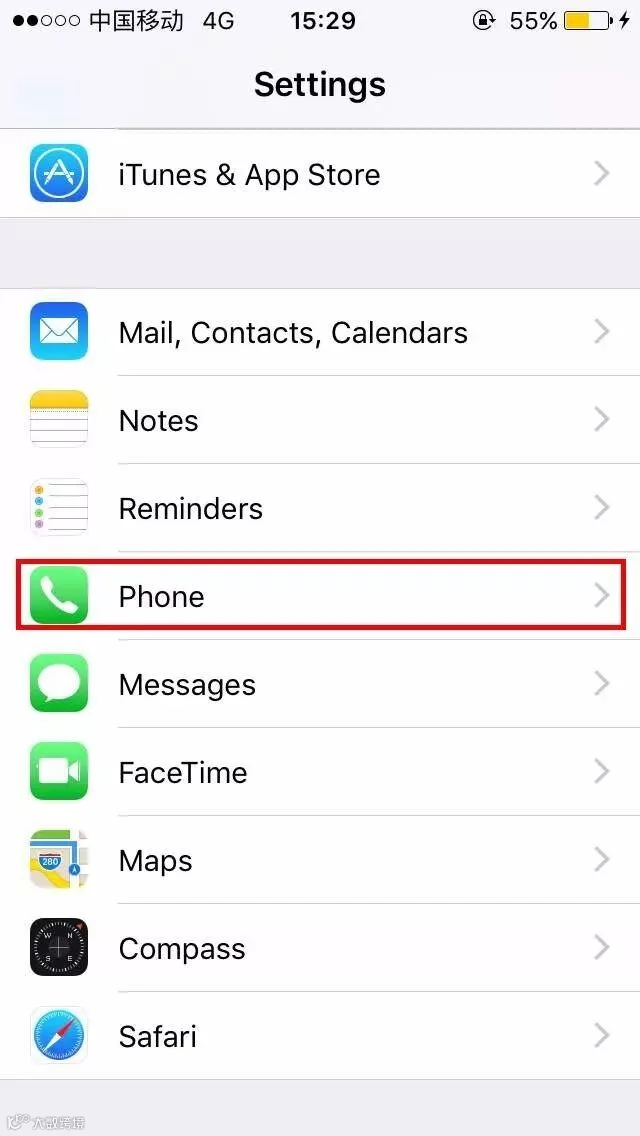
Step 2
At the bottom of the menu: “SIM PIN”
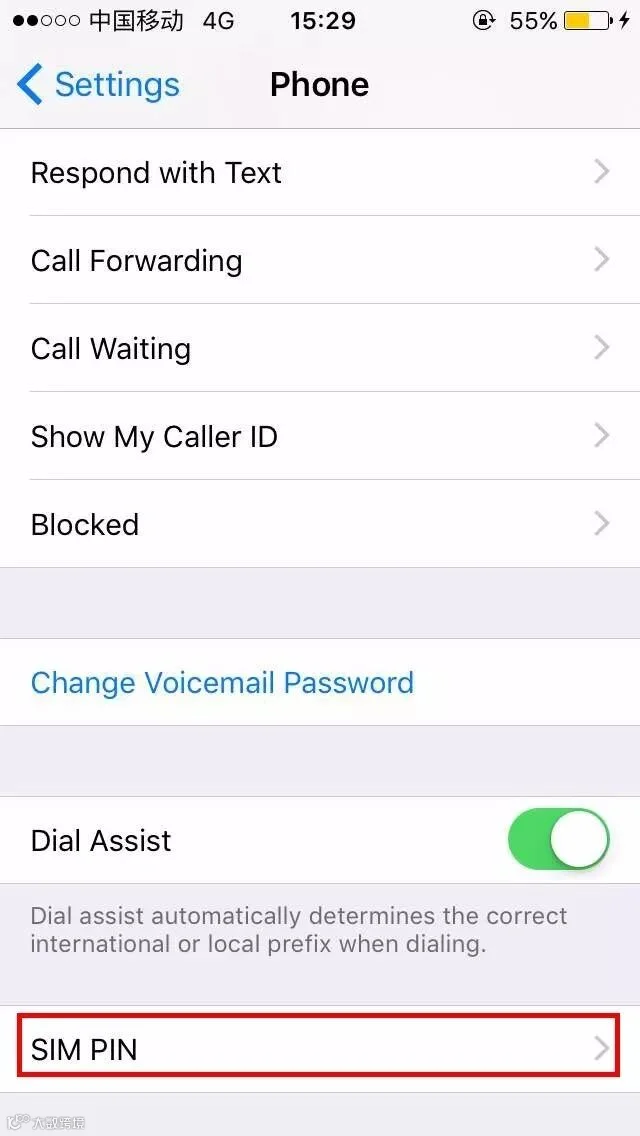
Step 3
Turn on “SIM Card-PIN”
After unlocking mobile via the original password, you need to set a PIN code.
(Remember, keep in mind the PIN code you set!)
Since then, every time you restart your phone or change a SIM card,
you will be reminded that your SIM card has been locked.
And only input the correct PIN can you use the phone.
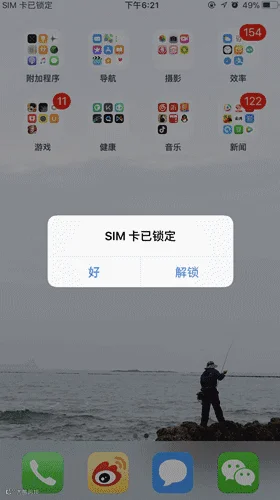
Here is the thing
↓↓↓
On the left corner:
SIM card is locked.
Now, the mobile can neither receive nor send message. And if you call it from another phone, there is a voice prompt:
Sorry, the phone you dial is powered off.
Well, your iPhone is just the same as itouch now!
It means, anyone who picks up your phone cannot use it now!
Another Function
You might ask:
Payment can be finished merely by scanning the payment
QR code on Wechat or Alipay. Does it appear to be unsafe?
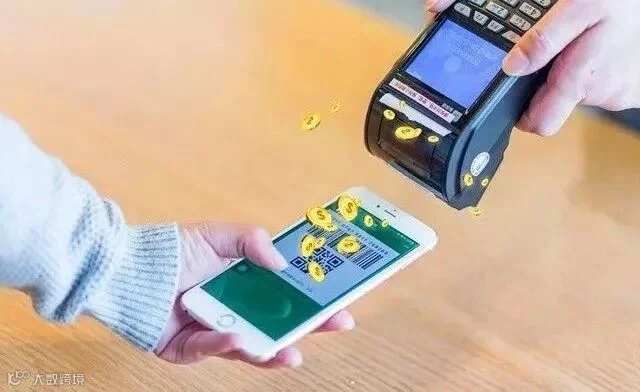
Relax, here is another way to protect your account.
Step 1
Turn on the QR code, click “...” on the right corner of the page.
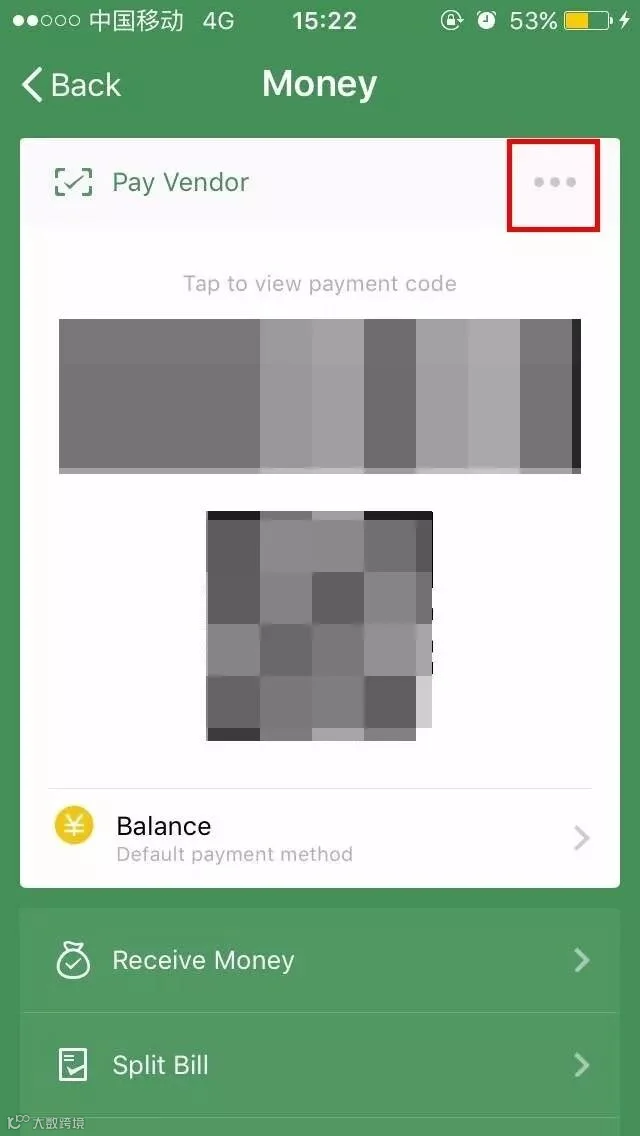
Step 2
Click "Disable".
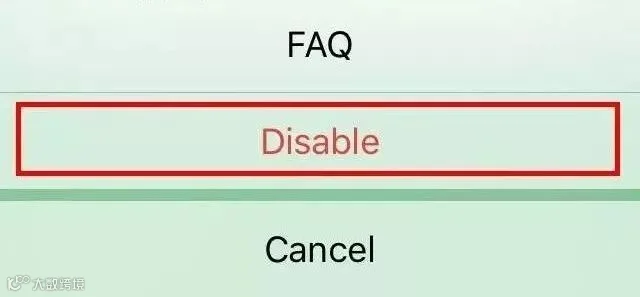
Then the QR code will be invalid.
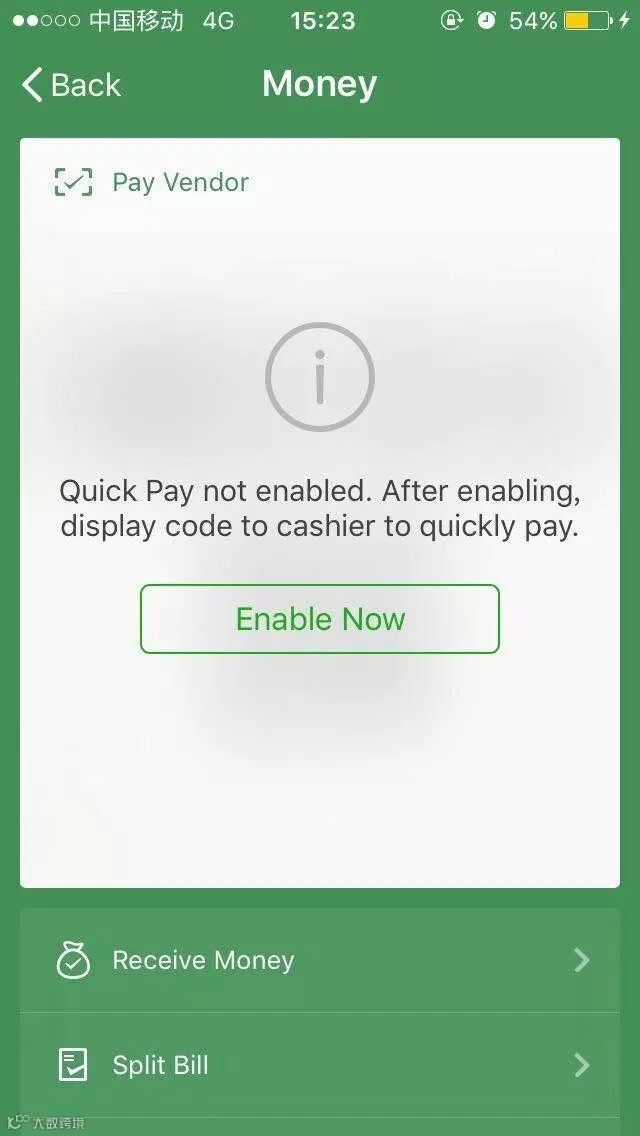
Only with the correct password or your fingerprint can the payment get finished! And now your money is safe!
Share the article
to help more people protect their money!




HACOS,Business Services Solutions Master