
Recently, WeChat has updated to a new version -- V6.5.20! New functions are really amazing! Now let’s see!
Siri -- WeChat Helper
In the new version, Siri can help you send WeChat message directly!
Hey, please help me text a message to XXX (WeChat name).
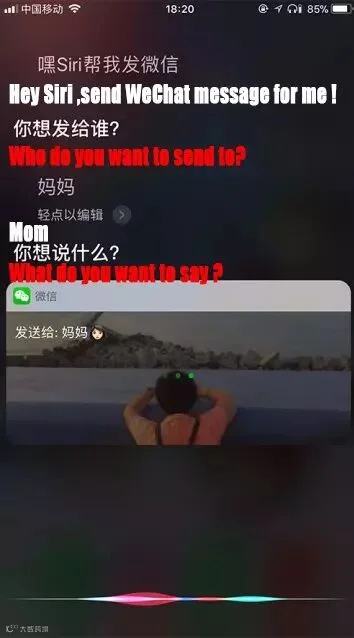
Siri will automatically find the user in the contact list you want to text, and translate your voice message into words.
After that, Siri will ask you whether you confirm the message.
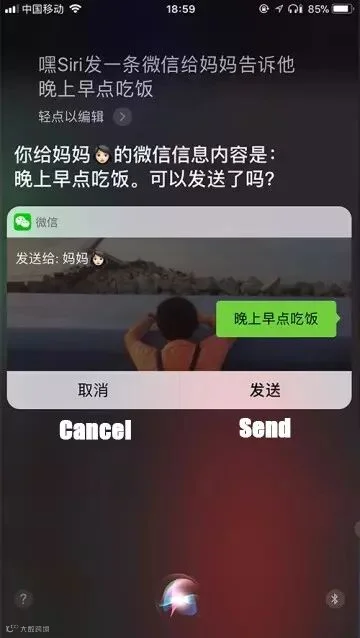
Click or say “send” , now the message can be successfully sent out!
Yet actually, Siri is not so intelligent to identify the exact name, especially for the complicated one. Even so, do not get angry with your Siri, just stay patient and try again, and again...
Sticky “To-do List” On Top
Do you have habits of writing “To-do List” on ToDo Apps, or have a lot of things to deal with via WeChat? If you do, then you will love this new function -- Sticky “To-do List” on top!
"Me" - "Favorites" - "+"
Write down memorandum in your own ways! More convenient and much easier to clear up your “To-do List”!
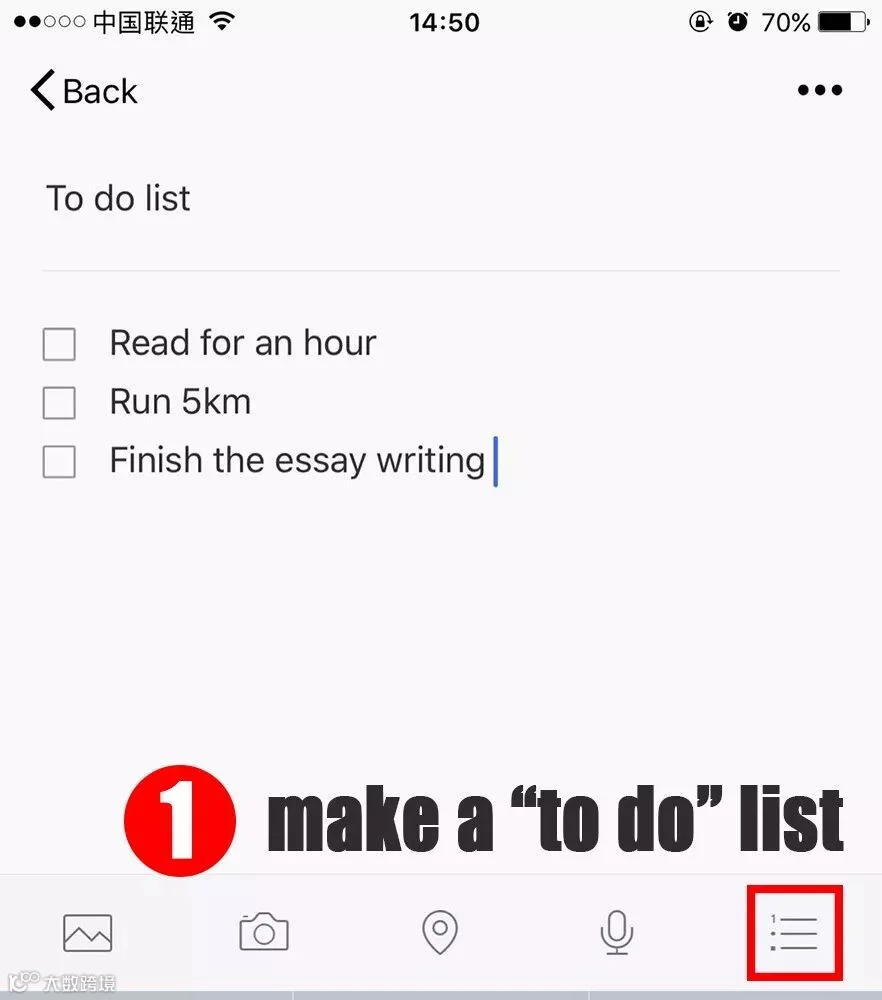
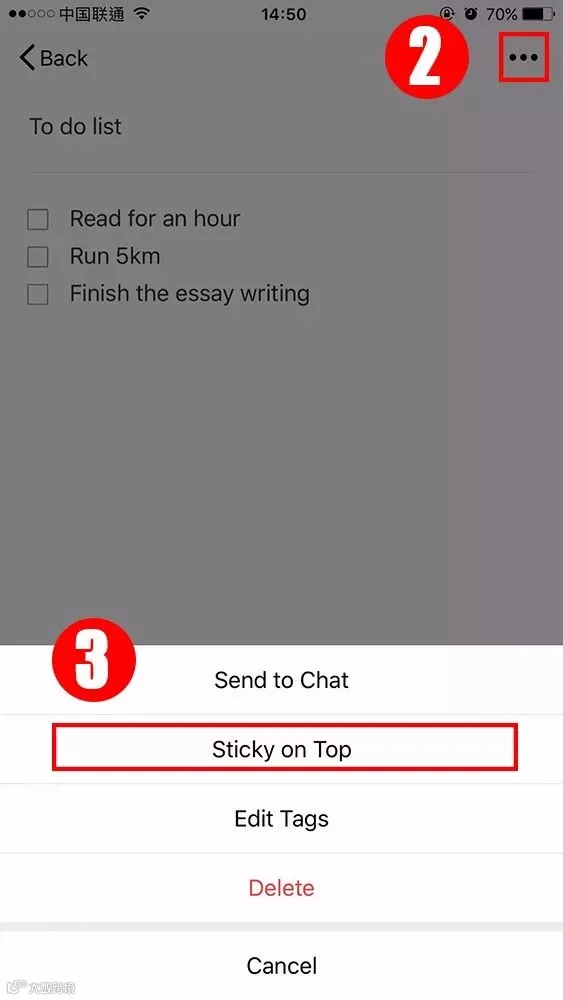
Surprisingly, you can sticky the list on top in the updated WeChat.
↓↓↓
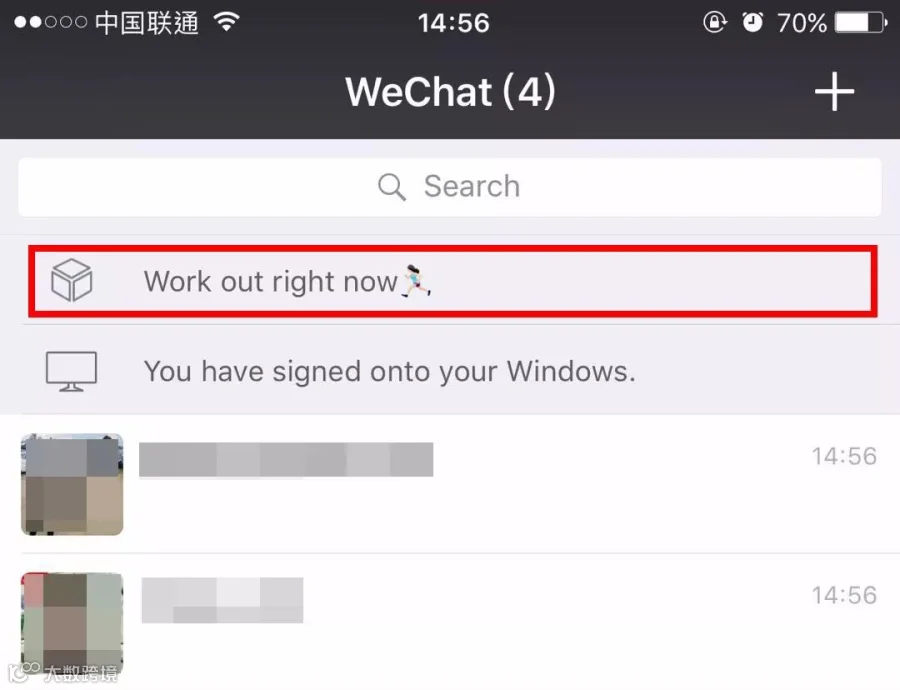
Now, you can never forget what you intend to do because the “To-do List” is always on the top!
Exclusive QR Code for "Rewarding"
What? I remember that WeChat had shut down “Reward” function in ios. Well, this time, here comes the upgraded function of “Reward” in WeChat!
"Me" - "Wallet" - "Money" - "Reward Code"
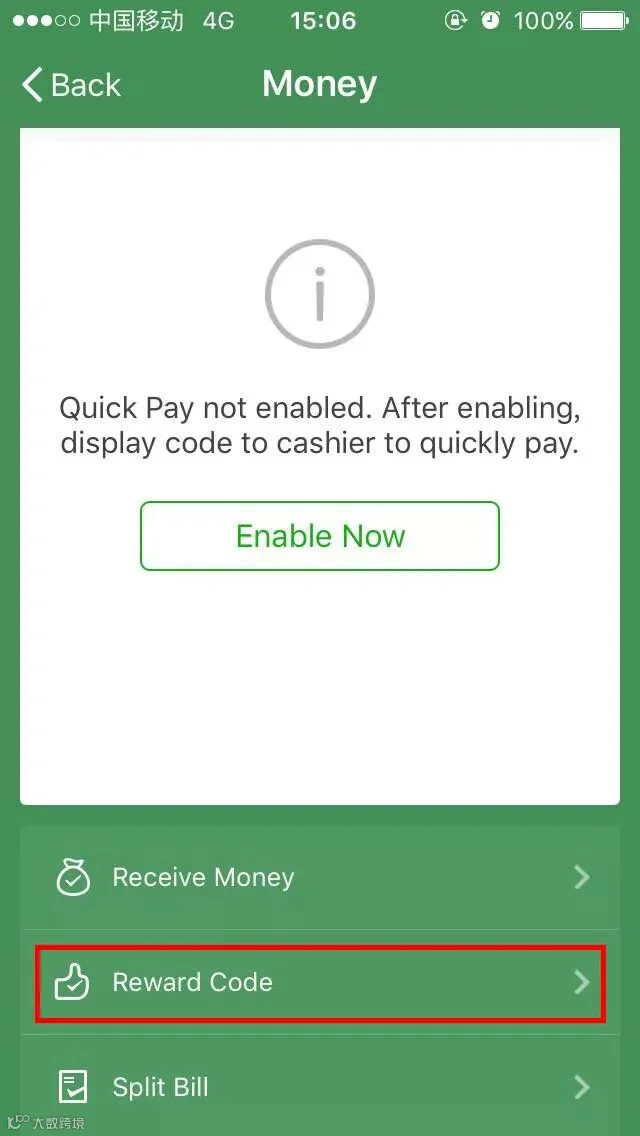
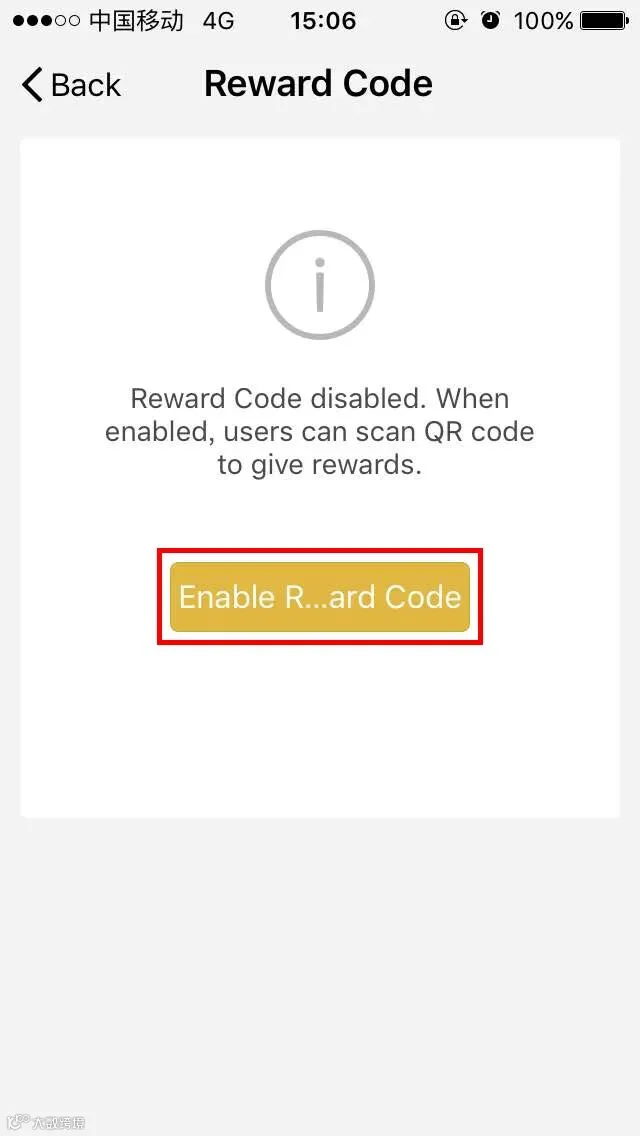
Set a quote and the amount for rewarding. And there will be an exclusive QR code with your profile photo on it.
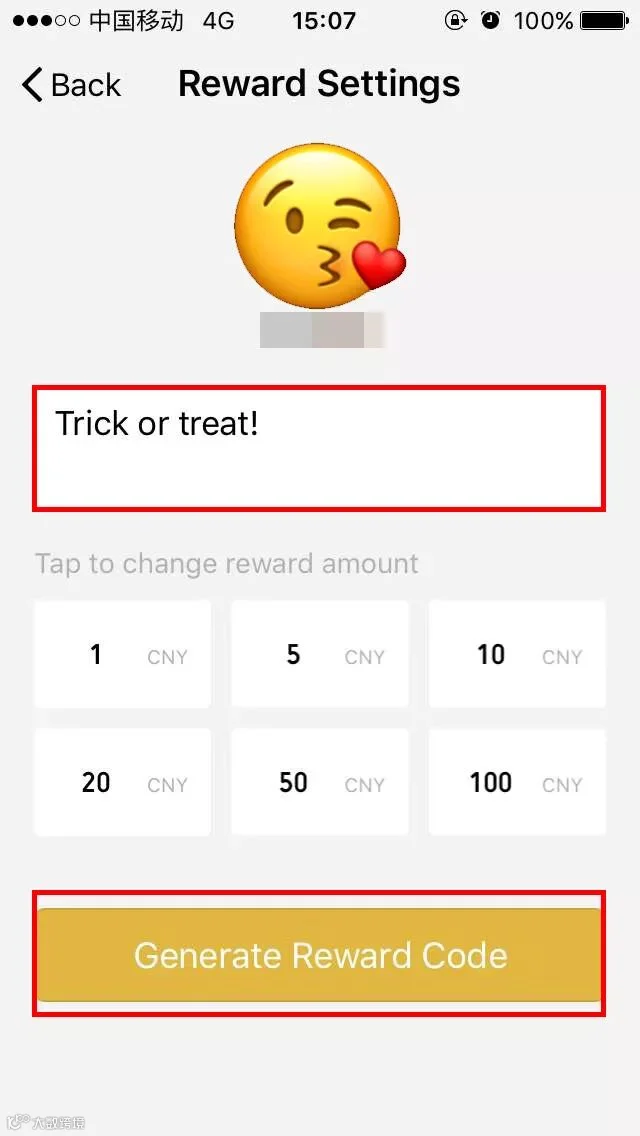
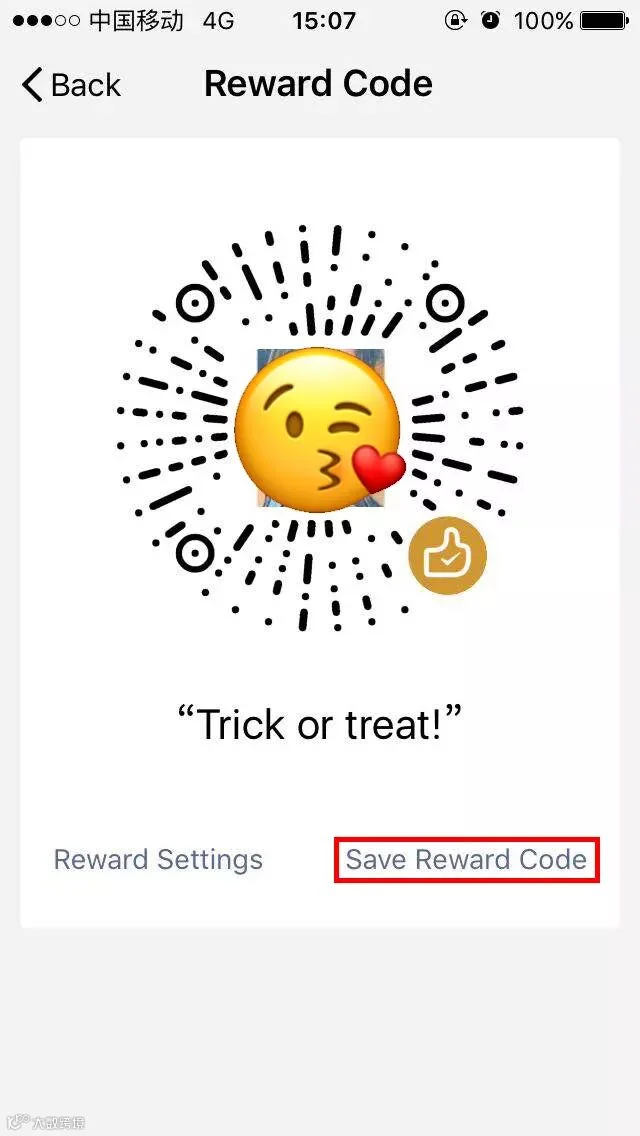
You can get rewarding money from others after they scan your Rewarding Code!
Detailed Message Notification
Despite your mobile screen is locked, you can also receive detailed message, knowing who send you the message only if you turn on the WeChat message notification.
Which new function do you like?
Are You Qualified For China Z-visa!
 This 1 Minute Test Can Tell!







HACOS,Business Services Solutions Master