
Have you ever experienced this? When editing the draft of Moments, new chat messages come and you respond to it. After returning to the draft, nothing left there!
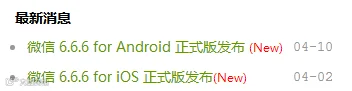
Now an new version of WeChat
brings two useful new features.
© Image | WeChat website
Save A Draft In Moments
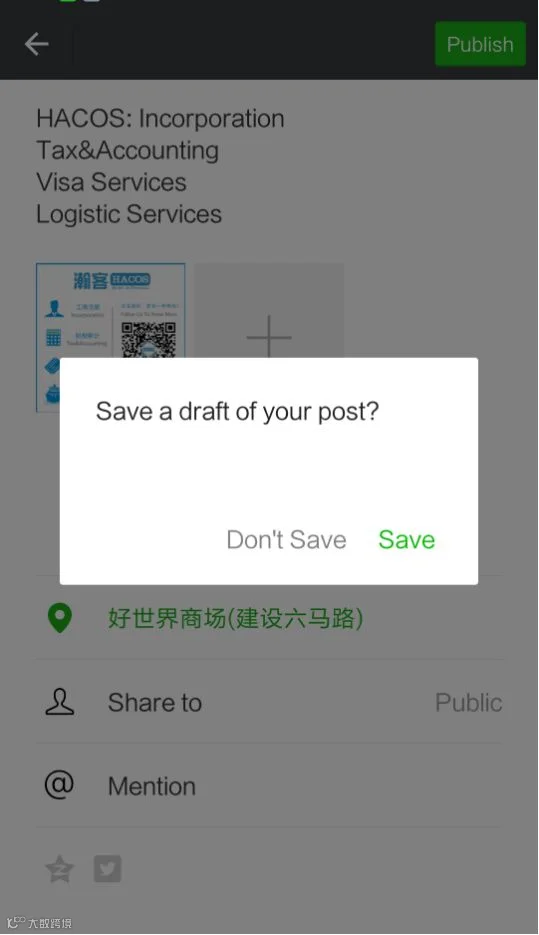
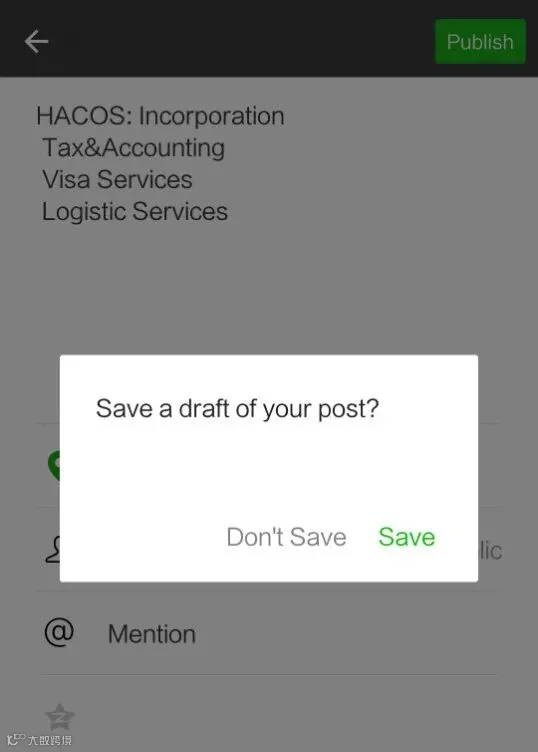
In the latest version of WeChat, if you need more time to assemble your Moments post, you can tap “Cancel” in the Edit screen and select to save a draft of your Moments.
This allows you to continue to browse your Moments or check your chat messages and return to your draft later. Let’s try it now!
Picture And Sentence
Sentence Only
Comments In Official Account
Another new feature is about WeChat Official Account. In the past, your comments can only be seen by posting to Top Comments.
In the latest version of WeChat, even your comments was not on the Top Comments involved , your contacts can see it!
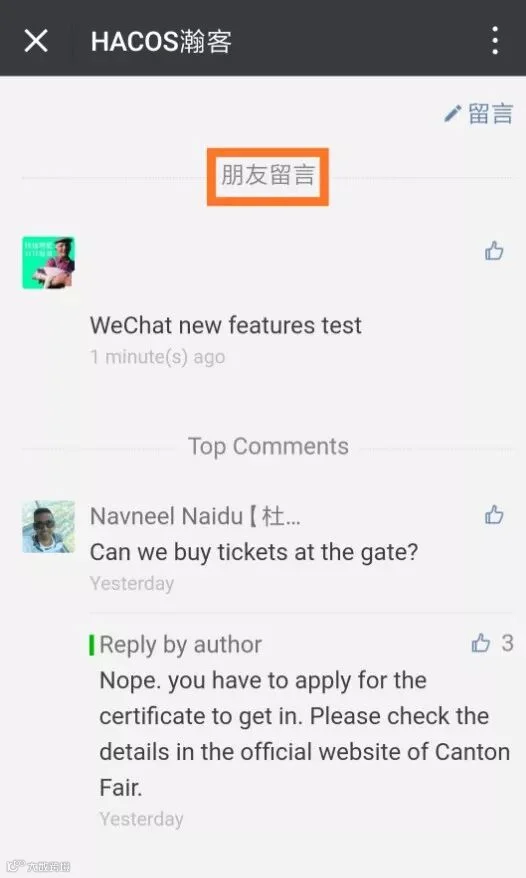
But this feature has been caught the indignation from many people who believe that the comments to Official Account is some kind of private conversation, like grievances.
And some people have set the Hide His Moments for some contacts. However, meeting the comments of Hide-His-Moments in the article must be bothered and afflictive.
For this, WeChat has took steps to handle it. Providing the options for users may be the best way.
Like these new features or not?
Just update your WeChat to version 6.6.6 to try it!
More Features Expection
Some net friends expect WeChat to update more new features. Such as:
Read receipt
Contacts deleted mutually
Audio in Moments
Classify of Favorites
Long video in Moments
......
What’s the new features you look forward to?
Leave your comments to let others know!
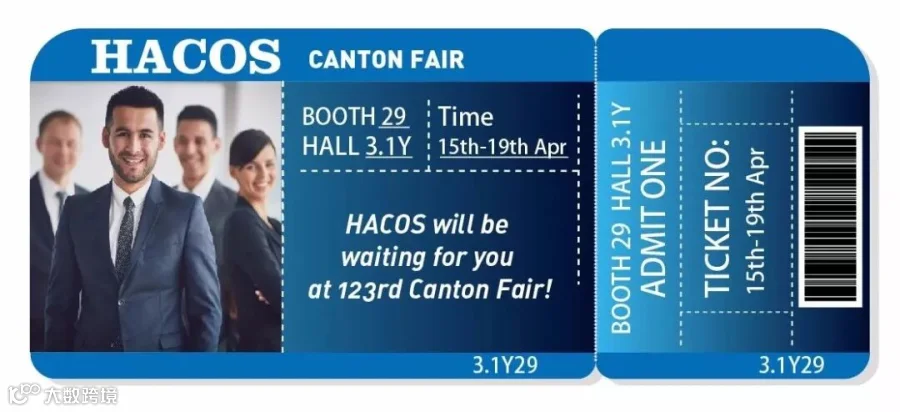







HACOS,Business Services Solutions Master