
In the past four years, WeChat has been upgraded from 6.0 to 6.7.4. After four years of waiting, WeChat finally got its biggest update, to version 7.0., so called the biggest upgrade in recent years.
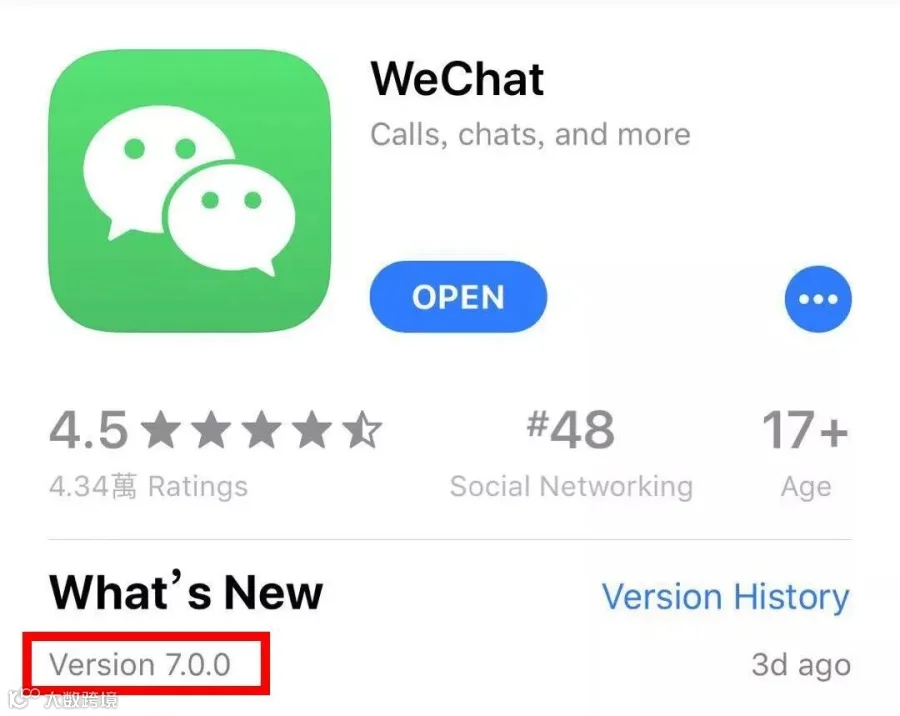
It seems that WeChat is trying to improve its competitiveness in the competition of short video platform. Let's take a look at what new features have been updated in this version of WeChat!
New splash screen

The text on the new splash screen reads "因你看见,所以存在" (“Because you saw it, so it exists" ) with the song snippet of "In My Secret Life" by Leonard Cohen.
UI design
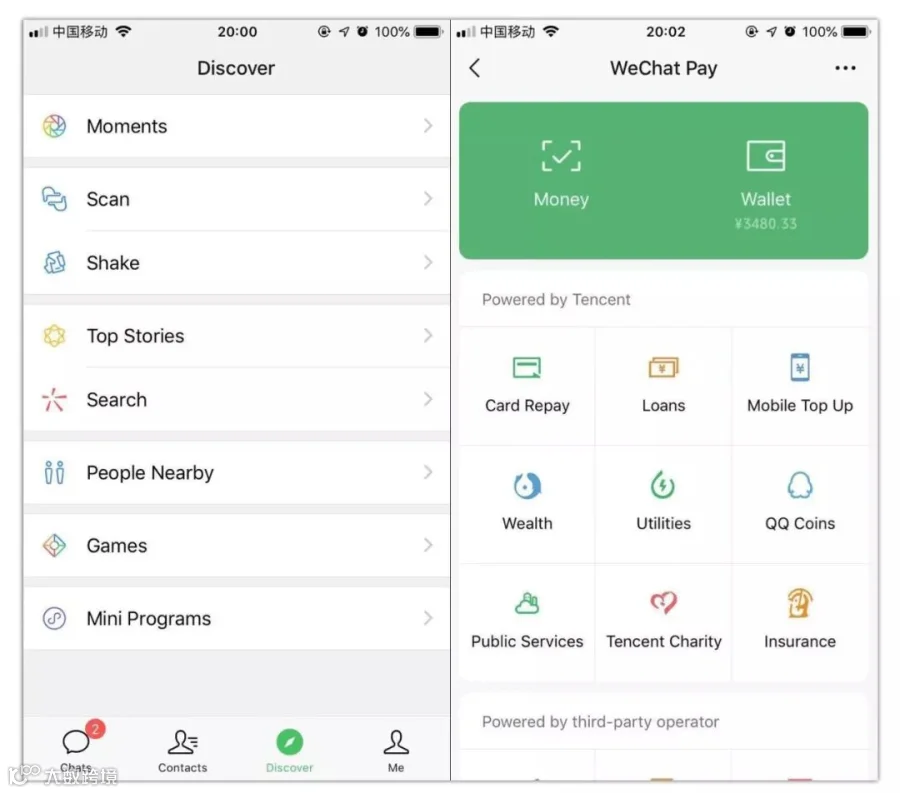
The black edge at the top of the old version was removed, and the overall style was more flat, presenting a clearer and intuitive visual and operational experience.
© Image | ChCh
"Time Capsules"
Full-screen short video Snapchat/Instagram stories have finally made it to WeChat! WeChat officially calls this new feature "Time Capsules".
© Image | ChCh
Step 1
Tap "Me" - tap the "camera" button in the top right corner/ drag down your profile photo. The new feature will appear from the top and then tap "Take Video" to start creating or uploading your short video.
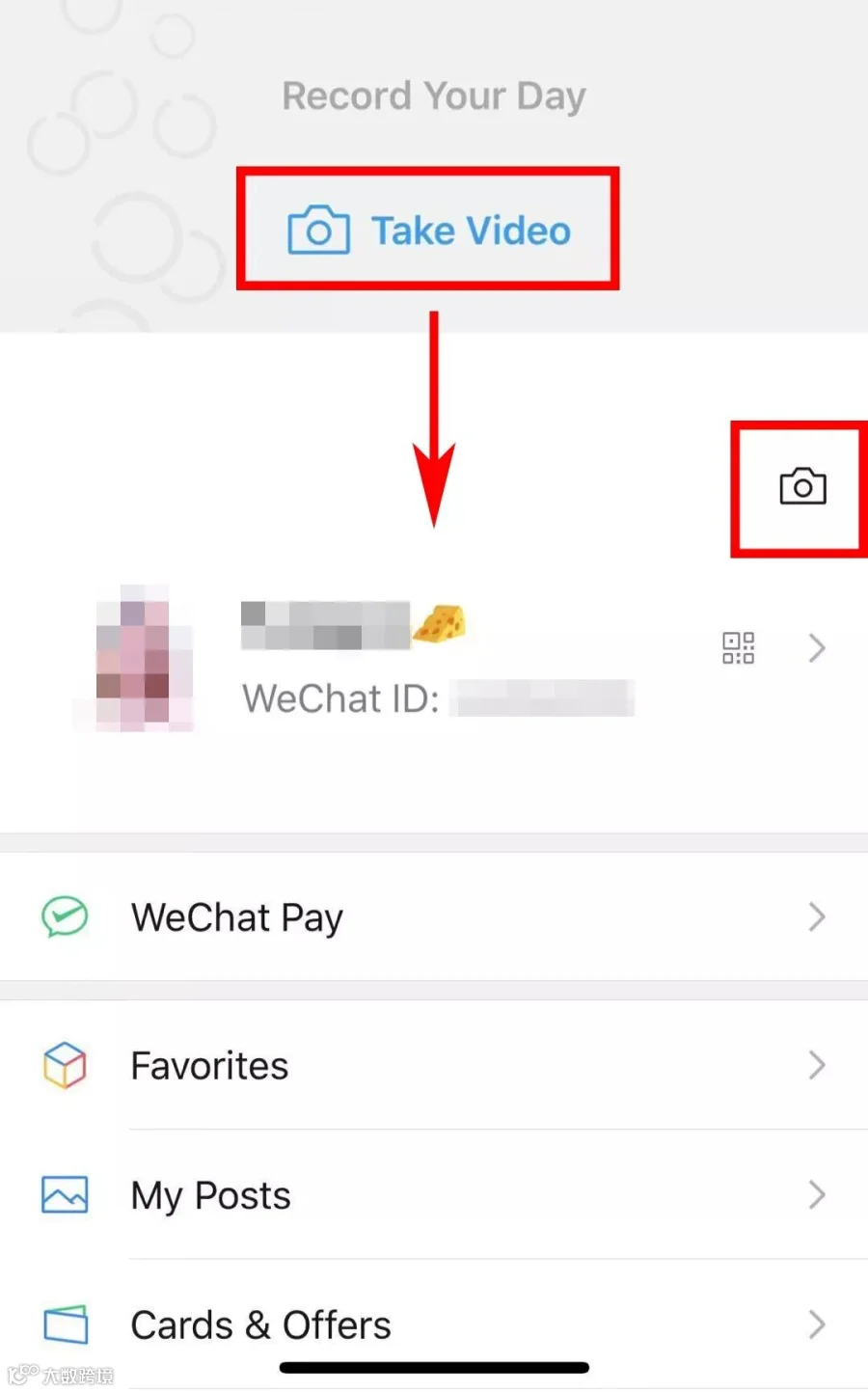
Step 2
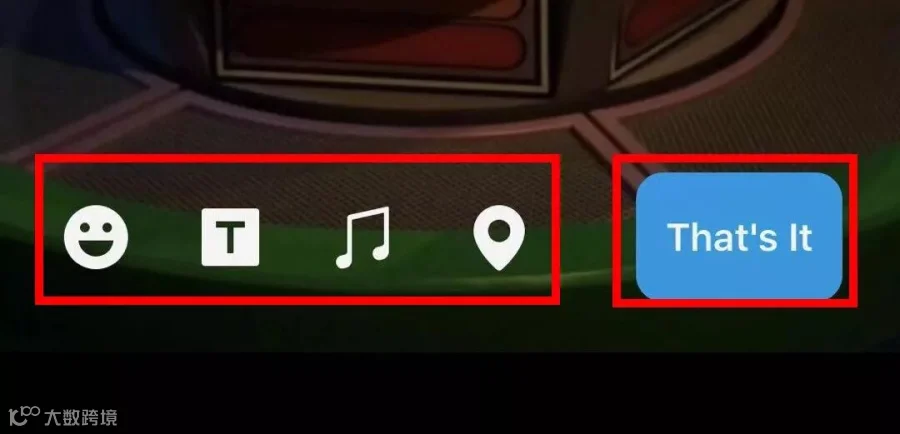
After recording, music, emojis, text or positioning can be added. Btw, the short video can be seen within 24 hours by your friends.
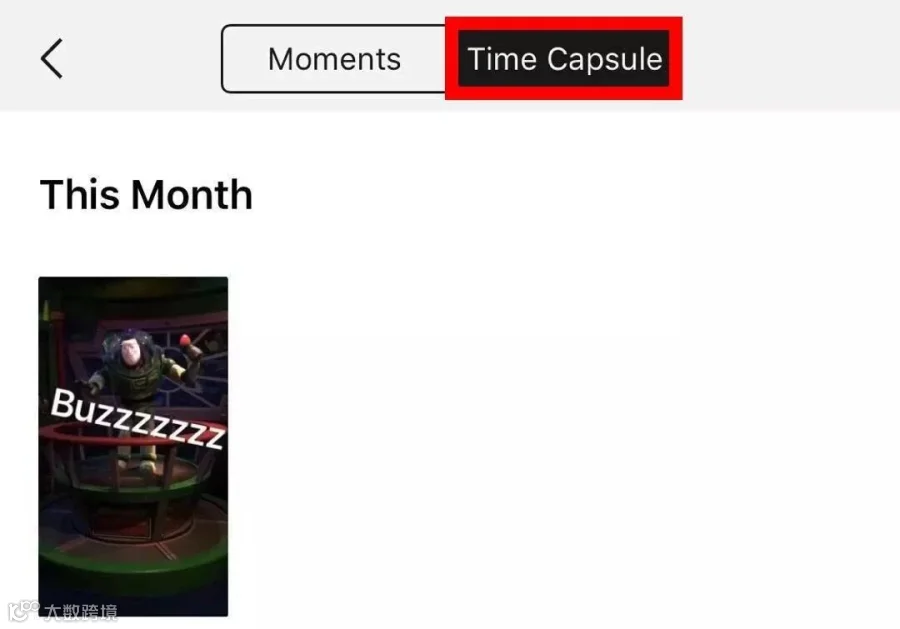
You can also find a collection of your own WeChat Stories under "Me" - "My Posts" - "Time Capsule Videos"
Step 3
After Posting video, the upper right corner of your avatar will display a tiny blue "bubble" in the
"Moments",
Dialog box,
List of friends
Other places.
To remind your friends to watch the "video moment" you shot.
Double tap on the "bubble" to see your friend's "Moment video", but also give a "like" or make comments.
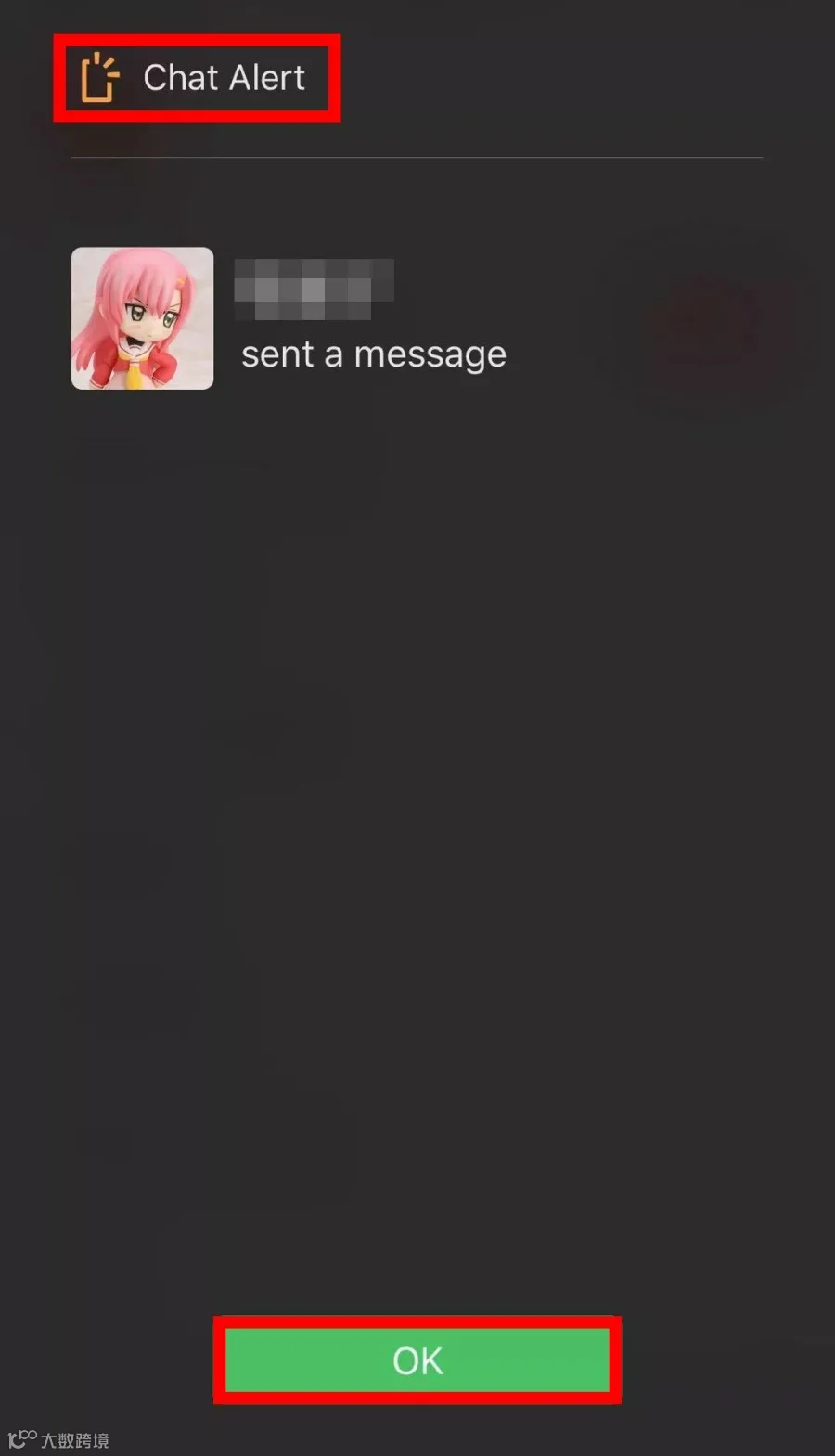
Chat Alert

Step 1
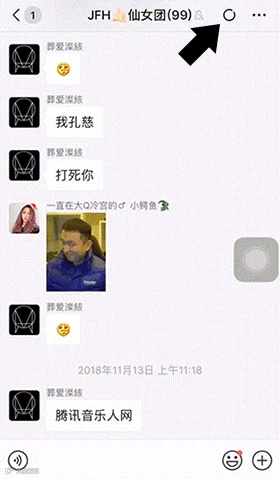
Open the dialog box of the friend you want to set and tap "..." of the top right corner
Step 2
Tap "Chat Alert"
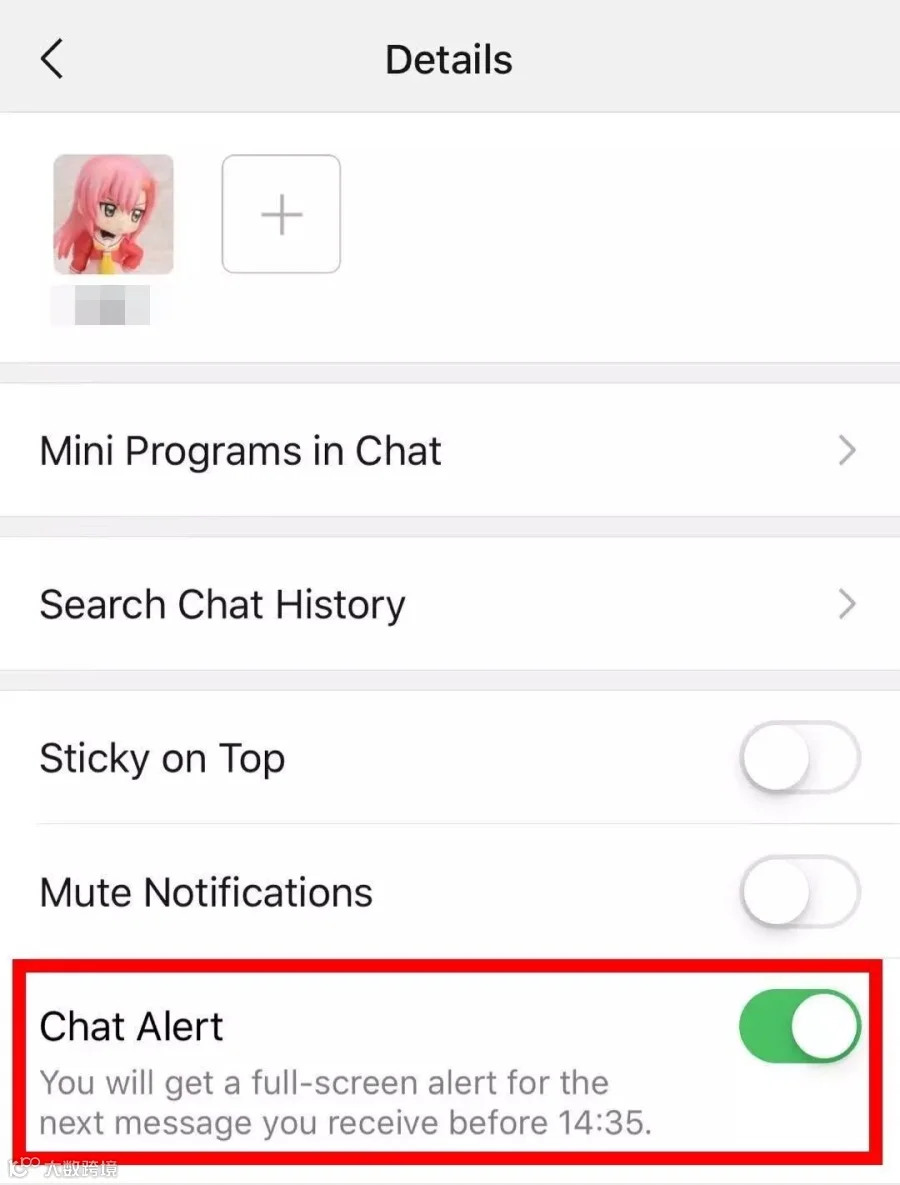
After you turn this feature on, you will get a full-sceen alert for the next message you receive before xx:xx.
There are several points to note when using:
Only valid for the first message within 3 hours of the friend you set;
You can set Chat Alert for multiple friends at the same time;
Group chats are not supported currently;
When the Chat Alert full screen display, you can not see the message content nor reply and you can only click [OK].
Articles can be
shared to "Top Stories"
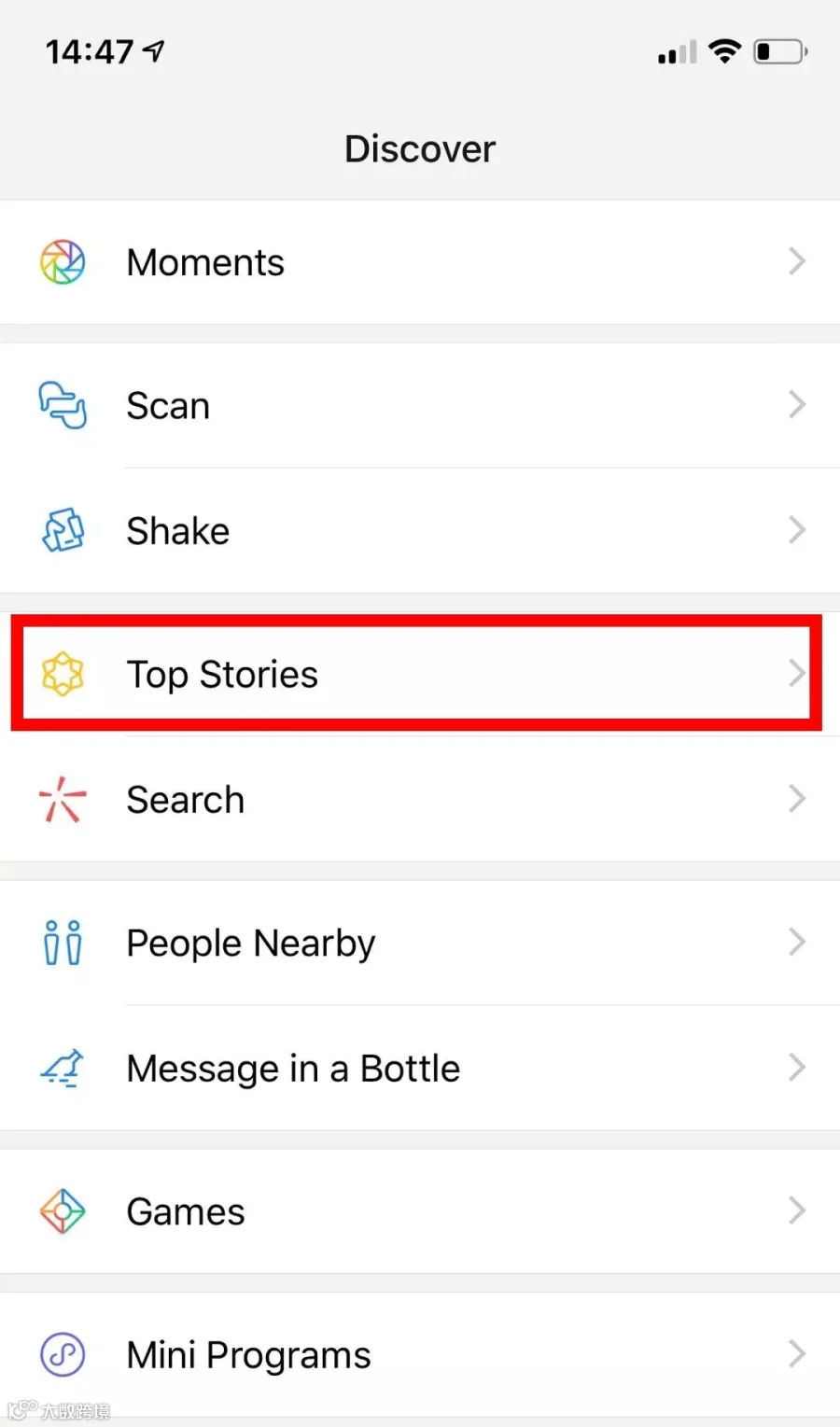
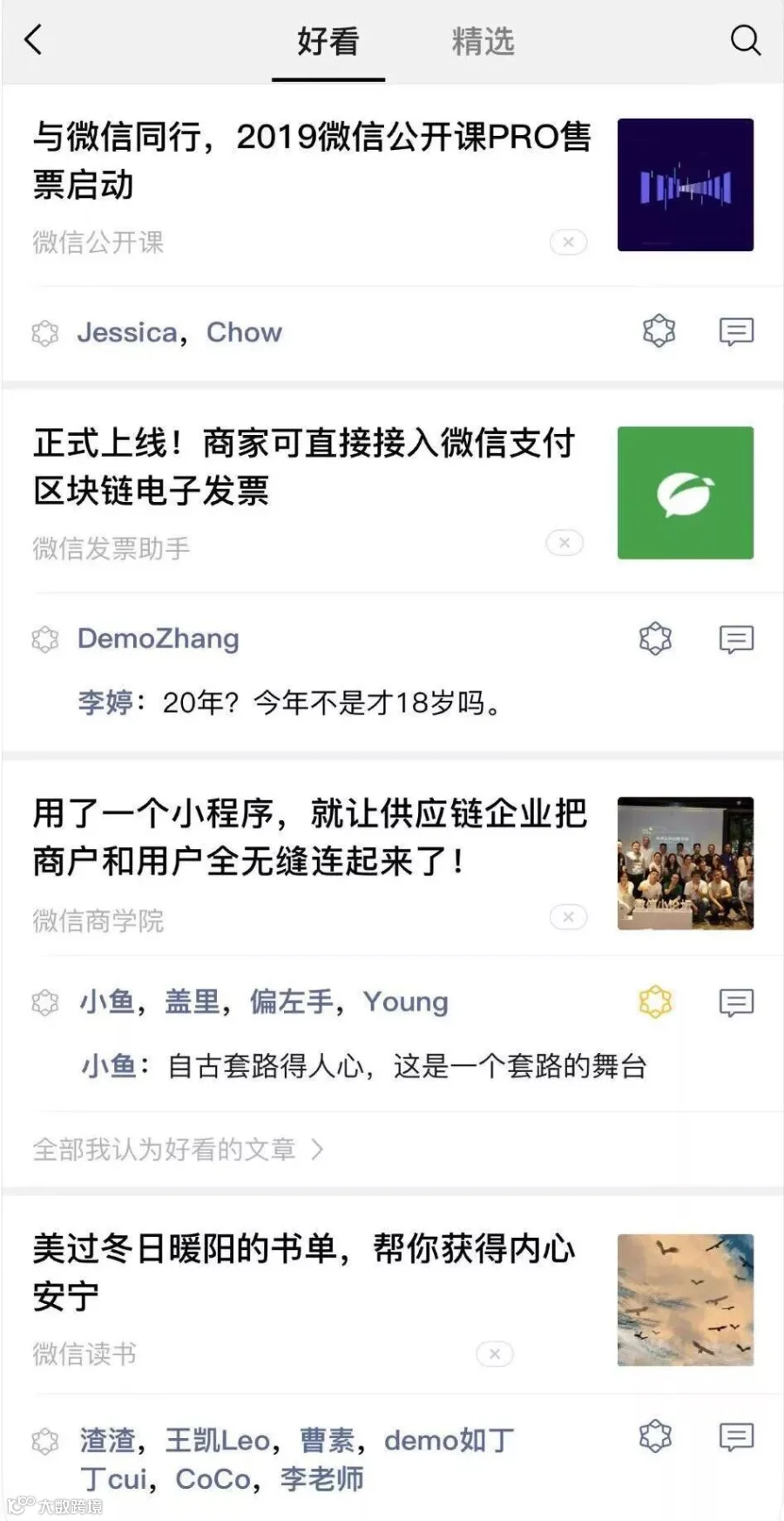
Have you found that the "thumps up" logo in the lower right corner of the WeChat official account's article has been changed to a brand new logo with "好看"?

The article then appears on the "Discover -- Top Stories" recommendation list, which also presents what your friends' recommendation.



Which new features do you like most?
Share to let your friends know!

REF | WeChat
Star HACOS
Follow Up Daily Info.







HACOS,Business Services Solutions Master