导读:From optimizing your searches to tapping into the Baopals community of shoppers, these tips will hav
GO TO BAOPALSAre you making the most of your searches?
We've put together our top tips for finding exactly what you want on Baopals, from optimizing searches to utilizing the Baopals community.
1. Search with a photo or image of a product.
Just click the camera icon in the search bar and you can snap a photo or upload an image to instantly search for similar products.
2. Use the quick image search to compare similar products.
On the product page, click the camera icon at the top right of any product image and instantly search for similar products based on that image.
This can be a great way to compare prices to make sure you are getting the best deals, or find similar products you may like!
3. Use Baopals search suggestions and suggested categories.
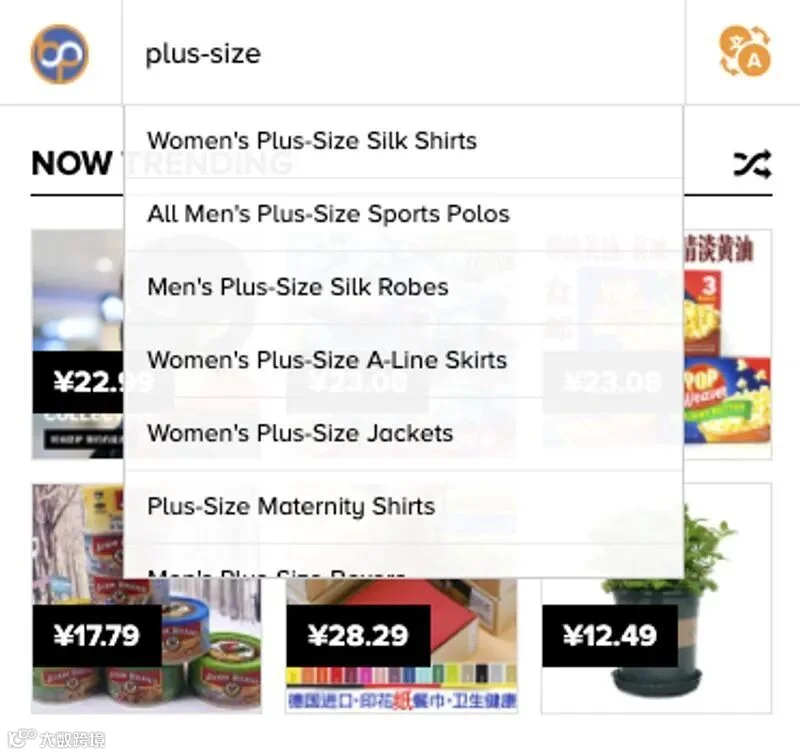
When typing in the search bar, suggestions will appear below. These are not merely completions of your search - these are custom categories built by Baopals to give you the most accurate results. You can also find them across Baopals' 56 departments. Look for the departments menu at the top left of the screen (on computers) or in the hamburger menu (on mobile phones).
4. Search within a shop you like.
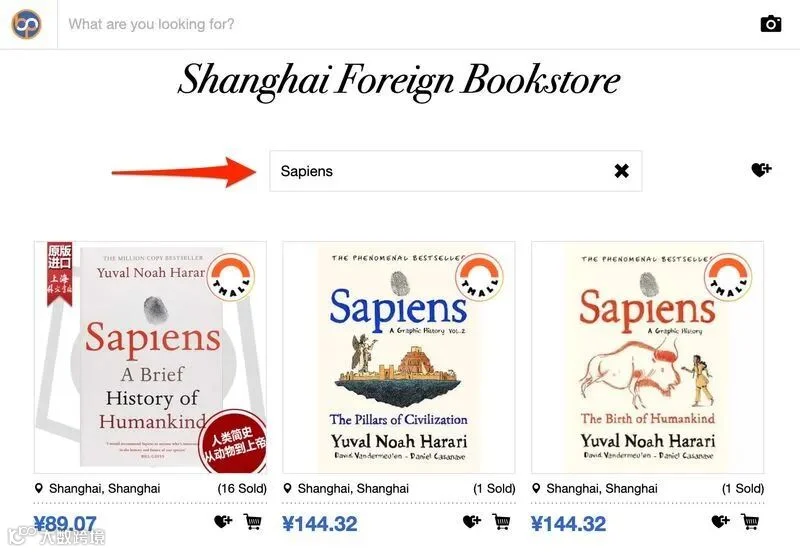
On any shop page, look for the "Search within shop" bar to search only that shop's products. This can be much easier and faster than scrolling, especially for large shops!
Check out some of the most popular shops on Baopals.
5. Try switching off translated search.
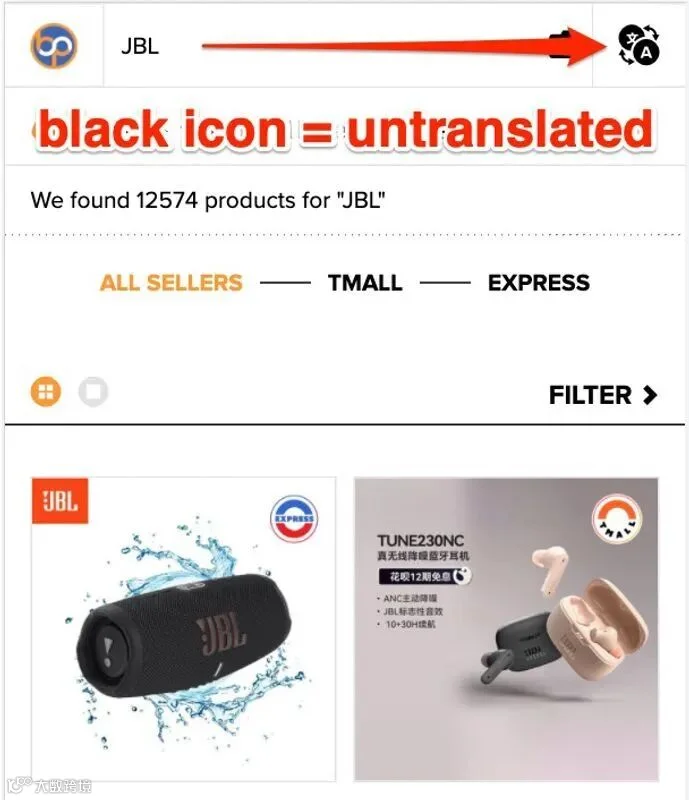
To give the best results from China's largest platforms, searches on Baopals are automatically translated to Chinese. However, if you're looking for a specific brand or product name (like a book title or Old Spice), it can be best to have your search untranslated. To do this, look to the right of the search bar and uncheck the "Translate my search" box - or on a mobile device, click the translate icon to change it from orange to black.
6. Switch between Taobao, Tmall and Express depending on your needs.
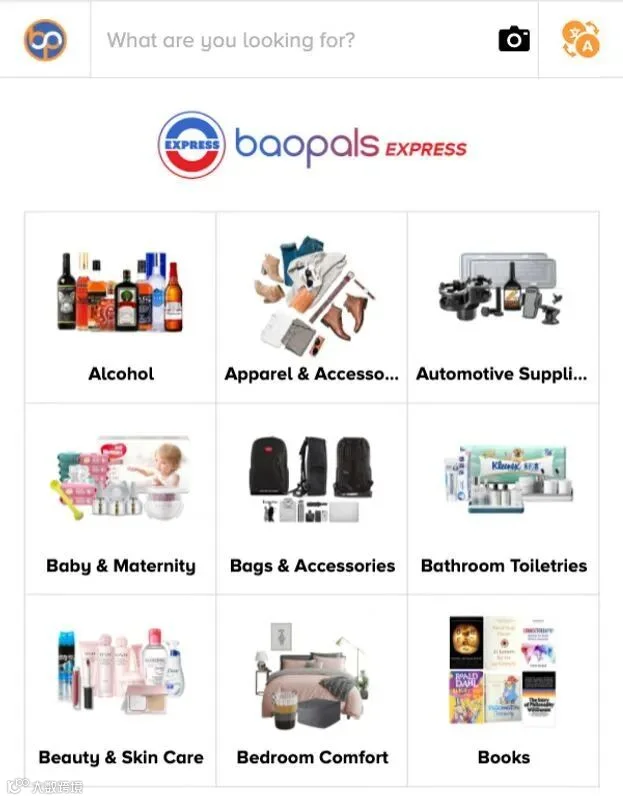
At the top of the search results page, you'll see tabs for Taobao, Tmall and Express. The Taobao tab is the default search result, and will show you products from both Taobao and Tmall. You can also filter results to show only Tmall sellers, or only Express. Express products are delivered within 48 hours. They face stringent requirements to ensure authenticity and quality control. Like Taobao and Tmall, Express offers a wide selection of products and name brands, and is a great choice for electronics and home appliances. You'll also find a wide selection of fresh foods and imported items.
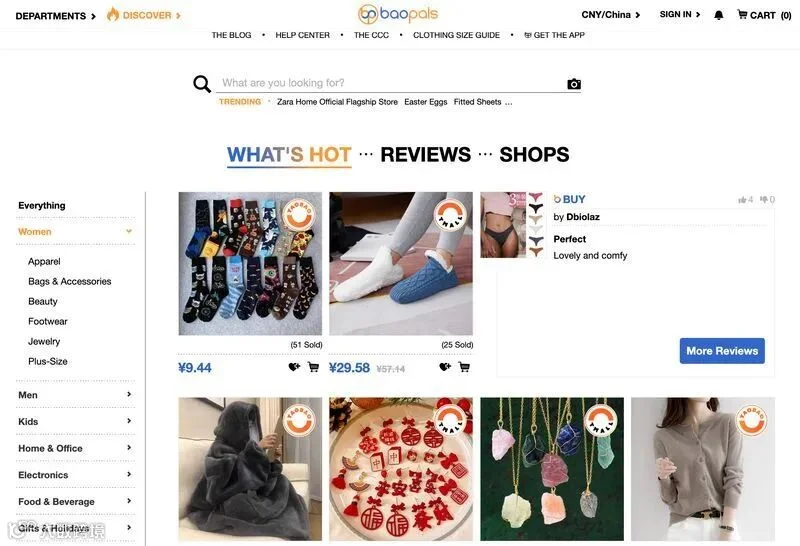
7. Use Discover to browse the hottest products, shops, reviews and more.Baopals Discover automatically gathers the best of Baopals - as decided by you, the Baopals community! Top-selling products, most-favorited shops, and helpful reviews across more than 50 categories means you can find great products without ever needing the search bar.
【声明】内容源于网络
0
0
Baopals
We’re here to help you find and buy whatever you want in China.
内容 1559
粉丝 0
Baopals
We’re here to help you find and buy whatever you want in China.






 Baopals