DeepSeek-V3
DeepSeek-V3 是一款采用 Mixture-of-Experts (MoE) 架构的模型,拥有 6710 亿参数,其吞吐量高达每秒 60 个 token,相比上一代 V2 提升了 3 倍。在数学运算与代码处理能力上,DeepSeek-V3 已经能够媲美国际领先的 Claude 3.5 Sonnet 模型。
接下来,我们将 DeepSeek-V3 集成到 PyCharm 开发环境中,通过其卓越的能力辅助代码开发,实现更加高效与智能的编程体验。
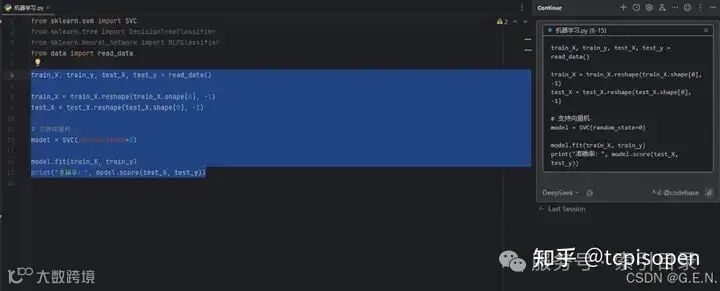
效果演示
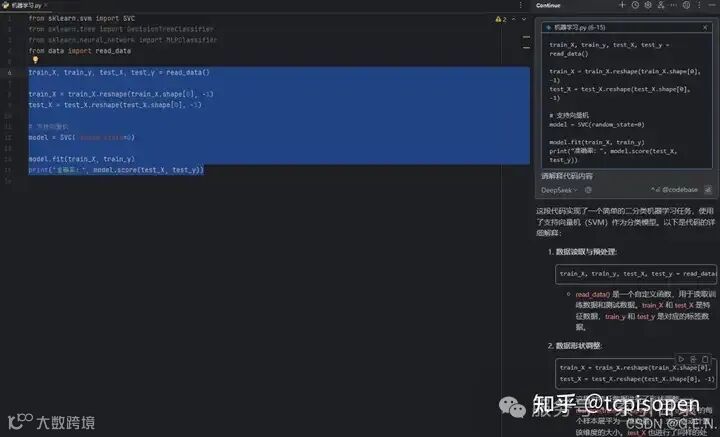
首先展示效果:在 PyCharm 中,你可以直接选中代码段,DeepSeek-V3 会自动解析所选代码并生成详细的解释说明。这一实时反馈不仅能帮助开发者快速理解代码逻辑,还能发现潜在问题,从而大幅提升调试和优化效率。
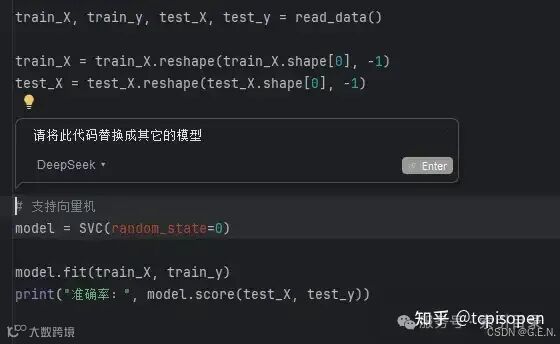
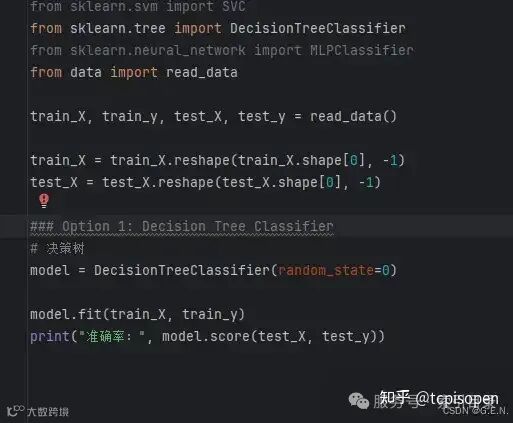
此外,通过选中代码,DeepSeek-V3 可自动分析代码中的潜在问题,并生成详细的修改建议,甚至直接返回优化后的代码版本。这样一来,无论是错误修正、代码重构还是性能提升,都能在几秒内高效完成,从而大幅提升开发效率。
创建 API Key
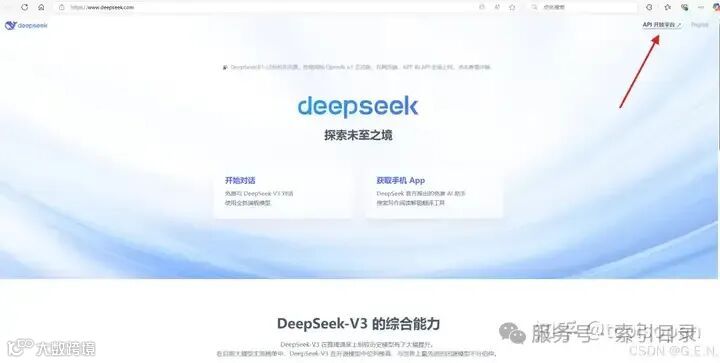
首先进入DeepSeek官网,官网链接如下
https://www.deepseek.com/
点击API开放平台:
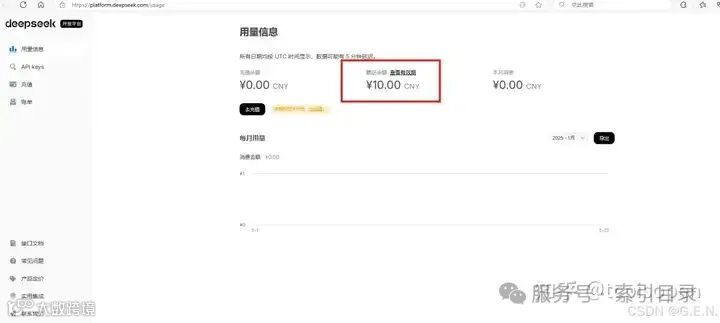
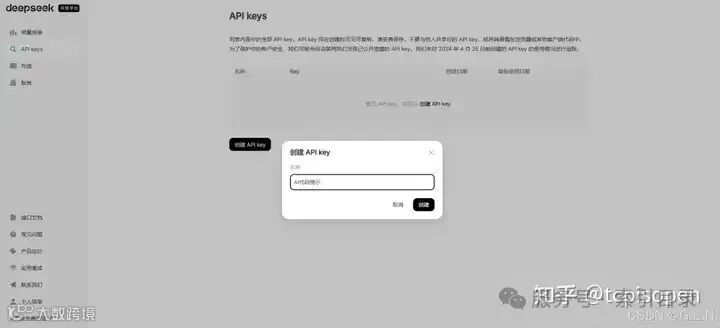
点击左侧“API Keys”,点击创建 API key,输出名称为“AI 代码提示”,也可以使用其它自定义的名称。
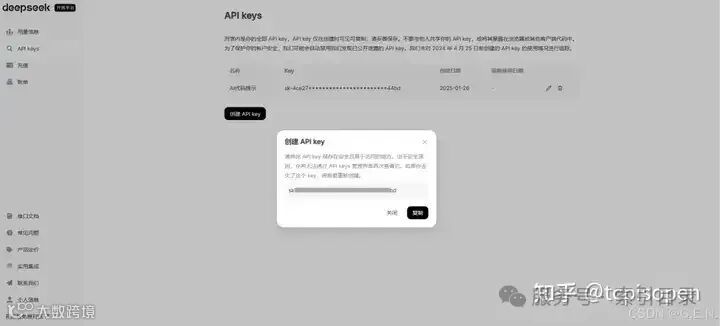
点击“创建",一定要记录此处的 API key,可以先将 API key 复制在其它地方。
在 PyCharm中下载Continue插件
打开PyCharm,打开文件->设置->插件,搜索“Continue”,点击安装。
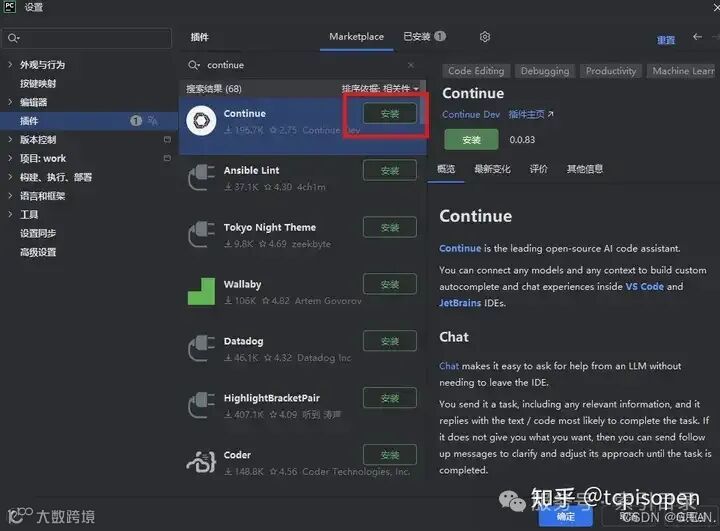
等待插件安装完毕后,点击“应用”,插件安装成功。
配置 Continue
插件安装成功后,在右侧的标签栏中,会显示一个Continue的标签,我们点击即可进入,随后点击设置按键,如下图。
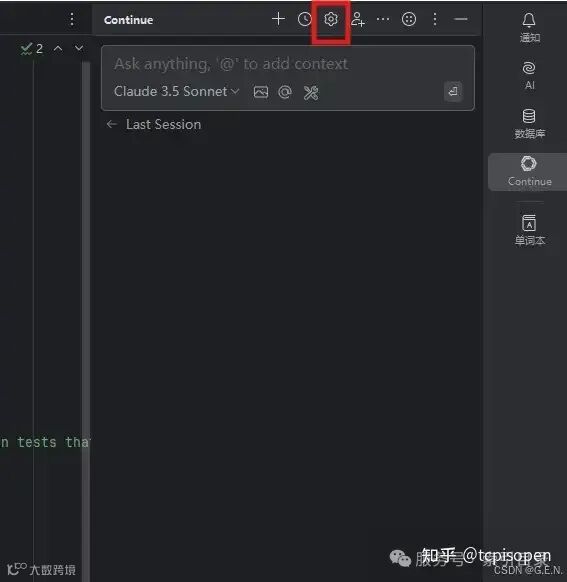
点击后,文本编辑区将会弹出配置文件。
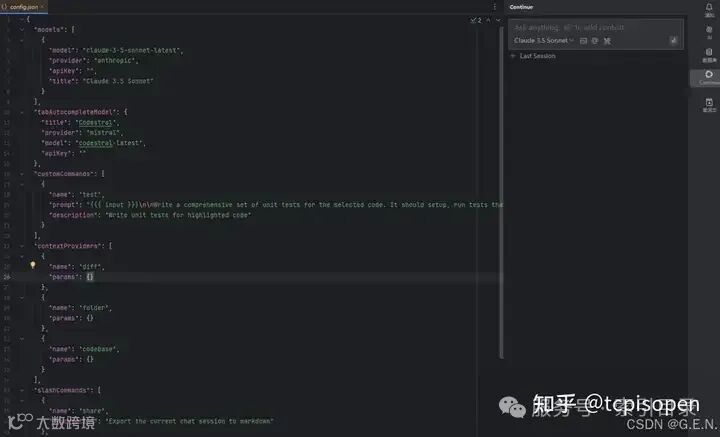
我们对配置文件进行修改,将内容替换为下面的内容:
{
  "completionOptions": {
    "BaseCompletionOptions": {
      "temperature": 0.0,
      "maxTokens": 256
    }
  },
  "models": [
    {
      "title": "DeepSeek",
      "model": "deepseek-chat",
      "contextLength": 128000,
      "apiKey": "REDACTED",
      "provider": "deepseek",
      "apiBase": "https://api.deepseek.com/beta"
    }
  ],
  "tabAutocompleteModel": {
    "title": "DeepSeek Coder",
    "model": "deepseek-coder",
    "apiKey": "REDACTED",
    "provider": "deepseek",
    "apiBase": "https://api.deepseek.com/beta"
  },
  "customCommands": [
    {
      "name": "test",
      "prompt": "{    {    { input }}}\n\nWrite a comprehensive set of unit tests for the selected code. It should setup, run tests that check for correctness including important edge cases, and teardown. Ensure that the tests are complete and sophisticated. Give the tests just as chat output, don't edit any file.",
      "description": "Write unit tests for highlighted code"
    }
  ],
  "contextProviders": [
    {
      "name": "diff",
      "params": {}
    },
    {
      "name": "folder",
      "params": {}
    },
    {
      "name": "codebase",
      "params": {}
    }
  ],
  "slashCommands": [
    {
      "name": "share",
      "description": "Export the current chat session to markdown"
    },
    {
      "name": "commit",
      "description": "Generate a git commit message"
    }
  ]
}
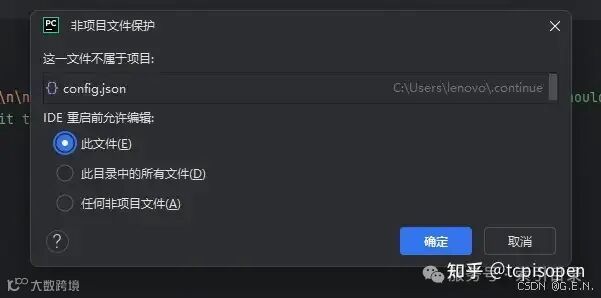
随后,我们将两处apiKey替换为先前保存的API key。
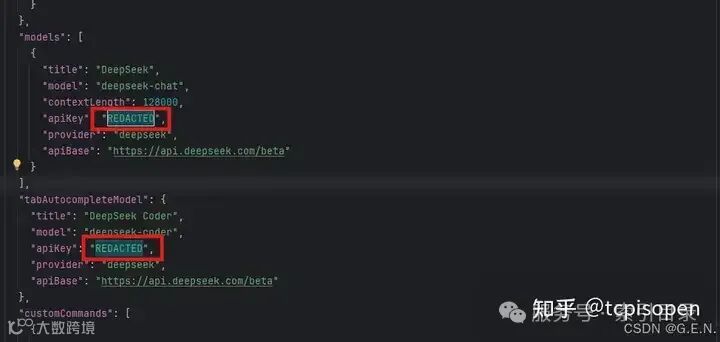
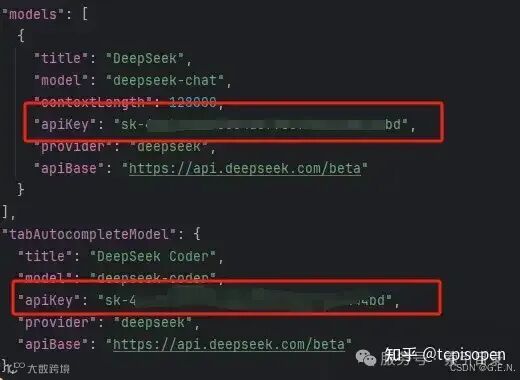
保存文件后,即可开始使用。