




Boost Your
Chinese Learning
01. Save NihaoCafe as a Web App
Did you know that if you chose to add the NihaoCafe web page to your mobile screen, it would look and act differently?
In fact — it will act just like an app!
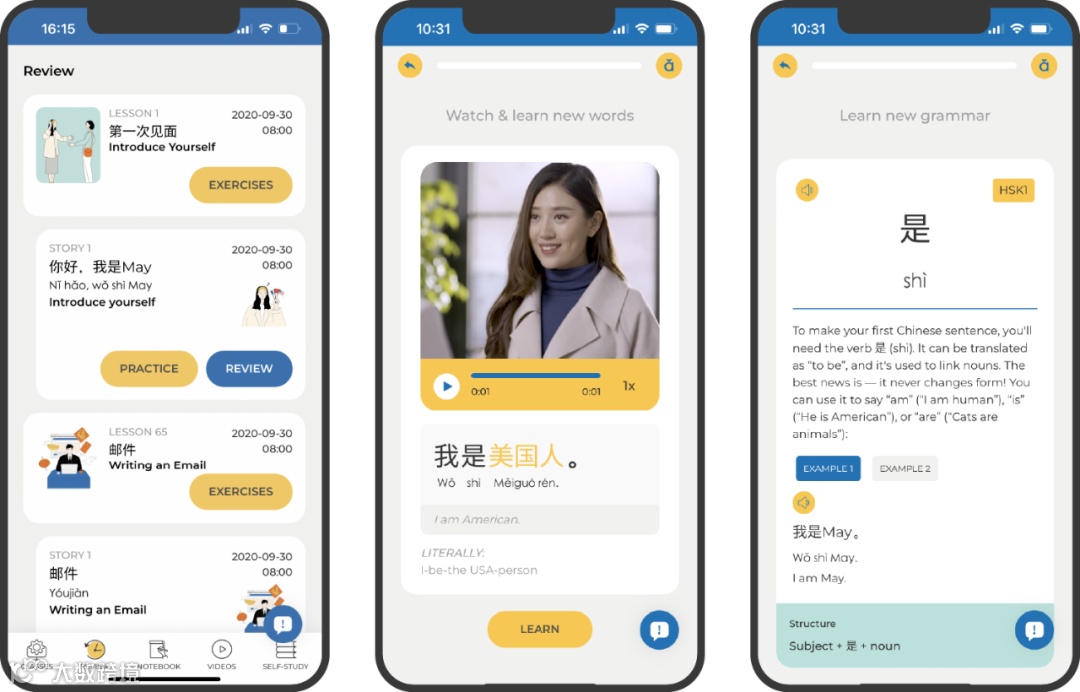
The (slightly annoying) url line and browser control buttons will be gone, and you will have the whole screen to yourself to enjoy your Chinese learning experience.
How to Add NihaoCafe to Your Home Screen
Go to mobile.nihaocafe.com
1. Open the Page Settings
2. Choose Add to Home Screen
3. Click “Add”
4. Enjoy your web app!

The Home screen shortcut will let you access the platform quickly.
P.S. In the past few months, many learners have asked us about the NihaoCafe app - this is a very close alternative!
02. Watch Videos with Subtitles

In fact, even better than a movie: because you can click on every word and see its pronunciation and meaning!
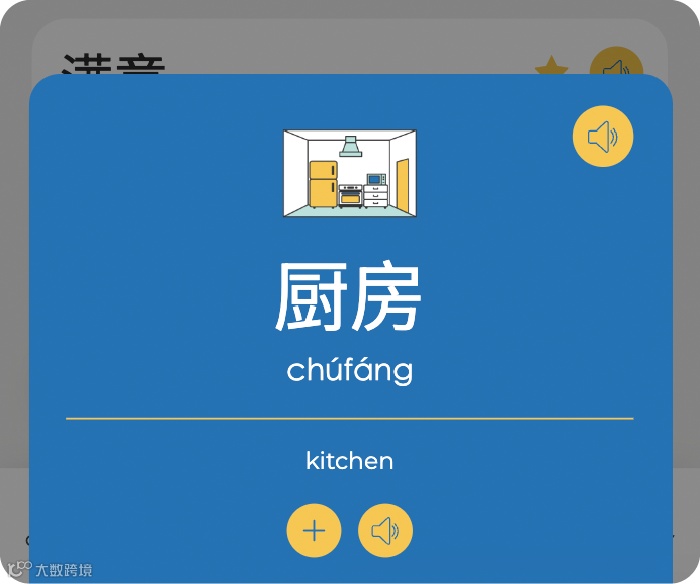
03. Review New Words with Flashcards
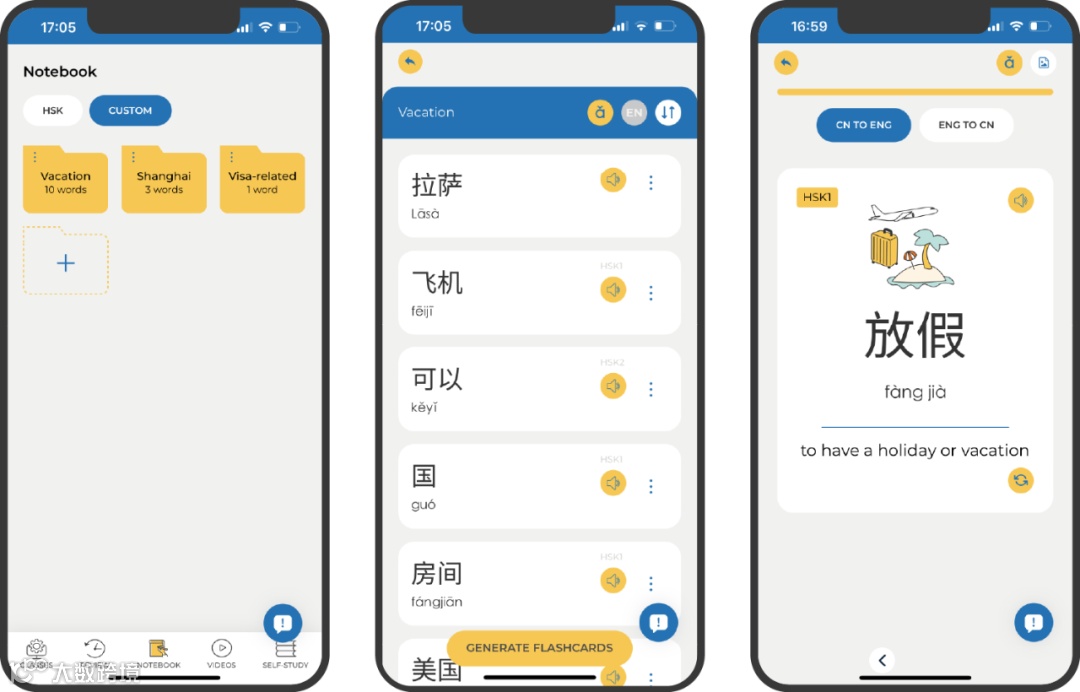
You can save any word that appears in your class notes, class materials, or videos to your custom vocabulary lists for future review.
Keep Sharing
Your Feedback
We love to hear from you!
Thank you for submitting all your feedback these weeks — it's really helped improve the mobile experience. Please keep sending your ideas and questions our way 💛
What's your favourite NihaoCafe feature?
And what new words have you learned this week?
Share in the comment section below 👇