![[论文分享] ggplot2绘制炫彩柱状图,点亮你的数据可视化](https://cdn.10100.com/user/4d45ef863a29683762b456df77cad6ea.png?x-oss-process=style/180x)
欢迎关注R语言数据分析指南
❝本节通过NC上一篇论文的数据来介绍如何绘极坐标柱状图图。论文作者有提供对应的代码+数据,小编在其基础上进行了略微的调整,与原文有所出入仅供参考,关于此图的更加详细的介绍请参考论文内容。有需要学习R语言绘图的朋友可关注文末介绍购买小编的R绘图文档。购买前请咨询,零基础不要买。
论文信息
Global floating kelp forests have limited protection despite intensifying marine heatwave threats

Arafeh-Dalmau, N., Villaseñor-Derbez, J.C., Schoeman, D.S. et al. Global floating kelp forests have limited protection despite intensifying marine heatwave threats. Nat Commun 16, 3173 (2025). https://doi.org/10.1038/s41467-025-58054-4
代码下载
https://zenodo.org/records/14796879

结果图

图形解读
❝此图为极坐标堆砌条形图,绘制起来难度较小。其主要在于细节的调整如通过geomtextpath来添加文本
代码展示
library(tidyverse)
library(geomtextpath)

labs <- tibble(x = 1,
  y = c(0.1, 0.3) + 0.05,
  label = c("10%", "30%"))

realm_data2 <- realm_data %>%
  mutate(REALM = str_replace_all(REALM, " ", "\n"))

realm_plot <- ggplot(data = realm_data2)+
  geom_col(aes(x = REALM, y = pct_area, fill = lfp_cat),
           color = "black",linewidth = 0.1) +
  geom_hline(yintercept = 0,linewidth = 0.3)+
  geom_hline(yintercept = 0.1,linetype = "dotted",linewidth = 0.3) +
  geom_hline(yintercept = 0.3,linetype = "dashed",linewidth = 0.3) +
  geom_hline(yintercept = 1,linewidth = 0.3) +
  geom_textpath(data = realm_data2 %>%
                  select(REALM) %>%distinct(),
                mapping = aes(x = REALM,y = 0.75,label = REALM),
                inherit.aes = F,size =3)+
  scale_x_discrete(labels = NULL) +
  scale_y_continuous(limits = c(-0.25, NA),
                     expand = c(0, 0),labels = NULL) +
  scale_fill_manual(values = pal) +
  geom_textpath(data = labs,
            mapping = aes(x = x,y = y,label = label),
            size = 3,inherit.aes = F) +
  coord_polar() +
  theme_void() +
  theme(legend.position = "None") +
  labs(x =NULL,y =NULL,
        fill = "Fishing restrictions")
country_plot <- ggplot(data = country_data) +
  geom_col(aes(x = country,y = pct_area,fill = lfp_cat),
           color = "black",linewidth = 0.1) +
  geom_hline(yintercept = 0,linewidth = 0.3) +
  geom_hline(yintercept = 0.1,linetype = "dotted",
             linewidth = 0.3) +
  geom_hline(yintercept = 0.3,linetype = "dashed",linewidth = 0.3) +
  geom_hline(yintercept = 1,linewidth = 0.3) +
  geom_textpath(data = country_data %>%
              select(country) %>% distinct(),
            mapping = aes(x = country,y = 0.75,
                          label = country),
            inherit.aes = F,size = 3) +
  scale_x_discrete(labels = NULL) +
  scale_y_continuous(limits = c(-0.25, NA),
                     expand = c(0, 0),
                     labels = NULL) +
  scale_fill_manual(values = pal) +
  geom_textpath(data = labs,
            aes(x = x, y = y, label = label),
            size = 3,inherit.aes = F) +
  coord_polar() +
  theme_void() +
  theme(axis.text = element_text(size = 7),
        legend.position = "None") +
  labs(x =NULL,y =NULL,
       fill = "Fishing restrictions")

library(patchwork) # 拼图
(realm_plot|country_plot)+
  plot_annotation(tag_levels = 'A')
关注下方公众号下回更新不迷路
购买介绍
❝本节介绍到此结束,有需要学习R数据可视化的朋友欢迎到淘宝店铺:R语言数据分析指南,购买小编的R语言可视化文档,2025年购买将获取2025年更新的内容,同时将赠送2024年的绘图文档内容。
更新的绘图内容包含数据+代码+注释文档+文档清单,小编只分享案例文档,不额外回答问题,无答疑服务,更新截止2025年12月31日结束,零基础不推荐买。
案例特点
❝所选案例图绝大部份属于个性化分析图表,数据案例多来自已经发表的高分论文,并会汇总整理分享一些论文中公开的分析代码。
2025年起提供更加专业的html文档,更加的直观易学。文档累计上千人次购买拥有良好的社群交流体验,R代码结构清晰易懂.
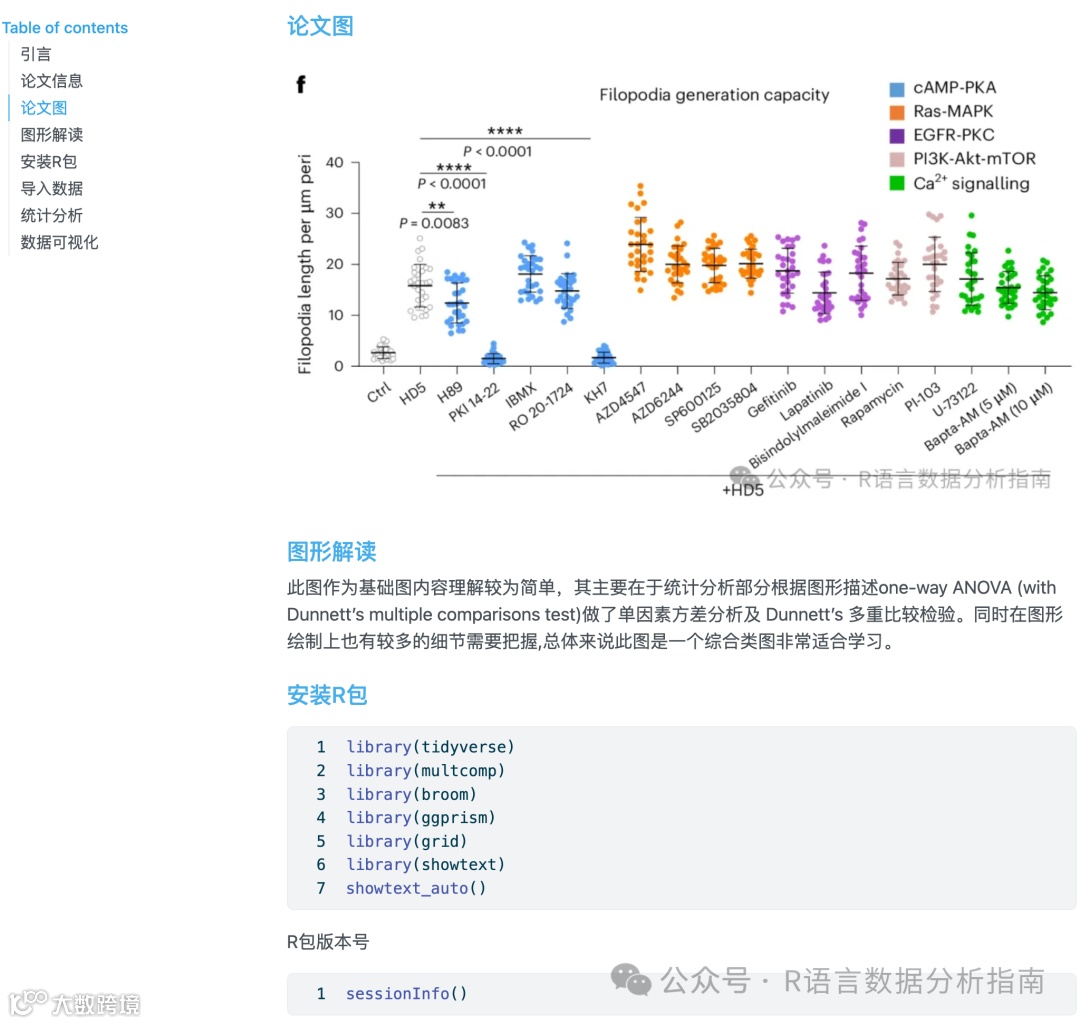
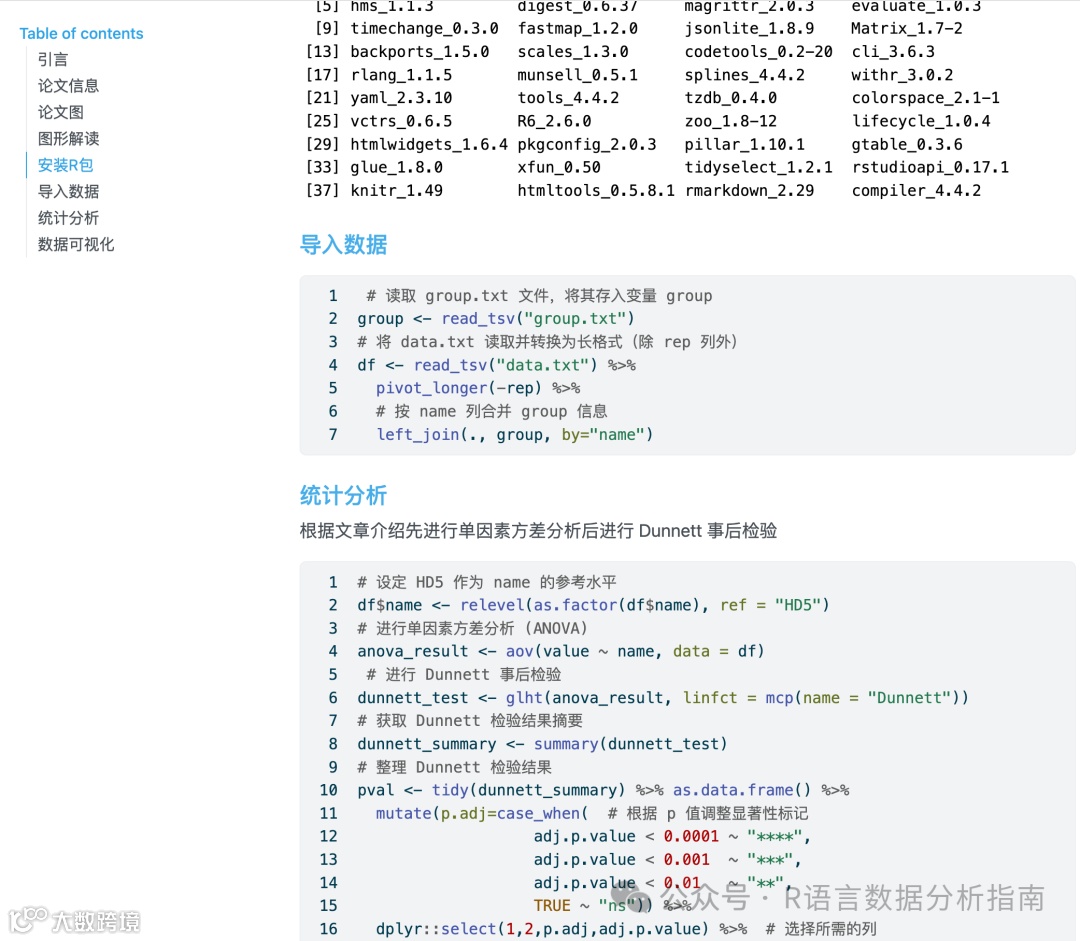
目录大纲展示

群友精彩评论

淘宝店铺

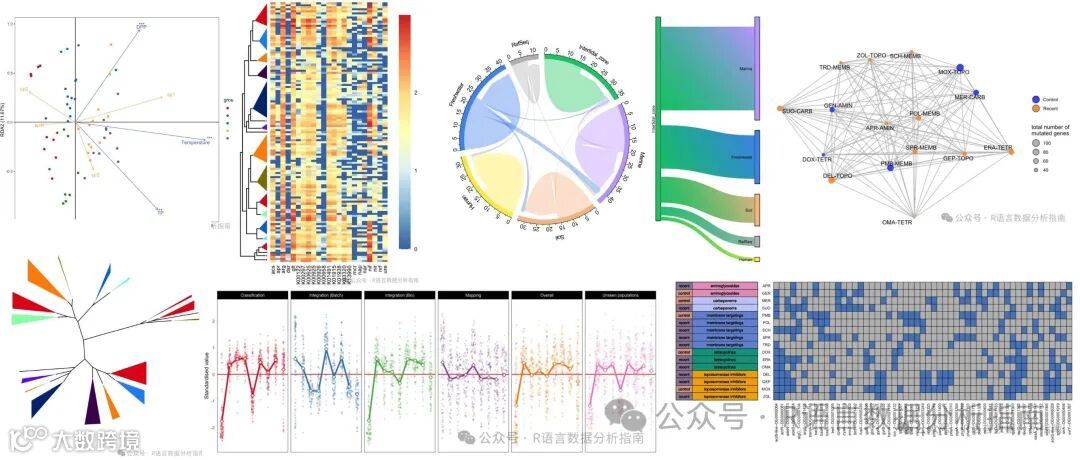
2025年更新案例图展示
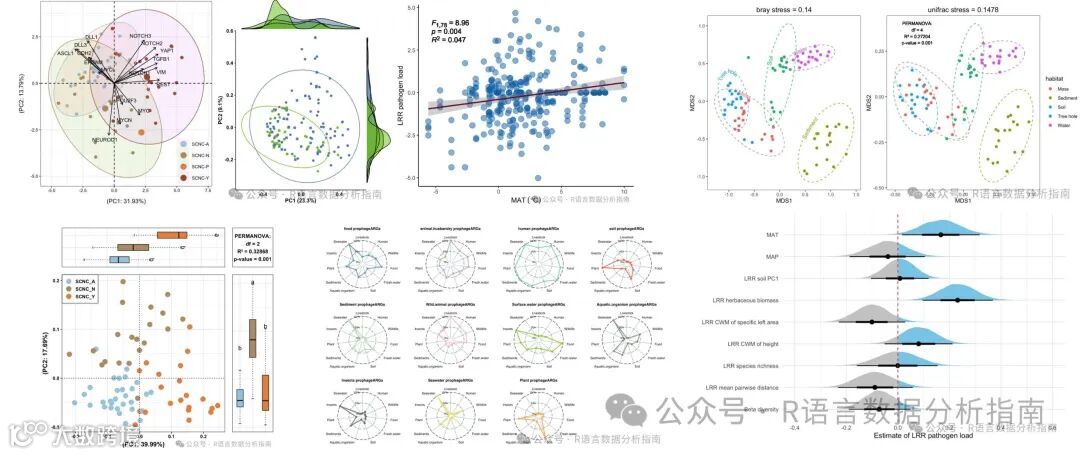

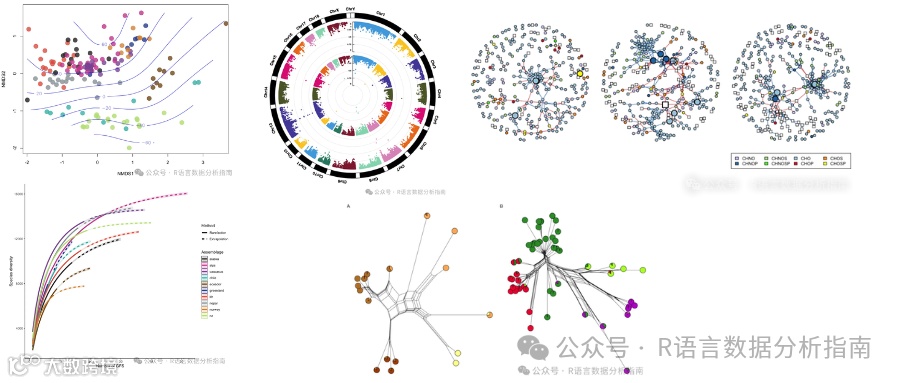

2024年案例图展示