


欢迎关注R语言数据分析指南
❝本节来通过nature communications上的一篇新论文,来分享一组配对连线箱线图的代码,论文提供了完整的数据及代码,小编在此只进行分享展示,更多详细内容请参考官方内容。
论文信息
Longitudinal liquid biopsy identifies an early predictive biomarker of immune checkpoint blockade response in head and neck squamous cell carcinoma
 Wang, B., Saddawi-Konefka, R., Clubb, L.M. et al. Longitudinal liquid biopsy identifies an early predictive biomarker of immune checkpoint blockade response in head and neck squamous cell carcinoma. Nat Commun 16, 8161 (2025). https://doi.org/10.1038/s41467-025-63538-4
论文代码
https://github.com/wbb1813/Time_series_mouse_ICB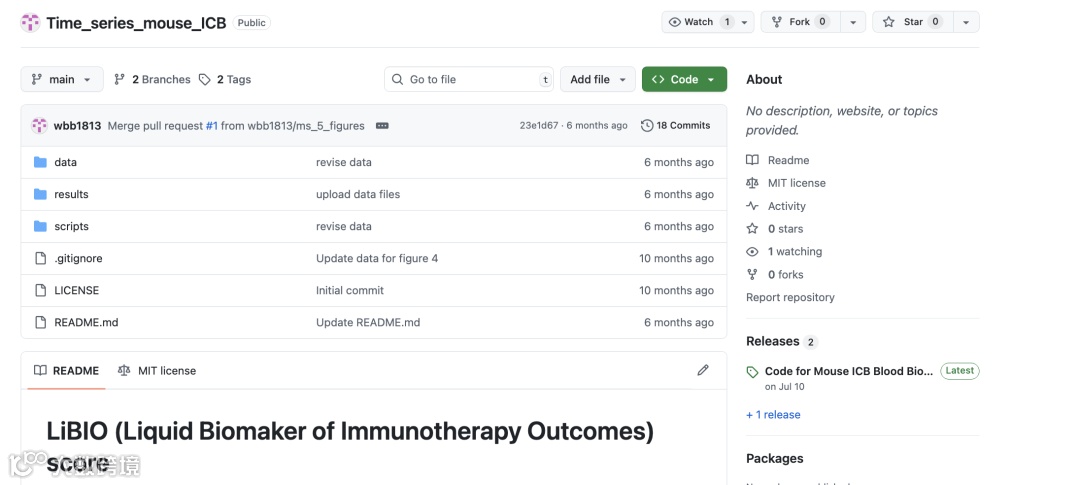
论文图

箱线图展示了 ICB 治疗显著影响的 4 类细胞丰度变化。每个黑点代表 1 只小鼠(n = 16),灰色连线表示同一只小鼠在不同时间点的动态变化。
图形解读
此类图作为论文中常见的一类展示方式,其图形内容无需赘述,重点在于统计学分析的设定。本图采用 单侧 Wilcoxon 检验。
单侧检验的意义在于:
1.假设方向明确
本实验的生物学预期是 CD8 T 细胞在干预/随访过程中逐渐上升。因此,仅需检验其是否显著增加,而非任意方向的差异。
2.提升统计功效
单侧检验将显著性水平集中在单一方向,使得对“确实增加”的效应更为敏感。
结果显示:在早期阶段(D4-D17),CD8 T 细胞丰度显著增加;而在后期(D17-D24)则无显著变化,提示丰度趋于平台期。采用单侧检验凸显了研究的单方向假设,即细胞丰度随时间升高。
代码展示
library(tidyverse)
library(ggpubr)

box_line_plot=function(tmp_df,alternative='less',prefix){
  my_comparisons <- list( c("1", "2"),c("2", "3"),
                          c("3", "4"),c("1", "3"),c("1", "4"))
  p <- ggplot(tmp_df, aes(x = timepoint, y = Relative_frequency)) +
    geom_boxplot(aes(fill = timepoint),alpha=0.5, width=0.5) +
    geom_line(aes(group = Patient),color='gray45') +
    geom_point(size = 2, color = 'black')+
    theme_classic()+
    theme(legend.position = "none")+
    labs(x="Timepoints",y="Relative frequency") +
    scale_x_discrete(labels=c("D4","D9","D17","D24"))
if (alternative=='less'){
    p = p + stat_compare_means(
      comparisons = my_comparisons,method = 'wilcox.test',
      method.args = list(alternative = "less"),label = "p.forma")
  } elseif (alternative=='greater'){
    p = p + stat_compare_means(
      comparisons = my_comparisons,method = 'wilcox.test',
      method.args = list(alternative = "greater"),label = "p.forma")
  }
  ggsave(file.path(outdir,paste0(prefix,'.pdf')),p,width = 3.5,height = 4.5)
return(p)
}

cell_abund_sample=read.delim('cell_abundance_sample_timepoint.txt')
outdir="./"
cell_abund_sample=na.omit(cell_abund_sample)
cell_abund_sample$timepoint=factor(cell_abund_sample$timepoint,levels = c(1,2,3,4))

# CD8 cell
tmp_df=cell_abund_sample[which(cell_abund_sample$cell_type=='CD8 T'),]
tmp_df=na.omit(tmp_df)
p3_1 <- box_line_plot(tmp_df,alternative='less',prefix='CD8_cell_all_sample')

# CD4 cell
tmp_df=cell_abund_sample[which(cell_abund_sample$cell_type=='CD4 T'),]
tmp_df=na.omit(tmp_df)
p3_2 <- box_line_plot(tmp_df,alternative='less',prefix='CD4_cell_all_sample')

# B cell
tmp_df=cell_abund_sample[which(cell_abund_sample$cell_type=='B cell'),]
tmp_df=na.omit(tmp_df)
p3_3 <- box_line_plot(tmp_df,alternative='less',prefix='b_cell_all_sample')

# Neutrophil cell
tmp_df=cell_abund_sample[which(cell_abund_sample$cell_type=='Neutrophil'),]
tmp_df=na.omit(tmp_df)
p3_4 <- box_line_plot(tmp_df,alternative='greater',prefix='Neutrophil_all_sample')


library(patchwork)
p3_1|p3_2|p3_3|p3_4

关注下方公众号下回更新不迷路
购买介绍
❝本节介绍到此结束,需要获取下方所示案例全部代码的读者,欢迎到淘宝店铺:R语言数据分析指南,购买小编的R语言可视化文档,2025年购买将获取2025年更新的绘图内容,同时将赠送2024年的绘图文档内容,其余内容无。
更新的绘图内容包含数据+代码+注释文档+文档清单,小编只分享案例文档,不额外回答问题,无答疑服务,更新截止2025年12月31日结束,后续不在进行任何更新,零基础基础一般不推荐买。
淘宝店铺

2025年更新案例图展示


