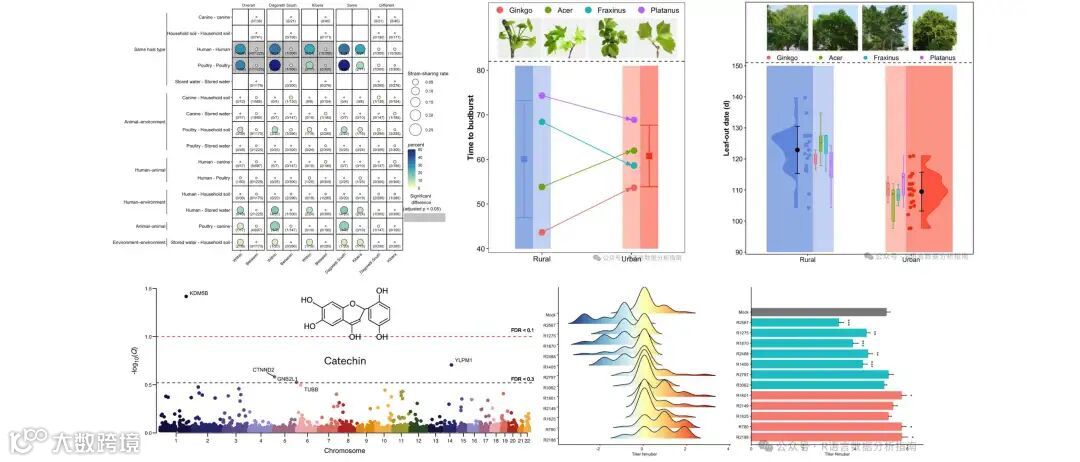
欢迎关注R语言数据分析指南
❝最近交流群内有朋友询问桑基图绘制的问题,本节通过一篇文档使用ggsankeyfier包的官方案例数据来介绍一下绘制常见的几类桑基图。更多详细内容请参考R包官方文档,有需要学习R语言绘图的朋友可关注文末介绍购买小编的R绘图文档。购买前请咨询,零基础不要买。
ggsankeyfier包官方文档
https://pepijn-devries.github.io/ggsankeyfier/

加载R包
library(RColorBrewer)
install.packages("ggsankeyfier")
library(ggsankeyfier)
library(tidyverse)

data("ecosystem_services") # 使用内部数据集
案例图-1
es_sub <- ecosystem_services |>
  subset(RCSES > quantile(RCSES, 0.99)) %>%
  # 转化格式
  pivot_stages_longer(c("activity_realm", "biotic_realm","service_section"),
                      "RCSES")
     RCSES edge_id connector node               stage
     <dbl>   <int> <chr>     <fct>              <fct>
10.00816       1 from      Services           activity_realm
20.00816       1 to        Plant              biotic_realm
30.00910       2 from      Services           activity_realm
40.00910       2 to        Benthos            biotic_realm
50.0636        3 from      Food production    activity_realm
60.0636        3 to        Plant              biotic_realm
70.257         4 from      Food production    activity_realm
80.257         4 to        Benthos            biotic_realm
90.165         5 from      Food production    activity_realm
100.165         5 to        Fish & Cephalopods biotic_realm
order = "ascending"表示升序,最大的分类展示在上部,v_space定义节点之间的间距
# 定义图形属性
pos <- position_sankey(order = "ascending",v_space = 0.05)
# 定义文本属性
pos_text <- position_sankey(order = "ascending",v_space = 0.05,
                            nudge_x = 0.1)

ggplot(es_sub,
            aes(x = stage, y = RCSES, group = node,
            connector = connector,
                edge_id = edge_id)) +
   # 绘制节点
  geom_sankeynode(aes(fill = node),position = pos,show.legend = F) +
# 绘制边
  geom_sankeyedge(aes(fill = node), position = pos,show.legend = F) +
# 添加文本
  geom_text(aes(label = node), stat = "sankeynode",
            position = pos_text, hjust = 0.1, cex = 3.5) +
  scale_x_discrete(expand = expansion(add = c(0.2, 0.5)),
                   position = "top")+
   # 定义节点填充色
  scale_fill_brewer(palette = "Paired") +
  theme_void()+
  theme(plot.margin = margin(0.5,0.5,0.5,0.5,unit = "cm"),
        axis.text.x=element_text(
          color="black",face="bold",size=10))

案例图-2
该图主要展示如何将部分数据从第二组分类进行间断,通过head(34)将节点Bacteria与第三组分类的数据剔除,其余与上方代码一致。
es_sub <- ecosystem_services |>
  subset(RCSES > quantile(RCSES, 0.99)) %>%
  pivot_stages_longer(c("activity_realm", "biotic_realm","service_section"),
                      "RCSES") %>%
  head(34)

pos <- position_sankey(order = "ascending",v_space = 0.05)

pos_text <- position_sankey(order = "ascending",v_space = 0.05,
                            nudge_x = 0.1)

p <- ggplot(es_sub,
            aes(x = stage, y = RCSES, group = node, connector = connector,
                edge_id = edge_id)) +
  geom_sankeynode(aes(fill = node),position = pos,show.legend = F) +
  geom_sankeyedge(aes(fill = node), position = pos,show.legend = F) +
  geom_text(aes(label = node), stat = "sankeynode",
            position = pos_text, hjust = 0.1, cex = 3.5) +
  scale_x_discrete(expand = expansion(add = c(0.2, 0.5)),
                   position = "top")+
  scale_fill_brewer(palette = "Paired") +
  theme_void()+
  theme(plot.margin = margin(0.5,0.5,0.5,0.5,unit = "cm"),
        axis.text.x=element_text(
          color="black",face="bold",size=10))
p

案例图-3
该图通过构建一份数据集通过%+%将其叠加在原图的基础上,可以看到节点"Food production"直接跨越第二组分类数据直接链接到第三组数据上。通过这种叠加数据的方式使得数据跨越变得异常简单。
es_subset_feedback <- es_sub |> rbind(
    data.frame(
      RCSES     = 0.02,
      edge_id   = max(es_sub$edge_id) + 1,
      connector = c("from", "to"),
      node      = c("Food production","Regulation &\nMaintenance"),
      stage     = c("activity_realm","service_section")
    )) %>% as.data.frame()


p %+% es_subset_feedback

关注下方公众号下回更新不迷路
❝本节介绍到此结束,有需要学习R数据可视化的朋友欢迎到淘宝店铺:R语言数据分析指南,购买小编的R语言可视化文档,2025年购买将获取2025年更新的绘图内容,同时将赠送2024年的绘图文档内容。
更新的绘图内容包含数据+代码+注释文档+文档清单,小编只分享案例文档,不额外回答问题,无答疑服务,更新截止2025年12月31日结束,后续不在进行任何更新,零基础基础一般不推荐买。
案例特点
❝所选案例图绝大部份属于个性化分析图表,数据案例多来自已经发表的高分论文,并会汇总整理分享一些论文中公开的分析代码。
2025年起提供更加专业的html文档,更加的直观易学。文档累计上千人次购买拥有良好的社群交流体验,R代码结构清晰易懂.
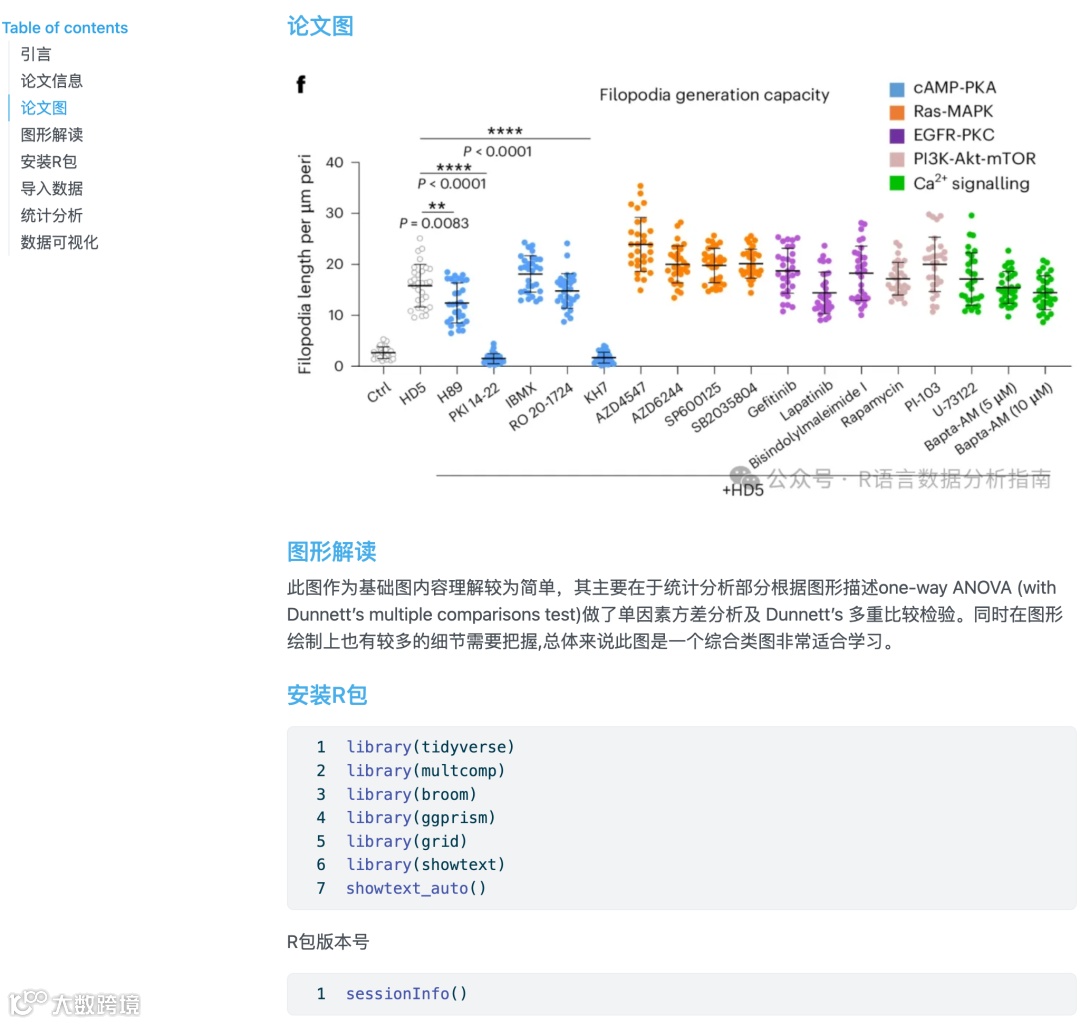
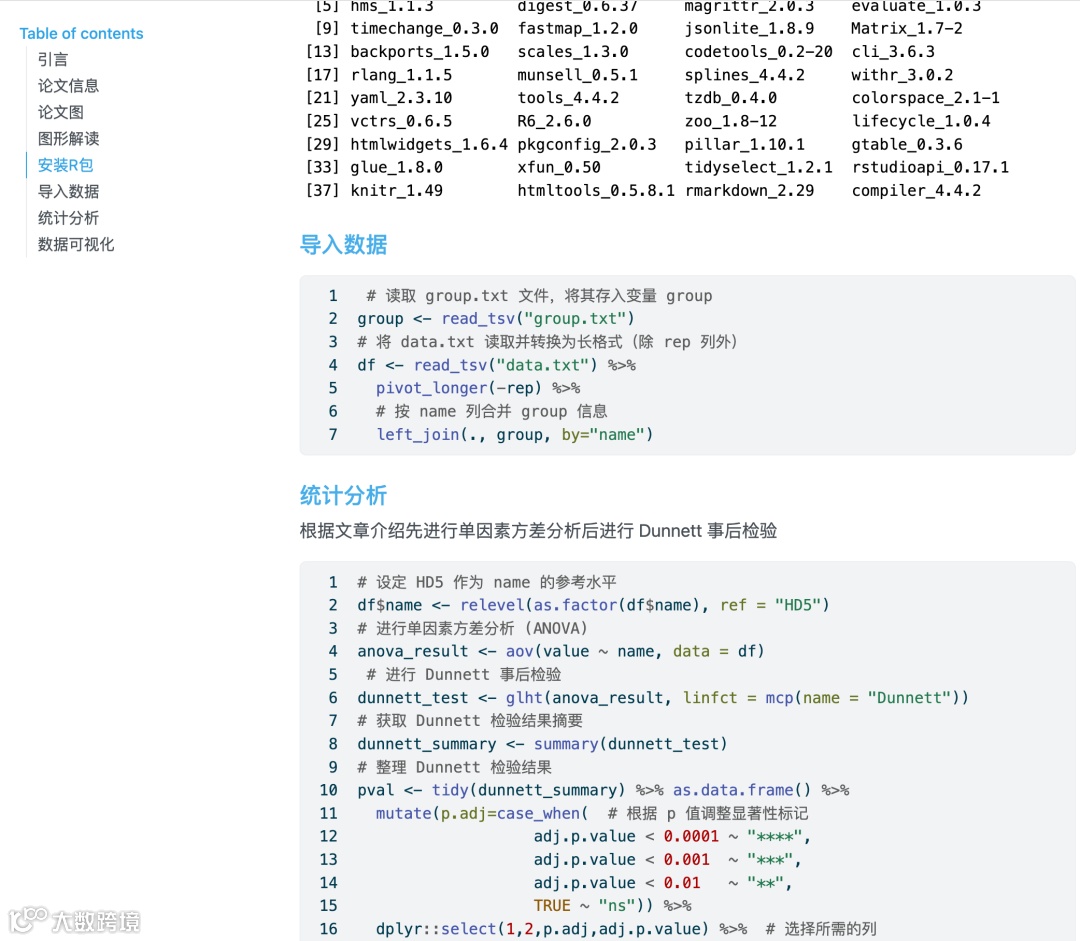
目录大纲展示

淘宝店铺

2025年更新案例图展示


 )
)