欢迎关注R语言数据分析指南
❝本节来通过nature genetics上的一篇新论文,来介绍一类常规组合图的绘制。论文没有提供了图表对应的数据,小编根据论文图表来构建了数据并绘图,结果与原文有所不同,个人观点仅供参考。有需要学习R语言绘图的朋友可关注文末介绍购买小编的R绘图文档。购买前请咨询,零基础不要买。
论文信息
Super-enhancer RNA m6A promotes local chromatin accessibility and oncogene transcription in pancreatic ductal adenocarcinoma Li, R., Zhao, H., Huang, X. et al. Super-enhancer RNA m6A promotes local chromatin accessibility and oncogene transcription in pancreatic ductal adenocarcinoma. Nat Genet 55, 2224–2234 (2023). https://doi.org/10.1038/s41588-023-01568-8
论文原图

仿图

图形解读
该组合图作为基础图看起来非常简单,分开绘制两组图之后拼接而成,难度系数较低适合入门学习。
代码展示
library(ggvenn)
library(tidyverse)
library(ggtext)
library(geomtextpath)
library(cowplot)
# 定义venn图函数
plot_venn <- function(n_a_only, n_b_only, n_c_only,
                      n_ab, n_ac, n_bc, n_abc,
                      set_names = c("Set A", "Set B", "Set C"),
                      fill_color = c("#E15759", "#F28E2B", "#4E79A7"),
                      title = "3-Set Venn Diagram") {
# 生成唯一 ID
  a_only <- paste0("A_", seq_len(n_a_only))
  b_only <- paste0("B_", seq_len(n_b_only))
  c_only <- paste0("C_", seq_len(n_c_only))
  ab   <- paste0("AB_", seq_len(n_ab))
  ac   <- paste0("AC_", seq_len(n_ac))
  bc   <- paste0("BC_", seq_len(n_bc))
  abc  <- paste0("ABC_", seq_len(n_abc))
# 构建集合
  venn_data <- list(c(a_only, ab, ac, abc),
                    c(b_only, ab, bc, abc),
                    c(c_only, ac, bc, abc)) %>% set_names(set_names)
# 绘制 Venn
  ggvenn(venn_data,
         fill_color = fill_color,
         stroke_color="white",stroke_size = 0,
         set_name_size = 4,text_size = 4,
         show_percentage = FALSE)
}
绘制venn
p1 <- plot_venn(
  n_a_only = 428, n_b_only = 5699, n_c_only = 1067,
  n_ab = 1105, n_ac = 368, n_bc = 5097, n_abc = 10300,
  set_names = c("CFL1_KO\n versus KO-control",
                "MLL1-KO\nversus control"," ")) +
  coord_cartesian(clip="off") +
  annotate("segment", x = 0.1, y = 0.2,   # 起点坐标
           xend = 2, yend = 0.2,  # 终点坐标
           colour = "#8B0000",
           arrow = arrow(length = unit(0.2, "cm"), type = "closed"),
           size = 0.8) +
  labs(caption = "YTHDC2 KO<br>versus KO-control") +
  theme_void() +
  theme(plot.caption =element_markdown(
    margin = margin(-0.8,unit="cm"),hjust=0.5,size=12,color="black"),
    plot.margin = margin(0.5,0,0.5,0,unit="cm"))
饼图绘制
df <- data.frame(
  category = c("Promoter/TSS","Intron","Intergenic",
               "Exon","5'-UTR","TTS","Noncoding","3'-UTR"),
  percentage = c(34.42,27.53,24.43,5.32,4.48,1.73,1.54,0.55))

df$category <- factor(df$category,levels = df$category)
colors <- c("Promoter/TSS"="#1f6f8b","Intron"= "#c75c5c",
            "Intergenic"= "#636f83","Exon"= "#f0a500","5'-UTR"= "#a020f0",
            "TTS"= "#4682b4","Noncoding"= "#333333","3'-UTR"= "#b0a396")

p2 <- ggplot(df, aes(x = "", y = percentage, fill = category)) +
  geom_bar(stat = "identity", width = 1) +
  coord_polar(theta = "y",clip="off") +
  geom_text(data=df %>% slice(1:3),
            aes(label = percentage),
            position = position_stack(),
            size = 4, color = "white") +
  geom_textpath(data=df %>% slice(4:5),
                aes(label = percentage),size=4,
                position = position_stack(vjust=1.2),color="white") +
  geom_textpath(data=df %>% slice(6:n()),
                aes(label = percentage),size=3,
                position = position_stack(vjust = 0.5),hjust=4.2) +
  scale_fill_manual(values = colors) +
  guides(fill = guide_legend(nrow = 3, byrow = TRUE)) +
  labs(fill = NULL,y = NULL, x = NULL) +
  theme_void() +
  theme(legend.position = "bottom",
        legend.key.height = unit(0.4,"cm"),
        legend.key.width = unit(0.5,"cm"),
        legend.background = element_blank())
拼图
plot <- ggdraw() +
  draw_plot(p1 +theme(
    legend.position = "none",
    plot.margin = margin(1,8,0.5,0,unit="cm"))) +
  draw_plot(p2,scale = 0.8,x=0.4,height = 1,width=0.7)

ggsave(plot,file="plot.pdf",width=7.57,height=4.9,units="in")
关注下方公众号下回更新不迷路
购买介绍
❝本节介绍到此结束,需要获取下方所示R绘图案例全部代码的读者,欢迎到淘宝店铺:R语言数据分析指南,购买小编的R语言可视化文档,2025年购买将获取2025年更新的绘图内容,同时将赠送2024年的绘图文档内容,其余内容无。
更新的绘图内容包含数据+代码+注释文档+文档清单,小编只分享案例文档,不额外回答问题,无答疑服务,更新截止2025年12月31日结束,后续不在进行任何更新,零基础基础一般不推荐买。
在线目录大纲

淘宝店铺

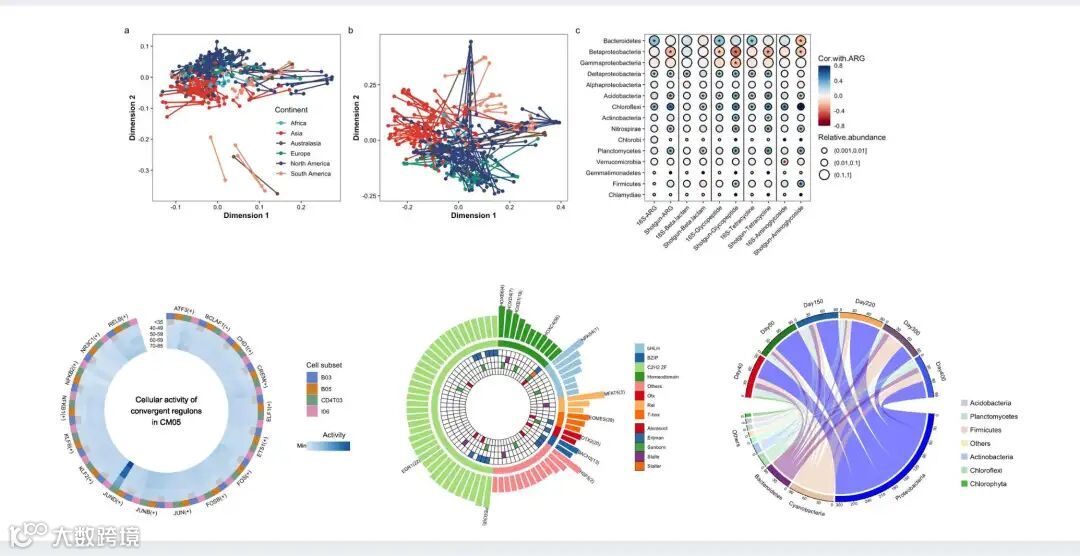
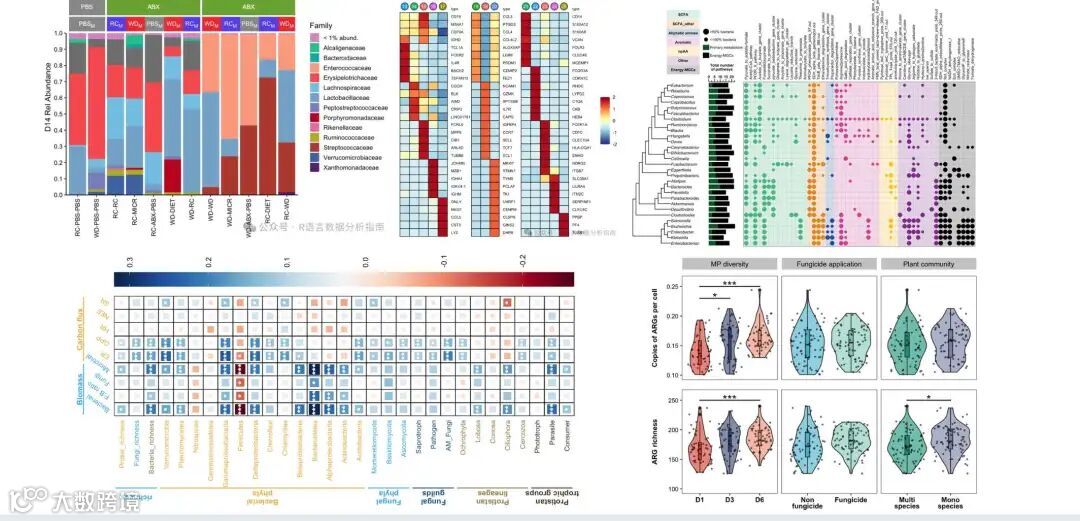
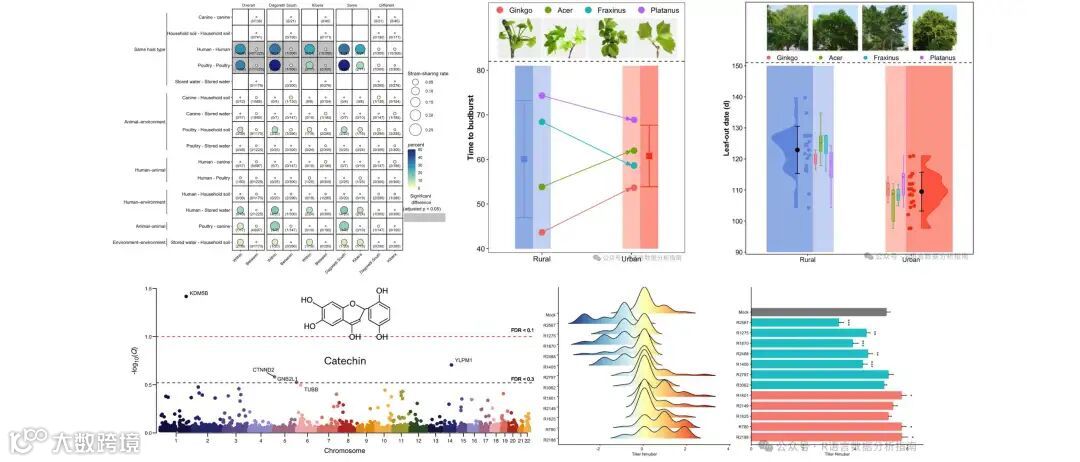
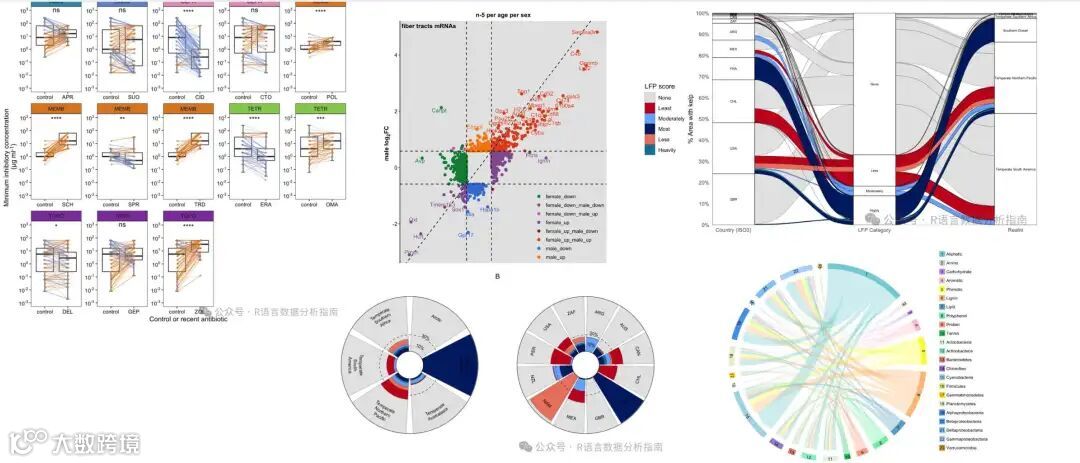
2025年更新案例图展示