


本来都准备洗洗漱漱睡了,看到同事群里发了句Cursor,写代码再也不用百度了。立马来了好奇心,下载下来试试。

看起来是个先进的工具。
下载后界面比较简洁,像个简单的编译器,包括js和py的两个文件。
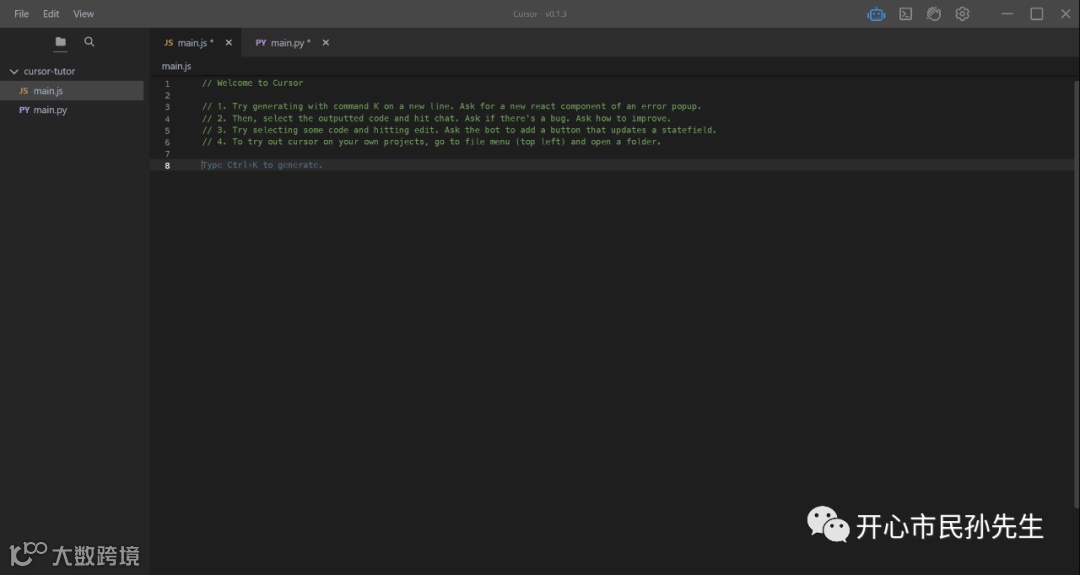
先进行简单的GEE下载影像的尝试。
给我一段代码GEE下载哨兵二号影像,显示并下载出来,中心地点为成都市,范围为整个四川省,时间为2022年8月至10月,云覆盖率小于10%
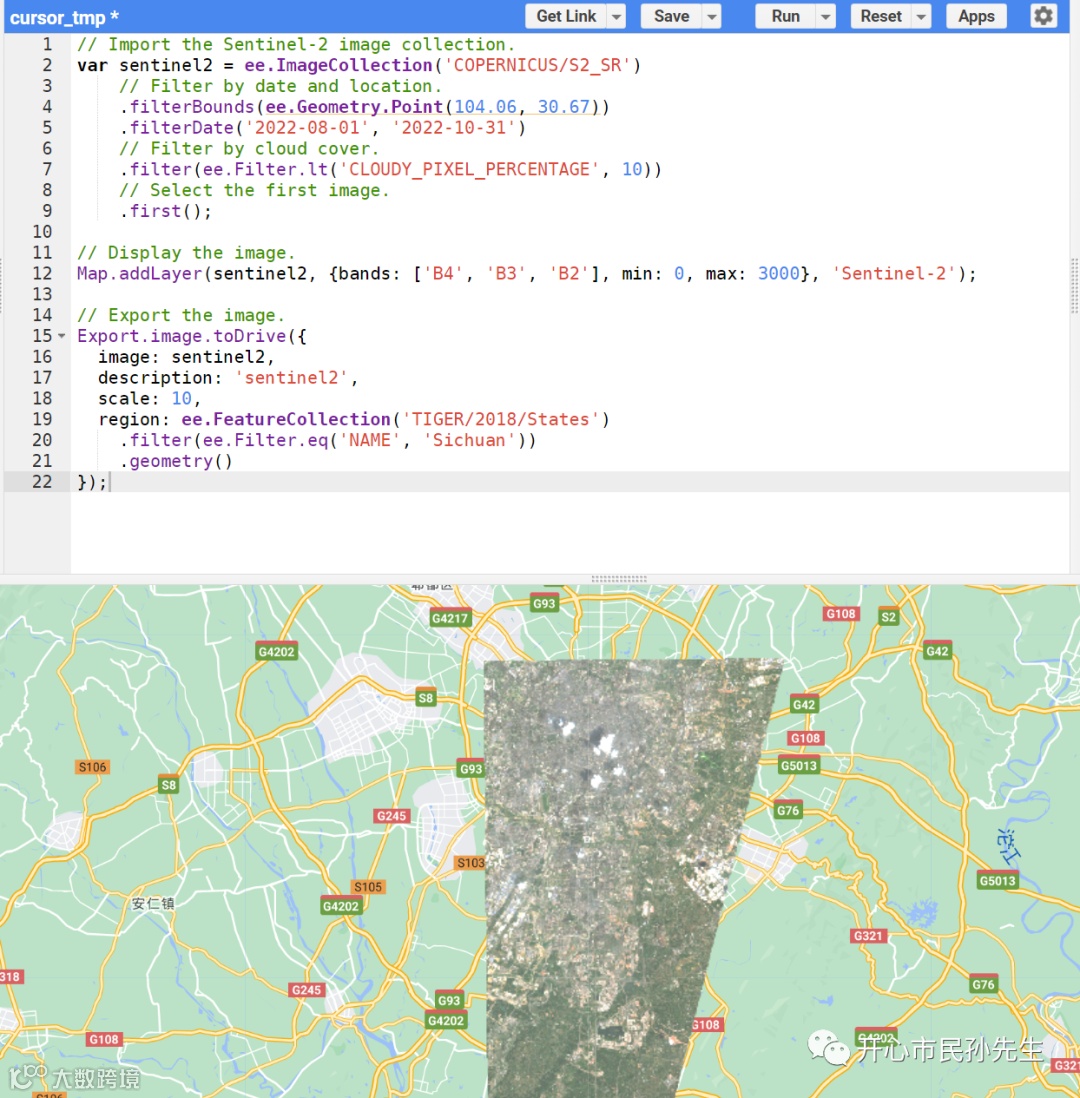
GEE结果显示如下。

// Import the Sentinel-2 image collection.
var sentinel2 = ee.ImageCollection('COPERNICUS/S2_SR')
    // Filter by date and location.
    .filterBounds(ee.Geometry.Point(104.06, 30.67))
    .filterDate('2022-08-01', '2022-10-31')
    // Filter by cloud cover.
    .filter(ee.Filter.lt('CLOUDY_PIXEL_PERCENTAGE', 10))
    // Select the first image.
    .first();

// Display the image.
Map.addLayer(sentinel2, {bands: ['B4', 'B3', 'B2'], min: 0, max: 3000}, 'Sentinel-2');

// Export the image.
Export.image.toDrive({
  image: sentinel2,
  description: 'sentinel2',
  scale: 10,
  region: ee.FeatureCollection('TIGER/2018/States')
    .filter(ee.Filter.eq('NAME', 'Sichuan'))
    .geometry()
});
可以看出对于四川的理解并不到位,他理解为保存文件为四川,尝试保存时可以发现,没有真正的区域文件进行保存。

但是稍加修改。
// Import the Sentinel-2 image collection.
var table = ee.FeatureCollection("users/sunyu20/sichuan");
var boundary = table.geometry()

Map.centerObject(boundary, 6)
var sentinel2 = ee.ImageCollection('COPERNICUS/S2_SR')
    // Filter by date and location.
    .filterBounds(boundary)
    .filterDate('2022-08-01', '2022-10-31')
    // Filter by cloud cover.
    .filter(ee.Filter.lt('CLOUDY_PIXEL_PERCENTAGE', 10));


// Display the image.
Map.addLayer(sentinel2, {bands: ['B4', 'B3', 'B2'], min: 0, max: 3000}, 'Sentinel-2');

// Export the image.
Export.image.toDrive({
  image: sentinel2,
  description: 'sentinel2',
  scale: 10,
  region: boundary
});
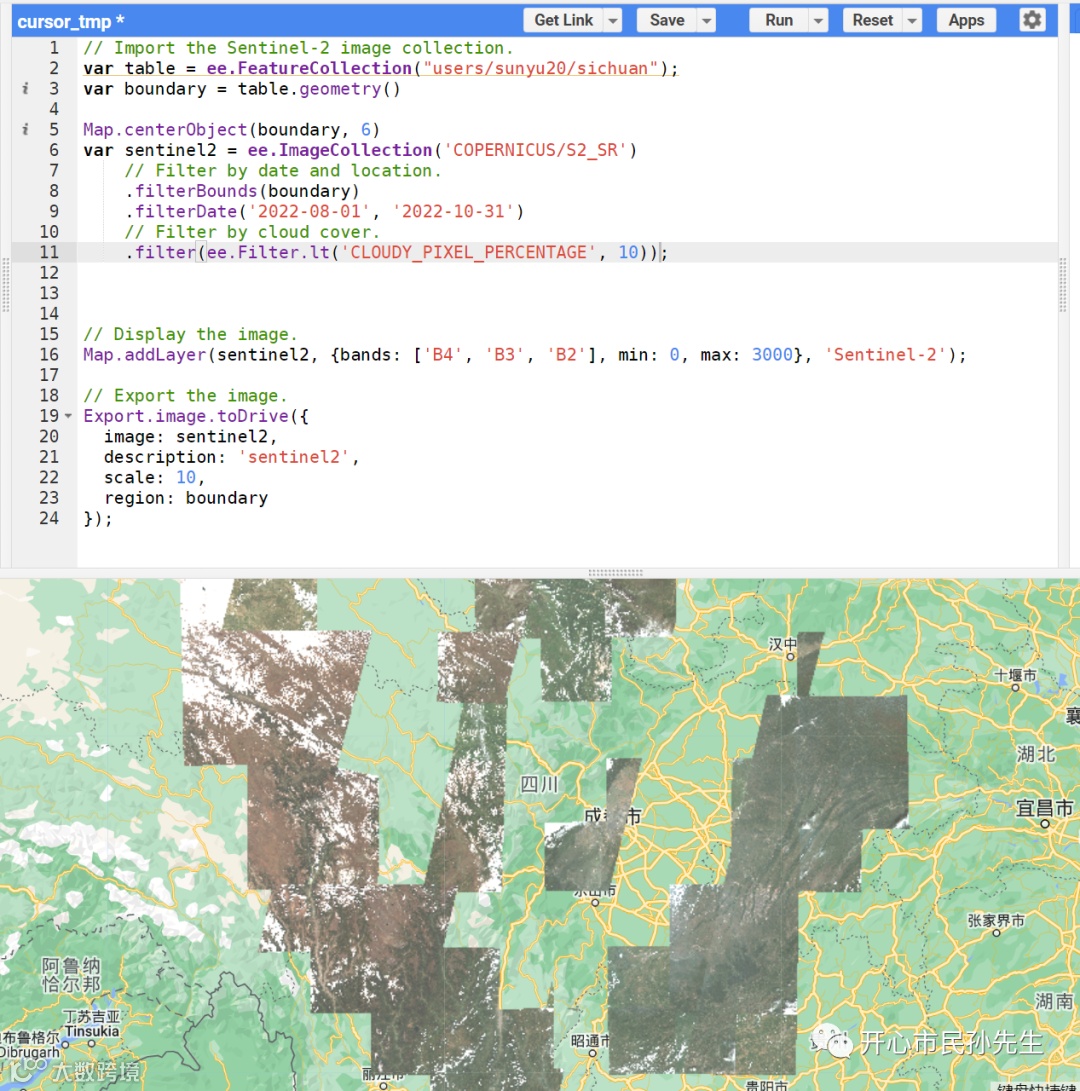
好用,真的好用,我尝试了一下其他python,包括计算气象指数等基本上都可以实现,甚至我三年来攒下的论文代码,在不断提要求和优化方面,cursor也能较为准确实现。
AI是要改变未来的,与其担心被他卷走工作或其他的,不如好好利用。很难具体描述现在的感受,大概未来要多为自己学习,为自己找乐子,卷没有意义,身处这个时代,有幸可以见证历史,多活几年比早卷几年要幸福得多。明天起我一定要更新公众号。